What is ActivityLine?
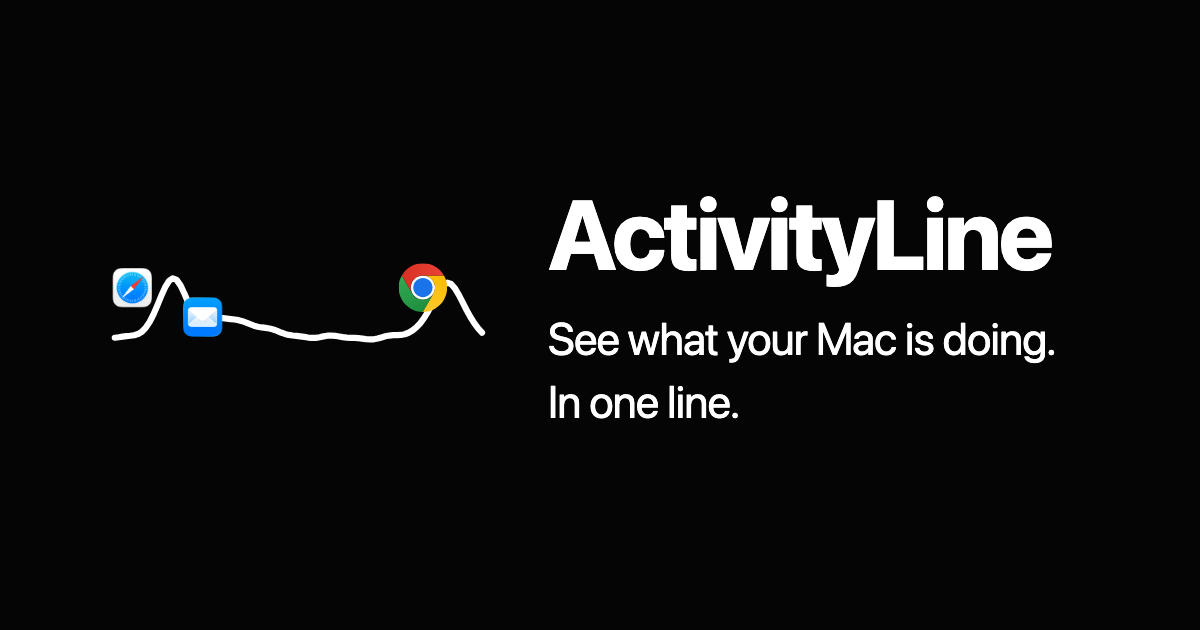
ActivityLine is a macOS menu bar monitor for people who want to see what is slowing down their Mac without filling the menu bar with separate resource readouts. It keeps live CPU, GPU, RAM, network, and app activity in one line, lets you click to change what you are watching, and lets you hover to see what is responsible. Auto mode switches to whatever spikes, including network bursts. Version 1.0.0 requires macOS 13 Ventura or later and is distributed as a Universal, signed, and notarized Mac app.
Why ActivityLine works
Knowing that a Mac feels slow is not the same as knowing which resource or app is responsible. ActivityLine keeps one live line visible, switches to whichever resource spikes, and shows the app behind it, so the cause surfaces while it is happening instead of leaving you with only the symptom.
ActivityLine features
- One line for system activity. CPU, GPU, RAM, network, and app activity stay visible in a single menu bar line, keeping several resource signals in one compact place.
- Automatic spike switching. Auto mode switches to whichever resource spikes, so a sudden change can come into view without manually changing the selected metric.
- See the app responsible. Hover over ActivityLine to see what is responsible for the current activity, including the apps behind resource use.
- Click and right click controls. Click the line to change what you are watching. Right click opens additional modes and settings directly from the menu bar.
- Local activity monitoring. CPU, GPU, memory, network readings, app names, icons, and displayed destinations are read, displayed, and discarded locally. The app has no analytics or telemetry, although license activation and rechecks communicate with Polar.
Who ActivityLine is for
- Mac users who notice intermittent slowdowns and want to see which resource and app are active when the problem occurs.
- People who want CPU, GPU, RAM, and network activity visible without dedicating separate menu bar readouts to every metric.
- Mac users who want to catch short resource spikes or network bursts while they are happening.
- Privacy conscious Mac users who want their measured system and app activity handled locally.
Similar micro SaaS ideas you can build
- API cost spike detector. A watchdog for indie SaaS founders that monitors usage across paid APIs and flags sudden cost jumps, then identifies the service, endpoint, or feature causing the increase.
- Checkout failure sentinel. A monitoring tool for small ecommerce teams that watches payment failures, refunds, and abandoned checkouts, then surfaces the unusual change and the payment method or checkout step behind it.
- Ad campaign anomaly monitor. A lightweight tool for performance marketers that watches spend, conversions, and acquisition costs, then brings the sharpest change forward with the campaign or ad set responsible.