What is DiskBuddy?
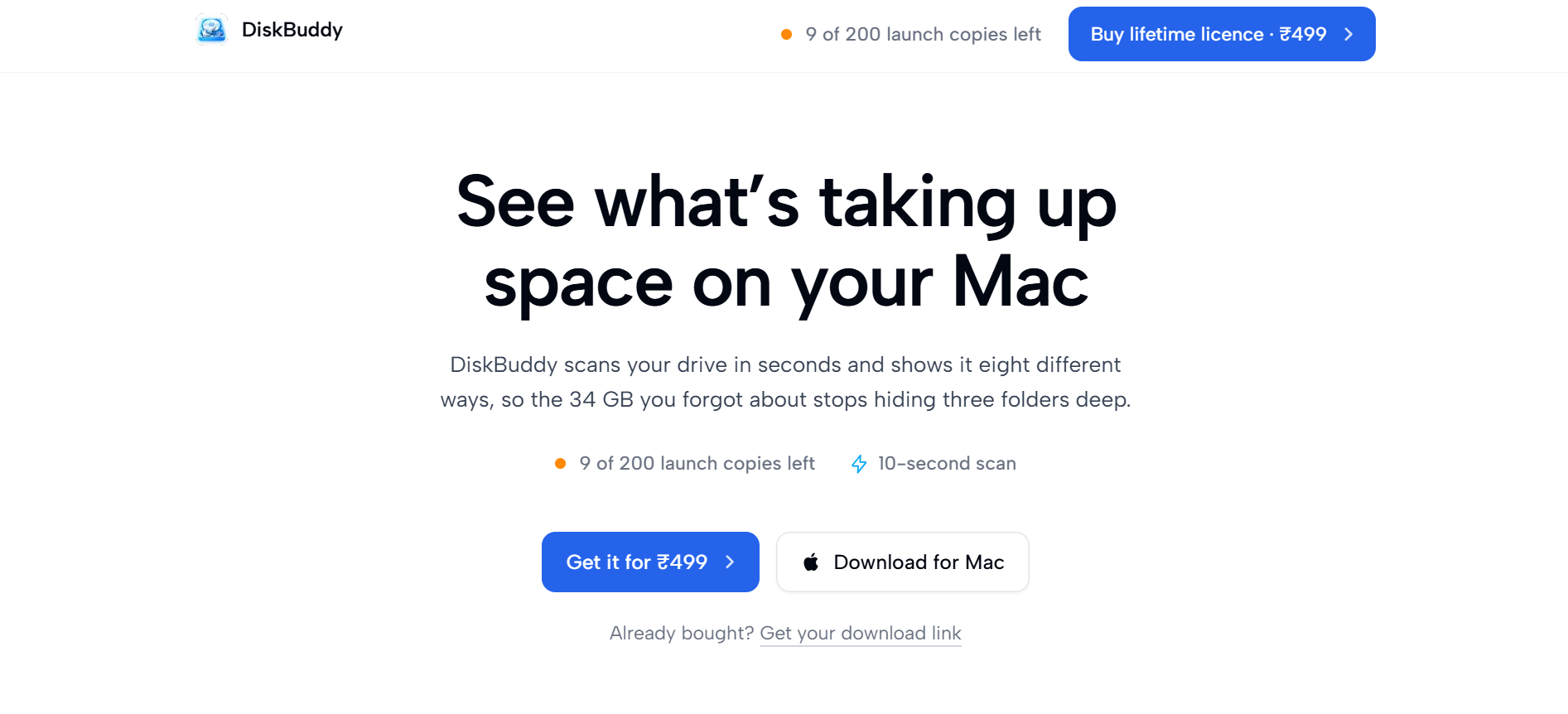
DiskBuddy is a Mac disk space analyzer for people trying to work out what is filling a drive before deleting anything. It scans a drive or folder once, then renders the result as folders, sunburst, flame, bubbles, mind map, top sizes, age map, and treemap, with duplicate detection, app footprints, snapshots, and a staged cleanup list. It runs on macOS 14 or later on Apple silicon and Intel, supports mounted external and network drives, and keeps file scanning and matching on the Mac.
Why DiskBuddy works
Finder makes you ask about one folder at a time, while the macOS Storage screen can leave a large System Data block unexplained. DiskBuddy scans once and turns the same file tree into eight views, then stages selected items for review, so you see the actual folder and approve the cleanup instead of guessing from broad categories or deleting in the background.
DiskBuddy features
- Read one scan eight ways. Switch between folders, sunburst, flame, bubbles, mind map, top sizes, age map, and treemap without rescanning the drive. A 118 GB home folder with roughly two million files takes about ten seconds on Apple silicon.
- See an app's full footprint. Each app can be measured with its bundle plus caches, preferences, HTTP storage, logs, and other Library files, then staged together for a complete uninstall.
- Find real duplicates. DiskBuddy matches files byte for byte across every folder in the scan, so renamed copies can still be identified as duplicates.
- Spot old space quickly. The Age Map groups bytes by last modified date and surfaces Big & Untouched files that have not been opened in over a year.
- Compare what grew. Snapshots keep an earlier scan so you can compare it with the current drive and see which folders gained space.
- Review cleanup before removal. Selected items go to a staged cleanup list first, and system critical paths are excluded from staging so nothing is removed in the background.
Who DiskBuddy is for
- Mac users staring at an unexplained System Data block or a nearly full drive who want to find the actual folders before deleting anything.
- Developers whose Macs accumulate iOS Simulators, node_modules, build artifacts, or Xcode DerivedData and want those totals surfaced as soon as a scan finishes.
- Mac users uninstalling large apps who want caches, preferences, logs, and other Library leftovers reviewed alongside the app bundle.
- People cleaning external SSDs or mounted network shares who want the same size maps, duplicate checks, and inspection tools beyond the internal drive.
Similar micro SaaS ideas you can build
- Postgres bloat investigator. A tool for small SaaS teams that maps database storage across tables, indexes, and old records, compares growth between snapshots, and builds a review queue for cleanup or archiving.
- Cloud storage cleanup planner. A tool for teams using object storage that groups usage by bucket, prefix, age, and growth, then surfaces stale files and oversized areas before lifecycle rules or deletions are applied.
- Design workspace archaeologist. A cleanup tool for design teams that maps projects, duplicated assets, abandoned files, and old versions across a workspace, showing what has grown and what can be archived without losing useful work.