What is OneMacApp?
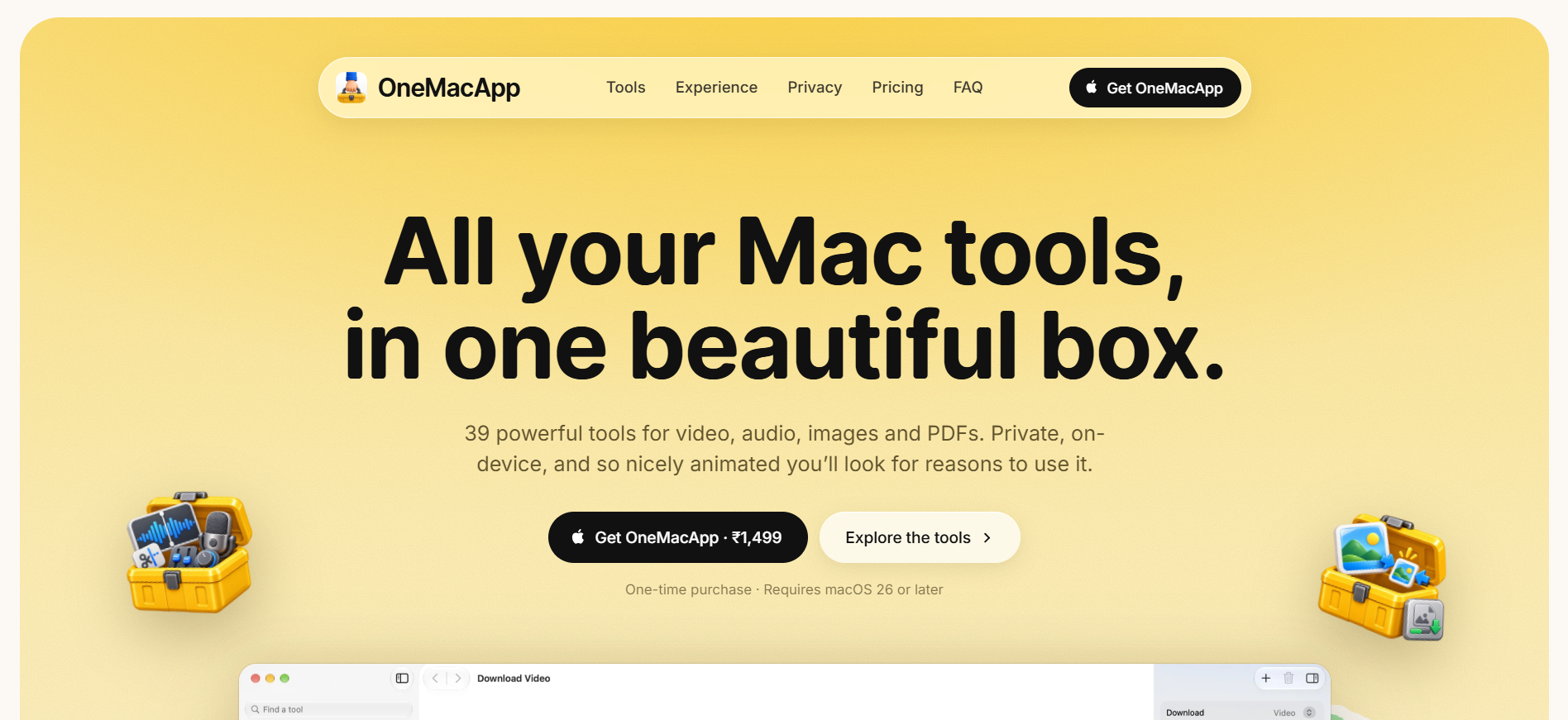
OneMacApp is a native Mac utility for people who regularly convert, trim, compress, organize or extract content from files. It puts 39 tools for video, audio, images, PDFs, downloads, file renaming and on-device AI in one app, with most work processed locally on the Mac. It requires macOS 26 or later.
Why OneMacApp works
Small file jobs often send Mac users hunting through separate converter apps, command line tools and upload sites for work that should take a few clicks. OneMacApp keeps those recurring jobs in one native sidebar and processes conversions, OCR, transcription, summaries and translation locally, so a quick file task stays on the Mac instead of becoming a search for another web tool.
OneMacApp features
- 39 tools in one app. Handle video, audio, image, PDF, file and on-device AI jobs from one Mac app instead of switching between separate utilities.
- Private local processing. Conversions, PDF work, OCR, transcription, summaries and translation run on the Mac. Download Video is the exception because it fetches the link you provide.
- Video and audio toolkit. Compress, convert, trim, crop, merge and download video, or record, clean up, extract and convert audio using tools built around FFmpeg and yt-dlp.
- PDF and image jobs. Merge, split, sign, protect and reorganize PDFs, then convert, resize, compress, remove backgrounds or strip metadata from images.
- On-device AI tools. Transcribe media, extract text with Vision OCR, summarize with Apple Intelligence and translate with downloadable Apple language models.
- Original files stay untouched. Results are written to a new dated folder after the whole batch succeeds, while the original files remain unchanged.
Who OneMacApp is for
- Mac users who regularly bounce between web converters for small video, audio, image and PDF jobs and want those tools in one native app.
- Creators who need recurring jobs like trimming video, cleaning audio, burning subtitles, making GIFs or removing image backgrounds without opening a larger editor.
- People handling private documents or recordings who want OCR, transcription, summaries and translation to run locally instead of uploading files.
- Power users who already rely on FFmpeg or yt-dlp but want common media operations behind a graphical Mac interface.
Similar micro SaaS ideas you can build
- Client file prep for accountants. A local desktop utility that takes a messy folder of statements, receipts and scanned forms, then OCRs, renames, combines and reorganizes them into a clean client packet before review.
- Publishing asset finisher. A drop zone for creators that turns one finished recording into the smaller jobs needed before publishing, such as extracting audio, making a GIF, burning subtitles, compressing video and stripping image metadata.
- Sensitive interview processor. An offline workspace for journalists and researchers that turns recorded interviews into transcripts, translated text, summaries and searchable extracts without sending source files to a cloud service.