What is DuoBar?
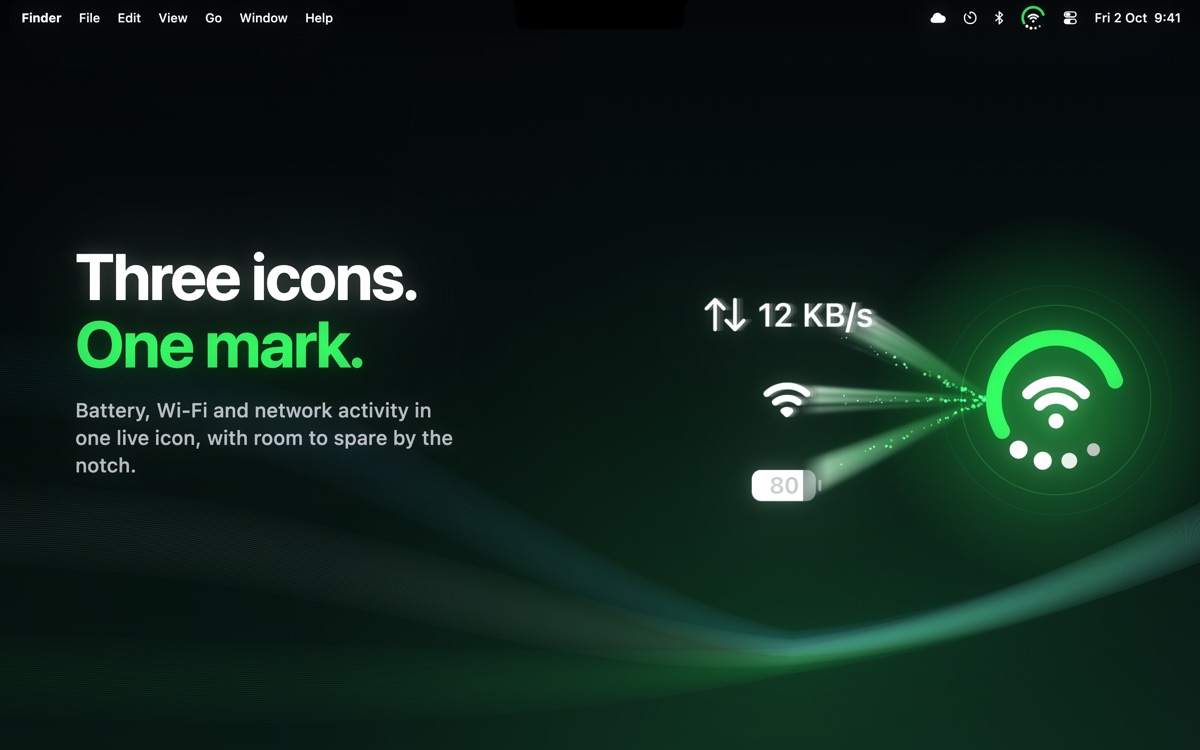
DuoBar is a macOS menu bar utility for Mac users who want system status without filling the menu bar with separate icons. It folds battery, Wi-Fi, and network activity into one live mark, then opens controls and details for Bluetooth, volume, displays, CPU, memory, and disk. Users can choose which readings occupy its three visible slots, save profiles, and run it on macOS 14 or later.
Why DuoBar works
A useful menu bar can quickly become a row of status icons competing for the same limited space, especially around a MacBook notch. DuoBar compresses several readings into one mark that unfolds when more detail is needed, so the Mac shows one adaptive system indicator instead of keeping every status icon visible all the time.
DuoBar features
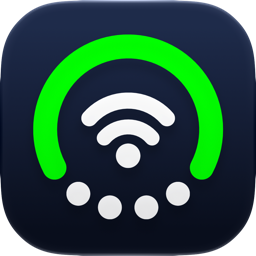
- Three readings in one icon. Battery, Wi-Fi, and network activity can share one live menu bar mark, with the ring, center, and dots each carrying a separate reading.
- Nine system views. One click opens battery, Wi-Fi, Bluetooth, volume, display, network activity, memory, CPU, and disk information with controls where available.
- Custom metric slots. Eight readings can be assigned across the three visible slots, so CPU, Bluetooth, volume, or other supported metrics can replace the defaults.
- Hover expansion. Pointing at the mark unfolds it into separate icons for each reading. Moving away folds them back into one.
- Saved profiles. Setups such as Work, Travel, and Minimal can be saved and switched from the popover when different metrics matter.
Who DuoBar is for
- MacBook users working around limited menu bar space who still want battery, connectivity, and system readings visible.
- People doing CPU or memory heavy work who want those metrics visible while rendering without opening Activity Monitor.
- Traveling Mac users who want a compact profile centered on battery, Wi-Fi, Bluetooth, and network activity.
- Mac users who regularly switch between different system monitoring setups and want saved Work, Travel, or Minimal profiles.
Similar micro SaaS ideas you can build
- Release readiness signal for indie developers. A compact status tool that combines test results, build state, deployment progress, and production health into one indicator, then reveals the failing check when something needs attention.
- Client site health monitor for small agencies. A lightweight monitor that rolls uptime, domain expiry, form delivery, and analytics status into one signal per client site, so an agency can spot trouble without opening several dashboards.
- Live production readiness checker. A preflight tool for streamers and small event crews that combines network health, audio input, camera connection, and battery state into one readiness indicator, then exposes the problem before going live.