What is AppZapper?
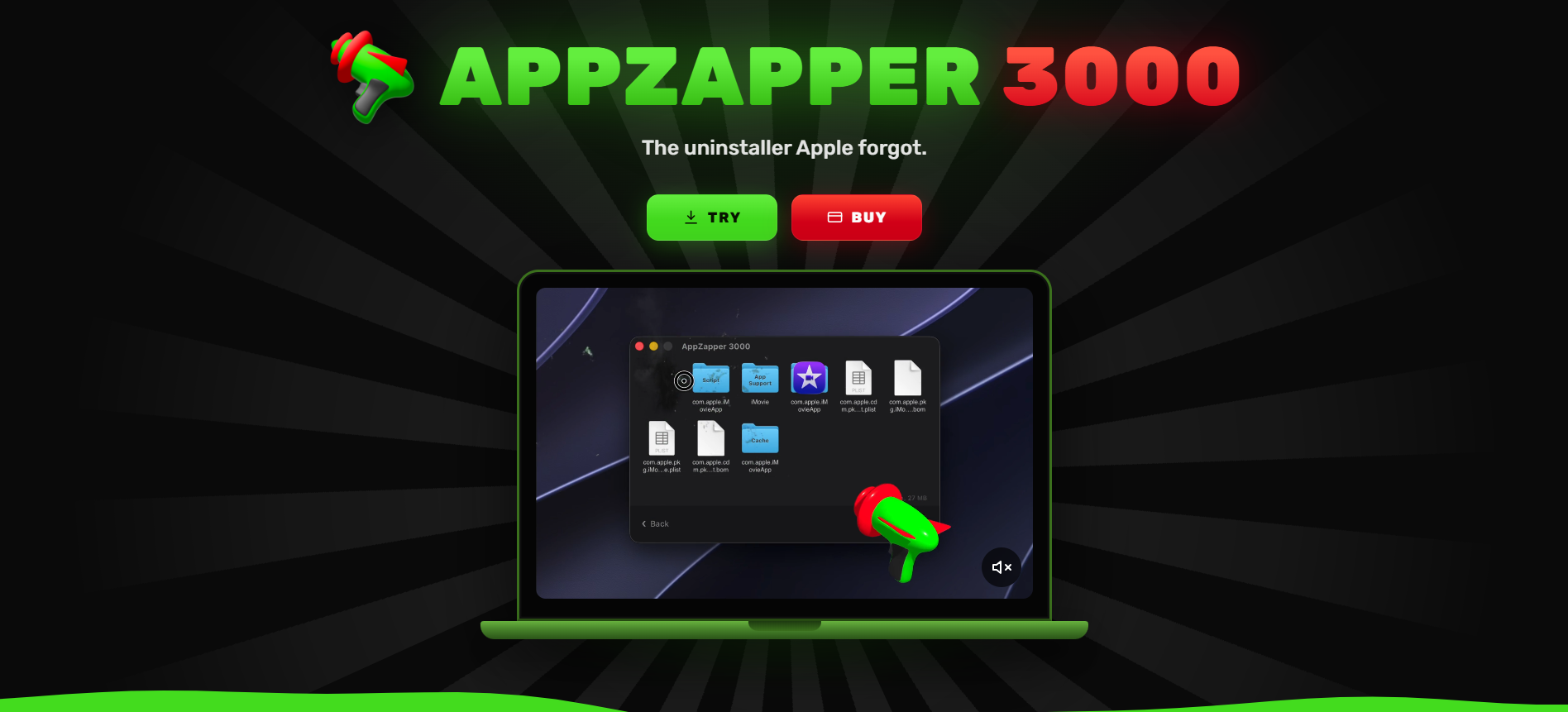
AppZapper 3000 is a Mac app uninstaller for people who want to remove unwanted software without leaving its extra files behind. Drag an app into the window and AppZapper finds its related caches, preferences, and support files. A 3D zapper lets users delete the app and its leftovers with one click or use Zap All for automatic removal. Version 1.0 requires macOS 15 or later and includes three free zaps.
Why AppZapper works
Dragging a Mac app to the Trash can leave behind caches, preferences, and support files that are easy to overlook. AppZapper 3000 finds those extra files when an app is dropped into its window, then removes them together with the app. It clears the leftover files in one action instead of making users hunt through folders manually.
AppZapper features
- Drag and drop uninstalling. Drop an unwanted Mac app into AppZapper to find the extra files it installed, ready for removal without searching through folders.
- Leftover file detection. Finds related caches, preferences, and support files so uninstalling an app goes beyond deleting the main application.
- One-click removal. Delete unwanted apps and their associated files with a single zap, or use Zap All for automatic removal.
- Interactive 3D zapper. A 3D blaster with laser effects, mouse aiming, and recoil turns the uninstall process into a visual interaction.
- Custom blaster themes. Choose the classic appearance or apply one of the new blaster themes to change how the zapper looks.
Who AppZapper is for
- Mac users cleaning up unused software who want to remove abandoned apps and their related files without tracking down each folder.
- People who regularly try new Mac apps and need a quick way to uninstall software they decide not to keep.
- Mac users concerned about leftover files who want caches, preferences, and support files found during removal.
- Households managing multiple Macs that want the same uninstall utility on up to five computers with a family license.
Similar micro SaaS ideas you can build
- Browser extension cleanup tool. A utility that identifies leftover storage, settings, and local files associated with removed browser extensions. Users can clear accumulated extension data without resetting their entire browser.
- Developer environment uninstaller. A cleanup tool for developers who frequently install and replace local databases, SDKs, and development tools. It identifies related configuration files, caches, and background services so old environments can be removed together rather than dismantled piece by piece.
- Creative project asset cleaner. A desktop tool for designers and video editors that locates generated previews, temporary renders, and caches associated with finished projects. It lets users review and remove disposable files without deleting the original project assets.