What is SideNotes?
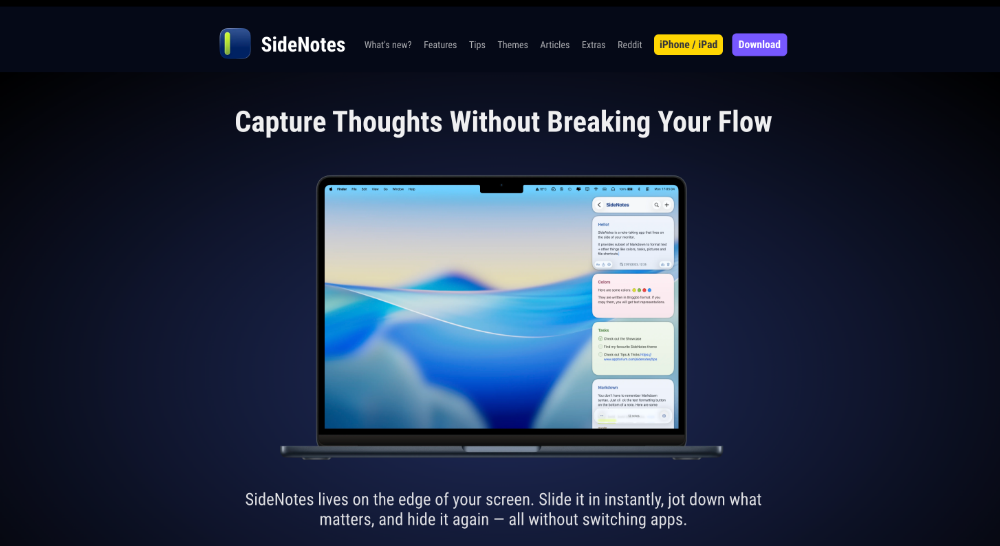
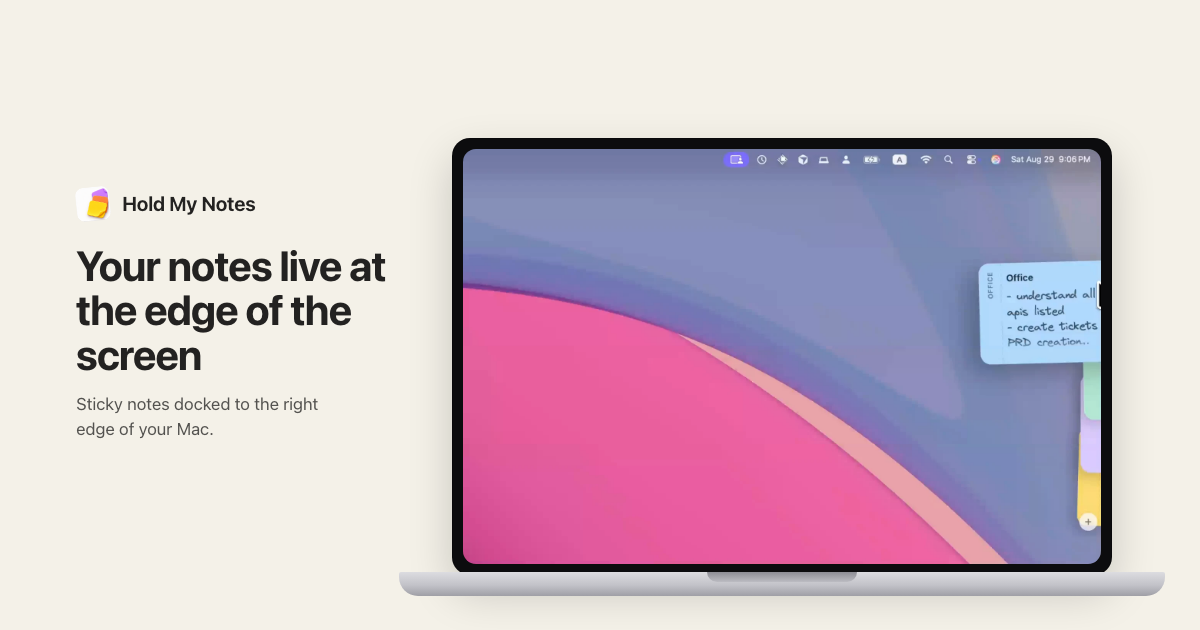
SideNotes is a macOS note app that slides in from the screen edge for quick capture and hides again when not needed. It supports Markdown, folders, themes, iCloud sync, and integrations through Apple Shortcuts, AppleScript, and URL APIs. It is sold as a one time $19.99 purchase for the Mac app with a separate iOS companion for iPhone and iPad.
Why SideNotes works
Most note apps require switching out of the active window, which costs context every time an idea, task, or link needs to be captured. SideNotes hugs the screen edge and slides in on command, so the current app stays in focus while a quick line, link, or task lands in a folder ready for later review.
SideNotes features
- Edge sliding panel. The notes panel slides in from a screen edge and hides again so users keep context in the current app.
- Markdown with invisible markup. Notes accept Markdown formatting while keeping the markup invisible during reading.
- Folders and color coding. Notes are organized into pinned folders with color coding for fast scanning.
- iCloud sync. Notes sync across Macs and to the iPhone or iPad companion through iCloud.
- Automation hooks. Apple Shortcuts, AppleScript, and URL APIs let other apps push notes into SideNotes.
- Themes and quick formatting. Built in and user themes plus a quick formatting toolbar let users style notes without leaving the keyboard.
Who SideNotes is for
- Software engineers running terminal and editor in fullscreen who want a side panel for quick task notes without app switching.
- Research analysts collecting quotes and links across many tabs who need a scratchpad pinned to the screen edge.
- Students taking lecture or reading notes who want a Markdown surface that sits next to a PDF reader.
- Solo founders running calls in fullscreen Zoom who need a fast place to capture follow ups without losing the meeting view.
Similar micro SaaS ideas you can build
- Side panel CRM for solo consultants. A Mac side panel that pins client notes and last touchpoint dates next to active video calls, sold as a one time purchase with paid sync.
- Inline meeting capture for sales reps. An edge anchored note app that auto creates a note per Google Calendar meeting and pushes it into a CRM, priced per seat per month.
- Edge dwelling code snippet manager. A developer focused side panel for storing and pasting frequently used code snippets with team sharing, billed per developer per month.