What is CuePin?
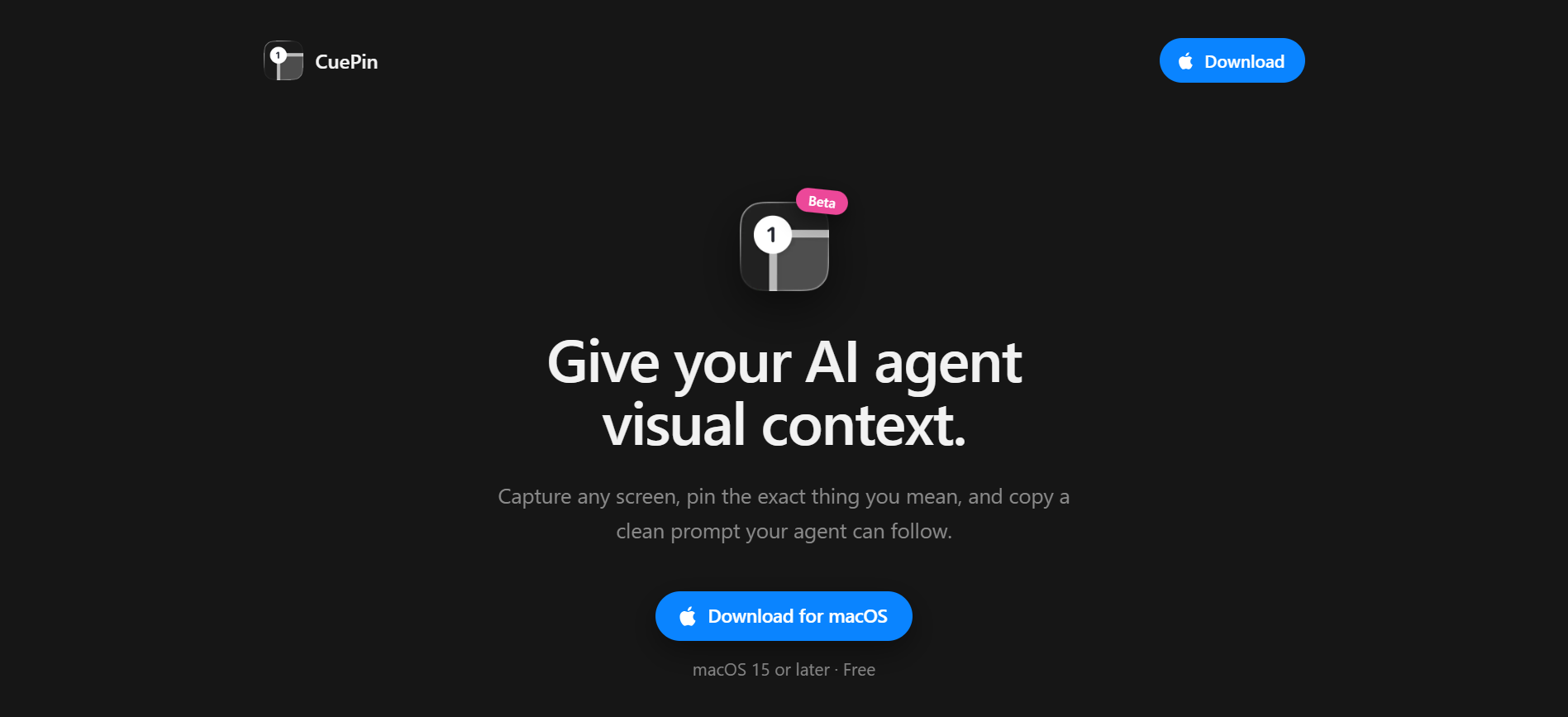
CuePin is a macOS app for people who need to show an AI agent exactly what they mean on screen. The user captures any app, site, or PDF with ⌘⇧1, pins the specific area that matters, then copies an annotated image with clean instructions. It is a free TestFlight beta for macOS 15 or later.
Why CuePin works
Text prompts get vague fast when the instruction depends on a tiny button, table cell, chart, or PDF detail. CuePin turns the visible object into part of the prompt by pairing a screenshot with a numbered pin and copied instructions, so the agent sees the target instead of guessing what "this" refers to.
CuePin features
- Capture from anywhere. Users can grab any app, site, or PDF with the ⌘⇧1 shortcut, so visual context starts from the screen they are already using.
- Pin the exact target. CuePin lets users mark the specific thing they mean, turning a vague "this" into a numbered visual reference.
- Copy agent-ready context. The app copies an annotated image plus clean instructions, ready to paste into an AI agent prompt.
- Free macOS beta. CuePin is available through TestFlight as a free macOS beta for macOS 15 or later.
Who CuePin is for
- People working with AI coding agents who need to point at a specific UI issue, screenshot, or PDF section before asking for a change.
- Designers and product managers reviewing screens who want to give an agent visual context without writing long descriptions of the target.
- Researchers and operators pulling details from PDFs who need to point at the exact table, chart, or paragraph they want analyzed.
- Mac users who already explain tasks through screenshots and want a faster way to turn them into structured prompts.
Similar micro SaaS ideas you can build
- Website feedback. A feedback tool for agencies where clients click the exact element they want changed and answer two short questions. It outputs a structured change request formatted for an AI agent to implement in Cursor or similar tools, so client feedback goes straight into the coding agent.
- Code error packer. A session context exporter for developers. One shortcut packages what they are building, what they tried, what broke, and the relevant files into a single structured handoff prompt, so the AI agent gets a full context snapshot it can work from.
- PDF question tool. A research tool for analysts at funds, law firms, and consulting shops where AI answers cannot float in a chat thread. Users select a passage, ask a question, and get an answer with the page number and a screenshot of the source baked into a citable research note.