What is PromptPlanner?
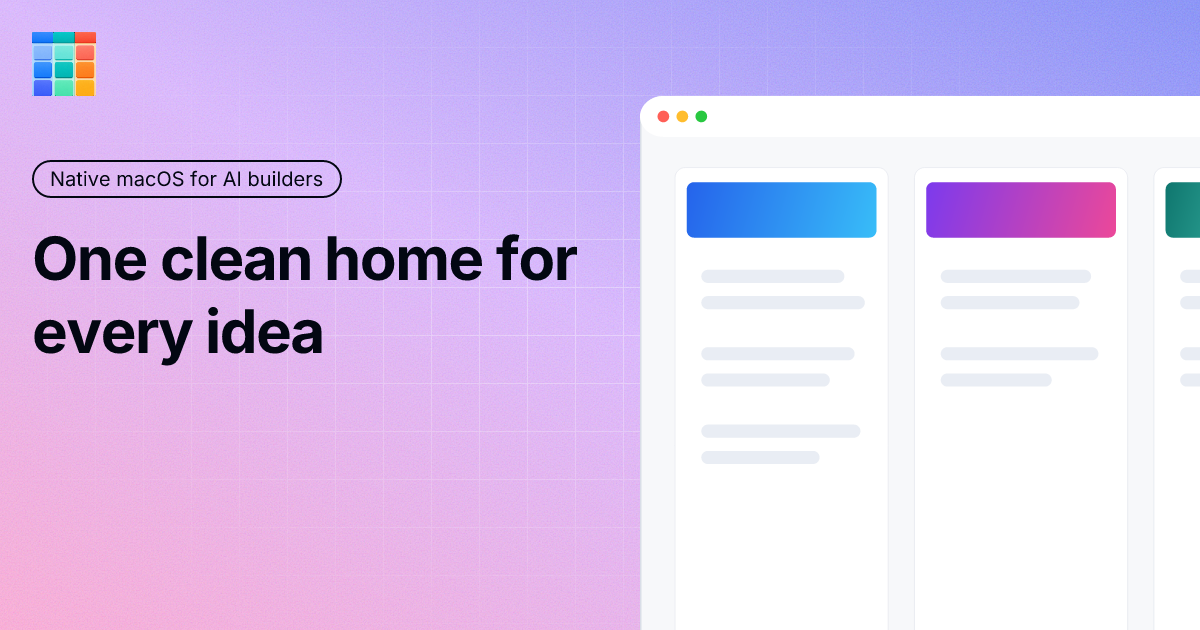
PromptPlanner is a native macOS app for builders who use AI tools every day and need a steadier way to organize prompts, TODOs, project goals, and recurring work. Users create boards, add projects as vertical lanes, write plain text prompt cards, then copy a card or a full project prompt when it is time to work. It lives in the menu bar, Dock, and Cmd+Tab, stores data locally on the Mac, and is available through the Mac App Store.
Why PromptPlanner works
Useful AI work often starts in scattered notes, chat scraps, and half written TODOs, then the best prompt is gone when the project needs it again. PromptPlanner gives each project a lane, goal, backlog, recurring templates, and local completion analytics, so AI work moves from a buried note into a copy ready next step instead of becoming another loose fragment.
PromptPlanner features
- Project lanes. Each project gets its own vertical lane with a goal, backlog, and cards, so work, clients, experiments, and personal projects can stay separate.
- One click prompt copying. Plain text cards copy to the clipboard with one click, and a whole project can be copied as a structured system prompt with the goal and remaining work included.
- Recurring templates. Daily, weekly, two week, and four week templates bring back repeated work like weekly review, release prep, content planning, backlog grooming, and architecture checks.
- Local analytics. Created cards, completed cards, active backlog, completion rate, duration, and recurring prompt activity are tracked locally inside the app.
- Mac control center. PromptPlanner lives in the menu bar, opens from the Dock, and supports Cmd+Tab, so users can peek at the board, copy the next prompt, and return to their editor.
- Local data and no account. Boards, project goals, prompt cards, recurring templates, archive, preferences, and analytics stay local on the Mac, and no account is required.
Who PromptPlanner is for
- Builders who use AI tools daily and want project goals, reusable prompts, and unfinished tasks in one Mac workspace.
- Solo founders managing product, content, support, and admin work who need recurring AI assisted checks to reappear on schedule.
- Freelancers running client work in parallel who want each client's goals, prompts, and remaining tasks kept in a separate lane.
- Developers experimenting with multiple AI agents who need a clear list of remaining prompts before handing work to different tools.
Similar micro SaaS ideas you can build
- Release checklist runner for indie developers. A small Mac app that turns every release into scheduled QA, changelog, docs, and launch tasks, then exports the next checklist when the developer is ready to ship.
- Client brief memory for freelancers. A workspace for freelancers that stores each client's goals, constraints, recurring deliverables, and unfinished work, then produces a clean brief before starting the next session.
- Weekly ops review queue for solo founders. A recurring review tool that brings back bookkeeping, analytics, customer support, and content checks on a weekly or monthly rhythm so routine work does not depend on memory.