What is Supaste?
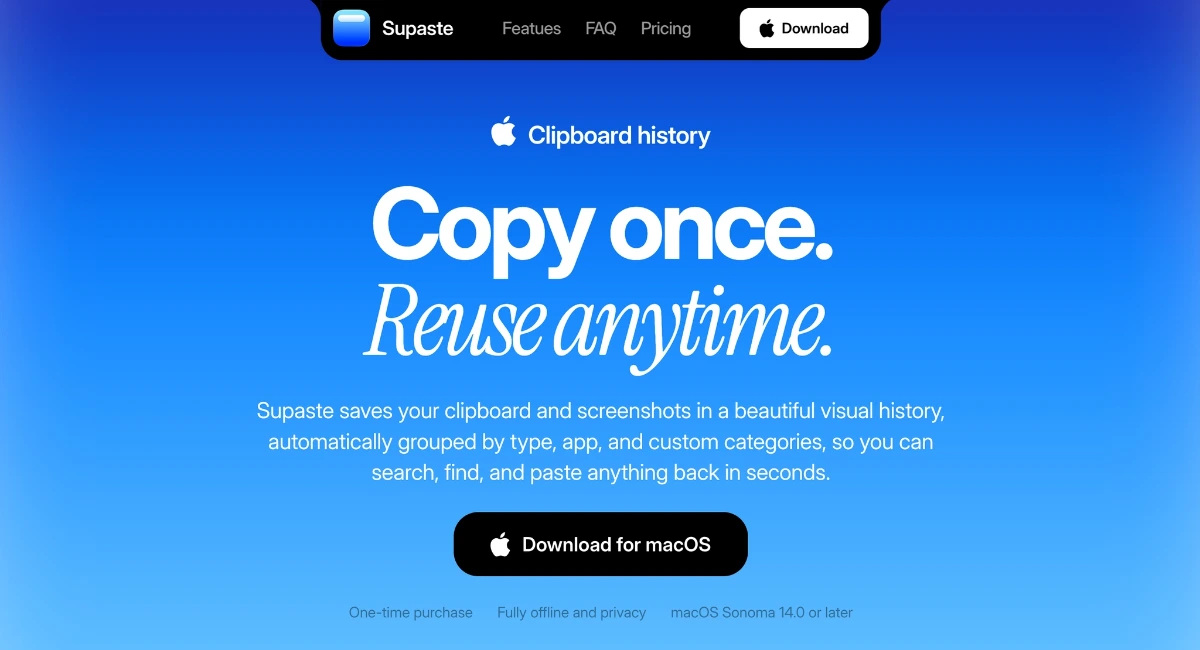
Supaste is a macOS clipboard history app for people who copy useful material all day and lose it minutes later. It saves clipboard items and screenshots into a visual history, then groups them by type, source app, and custom category so text, code, colors, files, links, and images are easy to find again. It runs on macOS Sonoma 14.0 or later and is sold as a one-time purchase.
Why Supaste works
Most clipboard managers treat copied text like a flat list, which breaks down once screenshots, files, code, colors, and research links start mixing together. Supaste turns the clipboard into a visual library with app filters, type filters, quick search, and notch access, so reused material comes back from context instead of a forgotten scrollback.
Supaste features
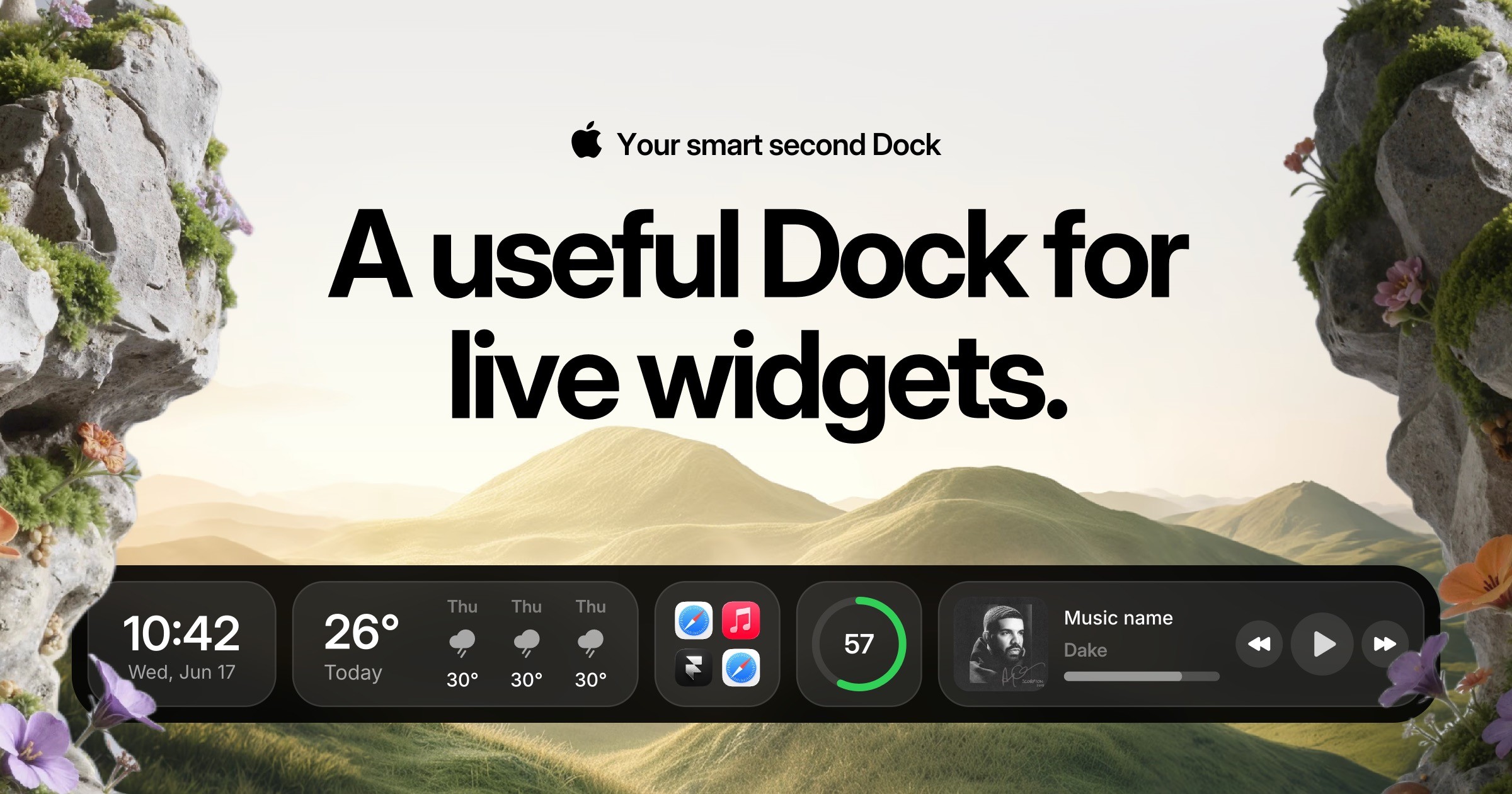
- Notch shelf access. Keep useful clips at the top of the Mac and drag images, assets, text, colors, SVG icons, screenshots, and files into other apps.
- Quick paste search. Press Control + Command + V in any app to search clipboard history, templates, screenshots, links, code, and saved items before pasting.
- Last 10 clip shortcuts. Use Control + Command + 0 to 9 to bring back recent text, links, images, code, colors, files, or screenshots without opening a window.
- Custom categories. Create spaces for projects, templates, brand assets, prompts, inspirations, and everyday snippets that need to stay easy to reuse.
- Local clipboard storage. Clipboard history is processed and stored on the Mac, with no user accounts, cloud sync, analytics, telemetry, or server-side clipboard storage.
- Sensitive content detection. Supaste attempts to avoid saving passwords, API keys, private keys, SSH keys, access tokens, credit card numbers, .env files, and similar material.
Who Supaste is for
- Designers who copy colors, icons, screenshots, SVGs, gradients, and visual references across design sessions.
- Developers who need to recover code snippets, commands, errors, JSON, API responses, and GitHub links without digging through tabs.
- Content and marketing teams collecting hooks, taglines, SEO keywords, screenshots, research links, and campaign notes.
- Founders and operators saving investor notes, competitor screenshots, pricing pages, product ideas, and daily research.
Similar micro SaaS ideas you can build
- Research evidence shelf. A capture tool for user researchers that saves quotes, screenshots, and source links from interviews and calls, then groups evidence by study, theme, and participant.
- Field photo reuse library. A mobile and desktop app for contractors that turns site photos, measurements, and copied supplier links into a searchable project history for quoting repeat jobs.
- Sales reply memory. A writing companion for account teams that saves approved snippets, product links, objection replies, and customer examples from daily work so reps can reuse the right answer fast.