What is TouchGrass?
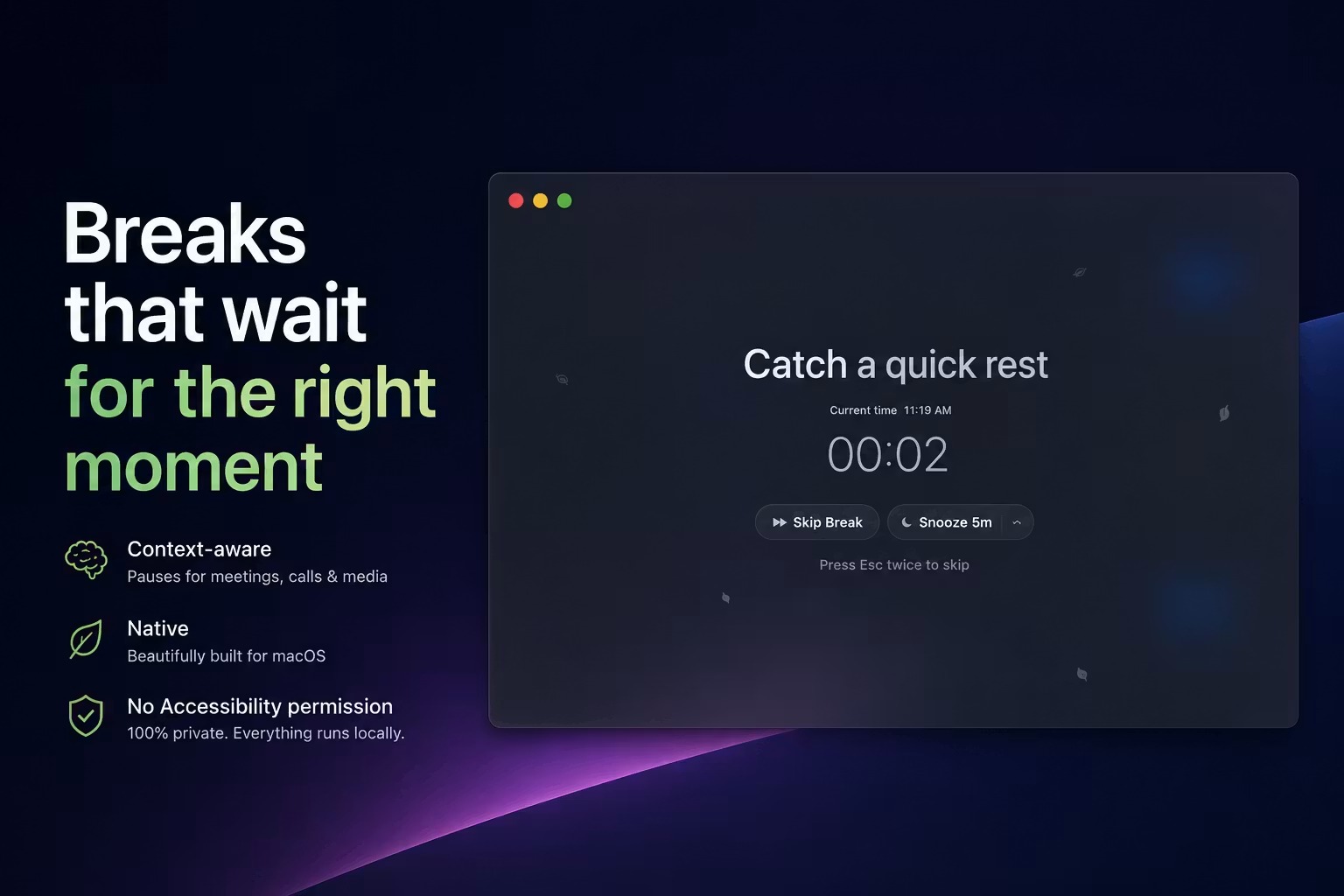
TouchGrass is a native macOS break and wellness app for people who spend long stretches at a computer. It uses local activity, idle time, and active audio sessions to time screen breaks around meetings, media, and time already spent away, then adds blink, posture, movement, and typing health reminders. Version 1.0.2 supports macOS 14 or later on Apple Silicon and Intel Macs.
Why TouchGrass works
Fixed break timers become easy to disable when they interrupt calls, presentations, or videos at the wrong moment. TouchGrass uses local audio session and activity signals to hold, skip, or reset reminders, so a break arrives after the interruption instead of becoming the interruption.
TouchGrass features
- Breaks that read the room. Reminders wait during active calls, meetings, recordings, presentations, and video playback. Time spent idle counts as rest, while a disconnected display or low battery can skip a break.
- Schedules that fit the workday. Set separate office hours by day, break frequency, duration, enforcement level, periodic long breaks, and fixed times for lunch, walks, or other routines.
- Activity based wellness nudges. Blink, posture, movement, and typing health reminders respond to active work and sustained typing rather than running on arbitrary timers.
- Private local processing. No Accessibility permission, microphone access, account, cloud sync, behavioral analytics, or screen reading is required. Break activity and wellness statistics stay on the Mac.
- Native Mac controls. Start, pause, resume, or skip from the menu bar or keyboard. Custom break screens support your own wallpaper, message, and countdown style, and the app runs natively on Apple Silicon and Intel.
- Thirty day progress history. Break streaks, completion rates, and wellness trends are stored locally for up to 30 days and can be deleted from the Statistics page.
Who TouchGrass is for
- Mac users on frequent calls who need break reminders to wait until a meeting or recording ends.
- Developers, writers, and designers who spend long periods typing and want posture, blink, movement, and wrist rest prompts tied to actual activity.
- Remote workers whose coffee runs and walks should count as rest rather than trigger another reminder when they return.
- Privacy conscious Mac users who want a break app without Accessibility permission, cloud sync, behavioral analytics, or an account.
Similar micro SaaS ideas you can build
- Post call follow up queue. A desktop assistant for client teams that holds notes and action prompts until an active call ends, then opens a short wrap up checklist while the conversation is still fresh.
- Rush aware task scheduler for restaurants. A small operations tool that delays cleaning and restocking prompts while order volume is high, then surfaces the queue during a real lull instead of interrupting service.
- Equipment cooldown tracker. A maintenance timer for small workshops that counts machine idle periods toward required cooldowns and schedules the next inspection from actual use instead of a fixed clock.