What is Juicy?
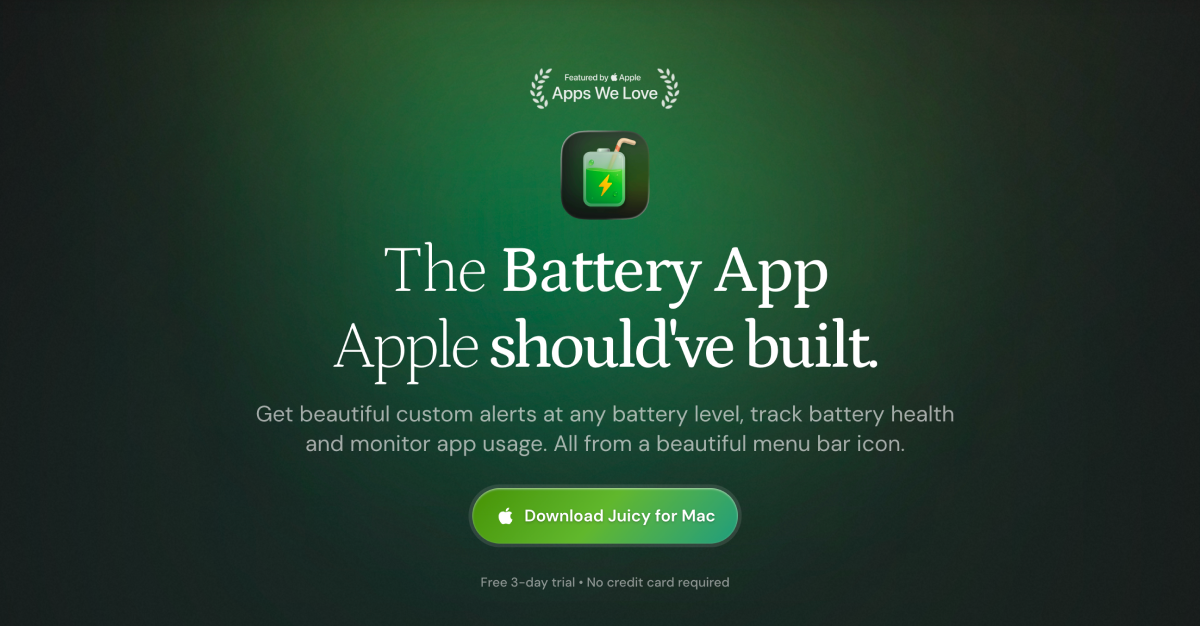
Juicy is a macOS menu bar battery app for MacBook users who want earlier warnings and more visibility than the stock battery icon gives them. It lets users set battery alerts at any percentage, add screen glow or sounds, cap charging between 50 and 100 percent, and inspect battery health, device levels, per-app energy use, and power flow. It runs on macOS 15.0 Sequoia or later, supports Apple Silicon and Intel Macs, and offers a 3 day free trial with one time licenses.
Why Juicy works
macOS treats battery as a tiny percentage until it becomes an emergency, which is exactly when a call, cafe session, or demo has the least room for surprise. Juicy turns battery state into chosen alert thresholds, device health, charge caps, and live drain data in the menu bar, so the user gets a specific next move instead of a warning after the damage is already done.
Juicy features
- Custom battery alerts. Users can add as many alert thresholds as they need from 1 to 100 percent, with screen glow and custom sounds per alert. Each alert fires once when the battery crosses its threshold, so it does not repeat like the stock macOS warning.
- Charge limit and battery care. Charging can stop at any target from 50 to 100 percent, with 80 percent as the default for long term battery health. Sailing Mode, Heat Protection, Sleep Prevention, Automatic Discharge, and a one tap top up to 100 percent are built in.
- All device batteries in the menu bar. AirPods, iPhone, iPad, Magic Mouse, Keyboard, Trackpad, and the Mac are ranked by battery level with color coded bars. Users can add low battery and fully charged alerts per device.
- Per-app energy insights. The menu bar panel shows which apps are draining the Mac right now, with 24 hour, 7 day, and 30 day history plus callouts when an app starts using more energy than usual.
- Live power flow. A live diagram shows watts moving between the adapter, battery, and Mac. It works with any adapter or USB-C or MagSafe cable, so users can spot a weak charger, cable, hub, or heavy load.
- iPhone and iPad health reports. Plug in an iPhone or iPad over USB to see real health, cycle count, temperature, capacity in mAh, lifetime stats, and a one tap report export without installing an app on the device.
Who Juicy is for
- MacBook users working from cafes with no outlet who need early alerts before their screen dies.
- Founders and consultants giving client demos who want 25 and 15 percent warnings before a pitch goes black.
- Desk based MacBook owners who stay plugged in all day and want a hard 80 percent ceiling instead of an automatic black box.
- Apple device users carrying AirPods, iPhone, iPad, and Magic peripherals who want one menu bar view of every battery.
Similar micro SaaS ideas you can build
- Battery guard for live creators. A desktop app for streamers and webinar hosts that tracks laptop, mic, camera, and light batteries before and during a live session, with alerts tied to the run of show.
- Rental gear battery health checker for AV/camera houses. A plug in diagnostic tool for camera and audio rental shops that turns any battery pack, camera body, or gimbal into an instant health score and cycle count before it goes back into the rental pool.
- Used device battery report builder. A local diagnostic app for refurbishers that turns a plugged in phone, tablet, or laptop into a plain battery report with health, cycles, capacity, and warranty risk.