What is Hold My Notes?
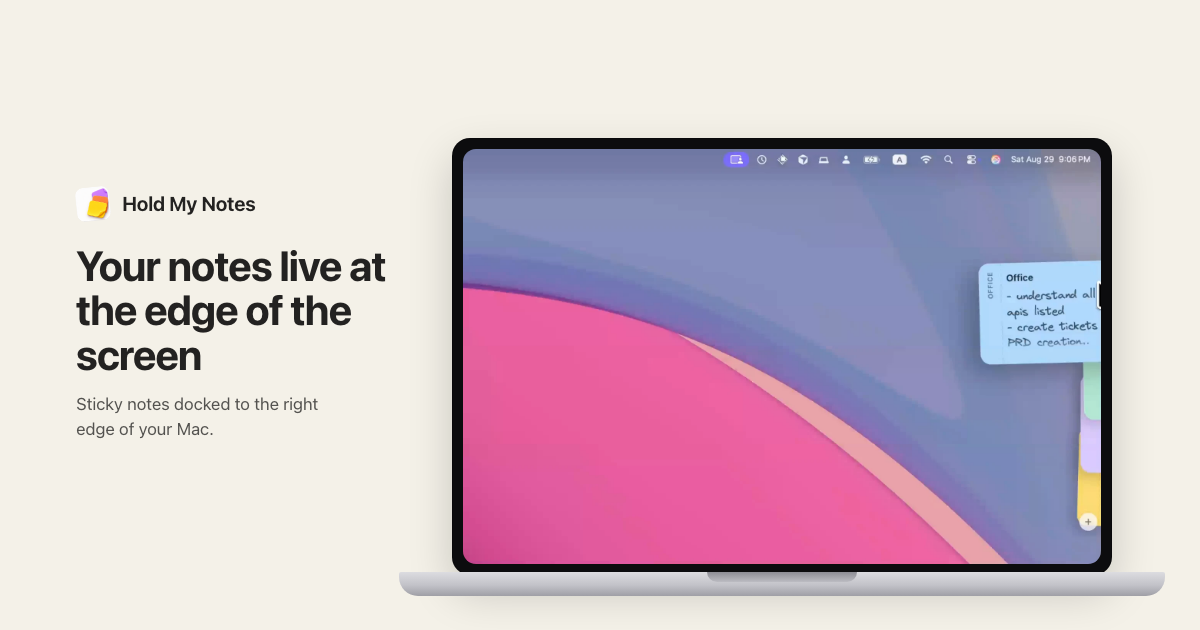
Hold My Notes is a macOS sticky notes app for people who want small working notes close without keeping another window open. Notes rest as a 12 pt pill at the screen edge, fan out when the pointer reaches them, and open at full size when selected. It works offline with no account and requires macOS 13 or later.
Why Hold My Notes works
A note stops being useful when finding it means reopening a window or digging through a separate list. Hold My Notes keeps active notes attached to the screen edge and reveals them as the pointer arrives, so a working note comes to the cursor instead of pulling you away from the app in front.
Hold My Notes features
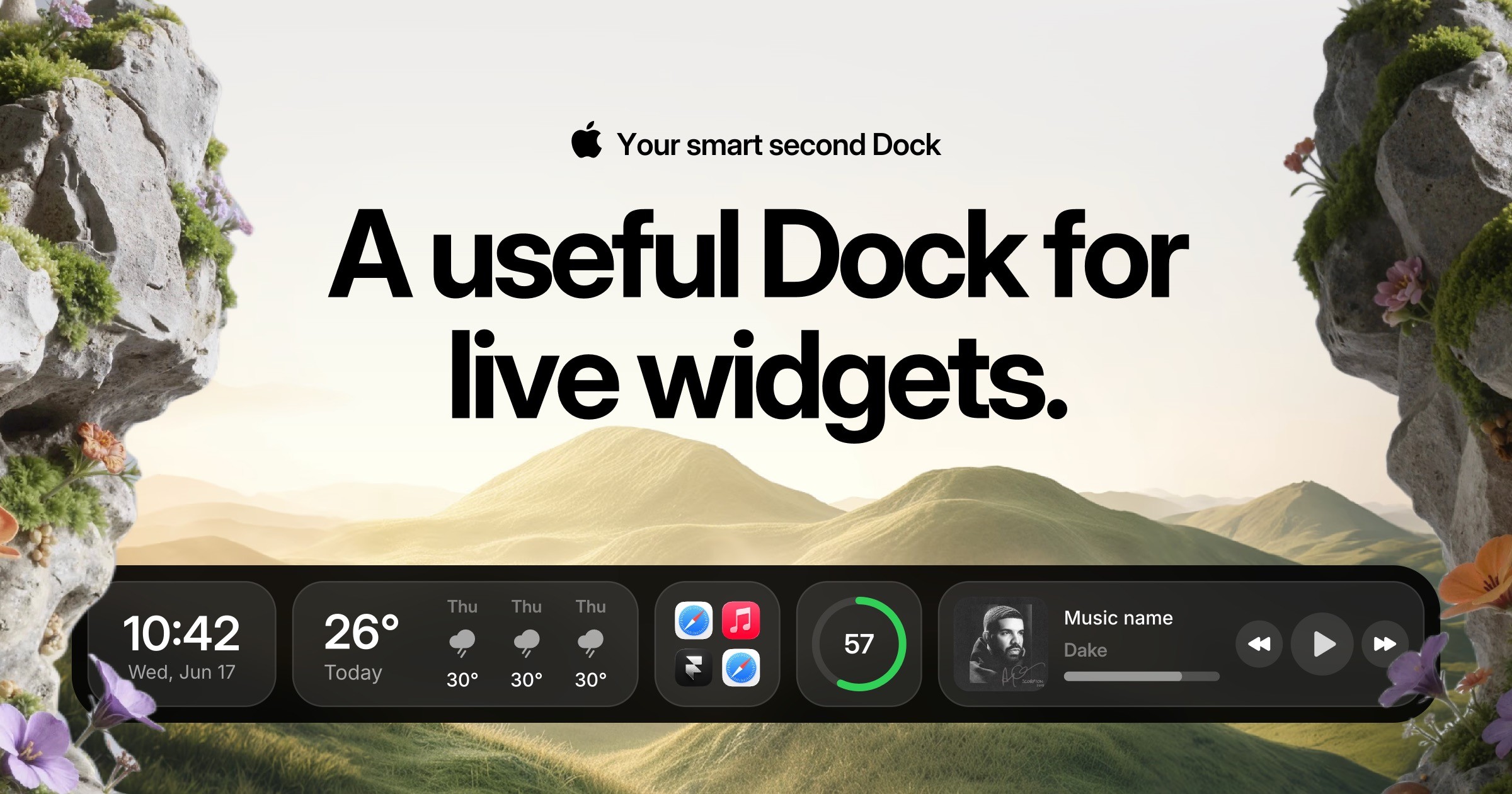
- Notes stay one pointer move away. The deck rests as a 12 pt pill at the screen edge. Move the pointer over it and notes fan out 45 ms apart with their labels visible before you choose one.
- Writing saves locally as you type. An open note writes itself to disk 250 ms after typing stops. Note bodies are stored in a local SQLite database with AES GCM encryption and a key in the Mac login keychain.
- Sync stays under your control. Sync is off until you enable it. Each note is copied as a plain .hmnote file to a folder you choose, with iCloud Drive as the default option for keeping Macs in step.
- Old notes stay searchable. Archiving removes a note from the edge without deleting it. Search still runs across titles, bodies, and tags, and the archive can be opened with a keyboard shortcut.
- Notes can leave in plain formats. Selected notes can be exported as Markdown, plain text, one combined document, or a .stickies archive that can later restore colours, states, and dates.
Who Hold My Notes is for
- Mac users who keep short working notes and want them reachable without leaving the app they are already using.
- People who work in full screen apps or Stage Manager and want notes to remain available across their workspace.
- People using more than one Mac who want optional iCloud Drive sync through a folder they control.
- Privacy minded Mac users who want local encrypted notes with no analytics, tracking, or product account.
Similar micro SaaS ideas you can build
- Incident cue strip for engineers. A lightweight incident companion that keeps the current hypothesis, next command, and owner visible while engineers work across terminals and dashboards. Resolved incidents collapse into a searchable timeline instead of leaving critical context buried in chat.
- Interview prompt runner. A discreet companion for researchers and hiring managers that surfaces one question at a time during video calls, captures short notes beside each prompt, and archives the completed session when the interview ends.
- Recording cue rail for creators. A compact cue tool for screen recordings, demos, and live streams that keeps the next talking point or scene instruction at the edge of the workspace. Hotkeys advance through cues so presenters can stay in the recording app instead of checking a separate script window.