What is Droppy?

Droppy is a native macOS utility hub for people who want common desktop tools within easy reach. It combines a file tray, clipboard history, live activities, screen recording, per app audio controls, meeting controls, file conversion and sharing, plus 38 switchable Droplets inside one app. It works on macOS 14 or later, supports Macs with or without a notch, and one license covers two Macs.
Why Droppy works
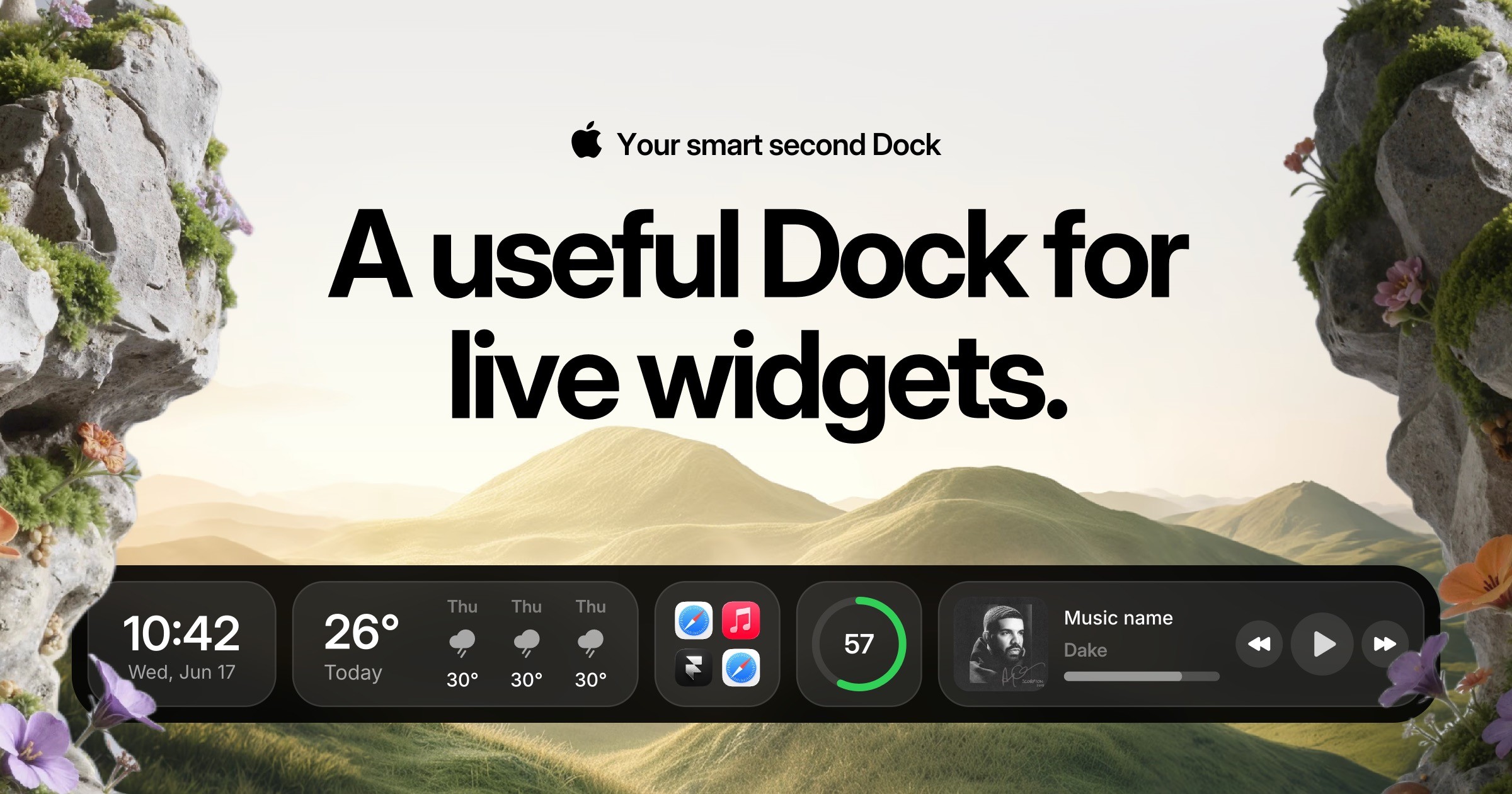
Small desktop jobs often end up split across separate clipboard tools, file utilities, timers, meeting controls, and menu bar apps. Droppy puts those actions into a configurable shelf around the notch or menu bar, with Droplets that only run when switched on. It keeps quick tasks in one reachable surface instead of sending you through a dock full of separate utilities.
Droppy features
- 38 switchable Droplets. Turn individual tools on only when you need them, including OCR, voice transcription, window snapping, meeting controls, Pomodoro, background removal, search, shell commands, and coding agent monitoring.
- File tray and floating Basket. Drop files into the notch or Basket, hold them between drag actions, convert images, create archives, or generate private sharing links without opening another utility.
- Clipboard and iPhone sync. Clipboard items, files, notes, and supported Droplets can sync between Mac and iPhone. Synced data is end to end encrypted, with the encryption key kept on the user's devices.
- Controls without switching apps. Manage Zoom, Teams, and Meet controls, adjust volume by app, reply through supported messaging services, and control music from the Droppy interface.
- Droppy Cloud file sharing. Share files through private links with a 200 MB limit per file, 1 GB total storage, and up to 25 files. Shared files expire automatically after three days.
- Works without a MacBook notch. Notchless Macs and external displays use a floating shelf and menu bar integration, so the core interface is not limited to notched MacBooks.
Who Droppy is for
- Mac users who currently keep separate utilities for clipboard history, file handling, timers, screenshots, window controls, and other small desktop jobs.
- Developers who want Claude, Codex, Cursor, or Antigravity activity and usage limits visible while they work.
- Remote workers who regularly use Zoom, Teams, or Meet and want meeting, audio, file, and clipboard controls close to the current workspace.
- Mac and iPhone users who want files, clipboard contents, notes, and selected utilities available across both devices.
Similar micro SaaS ideas you can build
- Production handoff shelf for creative teams. A temporary workspace for designers and editors moving exports, references, review links, and notes between apps during active production. It keeps current handoff material within reach, then clears completed project clutter instead of turning another folder into permanent storage.
- Call companion for client-facing teams. A desktop utility for recruiters, sales reps, and account managers that surfaces meeting controls, copied details, timers, notes, and follow-up actions only while a call is active. It keeps the small actions surrounding a conversation in one place instead of forcing constant switching between unrelated apps.
- Command dock for AI coding workflows. A compact developer tool that watches active coding agents and puts their status, common shell actions, copied output, screenshots, and file drops into one persistent dock. Developers can supervise several short-running workflows from one surface instead of repeatedly checking terminals, agent windows, and utility apps.