What is Homy?
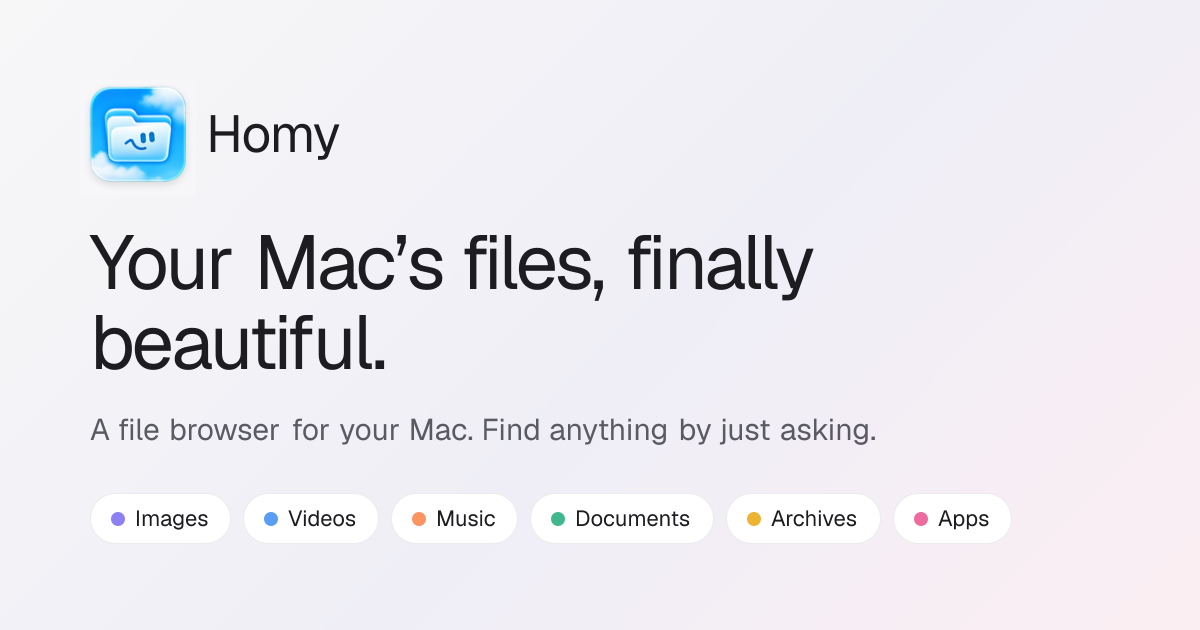
Homy is a Mac file browser for people who remember what a file contained or where it came from more easily than its exact filename. It organizes images, videos, music, documents, archives, and apps into visual shelves, then lets users search by plain English filters such as type, date, size, source, filename, tags, and text inside files. It runs on macOS 14 Sonoma or later on Apple silicon and Intel Macs.
Why Homy works
Finder gets frustrating when you remember that a PDF came from Gmail last week or that a screenshot contained a WiFi password, but not where either file lives. Homy turns those remembered details into searchable filters and reads text locally with Apple Vision, so finding a file starts with what you remember instead of retracing folders and filenames.
Homy features
- Plain English file search. Search with phrases such as "pdfs from last week over 5 mb." Homy turns the request into visible filters for file type, date, size, and source, and can match filenames, tags, and text inside files.
- Search text inside images. Homy uses Apple Vision on the Mac to recognize text inside screenshots and recent photos. Users can also copy all text from images and PDFs or select individual text from a preview.
- Remember where downloads came from. Downloaded files can be grouped and filtered by their source, including Gmail, Google Drive, ChatGPT, Canva, Slack, WhatsApp, GitHub, browser extensions, and websites.
- Review duplicates before removing them. Homy finds identical files with SHA 256 fingerprints and detects look alike photos with Vision feature prints. Users choose which copy to keep, and unwanted files go to the Trash.
- Recover storage without permanent deletion. Cleanup cards surface forgotten downloads, old installers, screenshots, large old videos, and unused apps. Every removal goes to the Trash, and iCloud only files are skipped during scans.
Who Homy is for
- Mac users who remember a file by its contents, date, size, or download source but regularly lose track of the exact folder or filename.
- People with large screenshot and photo collections who want to search for words inside images without uploading those files elsewhere.
- Mac users clearing storage who want to review duplicates, old downloads, installers, screenshots, videos, and unused apps before sending anything to the Trash.
- Keyboard focused Mac users who want search, preview, cleanup, file inspection, and media controls available through shortcuts.
Similar micro SaaS ideas you can build
- Warranty memory for households. A receipt and warranty vault for homeowners that reads model numbers, retailer names, and dates from receipts, manuals, and product photos. Someone could find a washing machine warranty by remembering the appliance or where they bought it, not the document name.
- Research evidence recall. A source library for journalists and researchers that keeps downloaded PDFs, screenshots, and images tied to where they came from. Search by a remembered quote, website, date, or document type when the original filename is meaningless.
- Creative asset provenance tracker. A tool for freelance designers that remembers where downloaded fonts, images, templates, and references came from, then makes them searchable by source and visual content. It helps recover the original asset and its context instead of digging through an overflowing Downloads folder.