What is Dabbit?
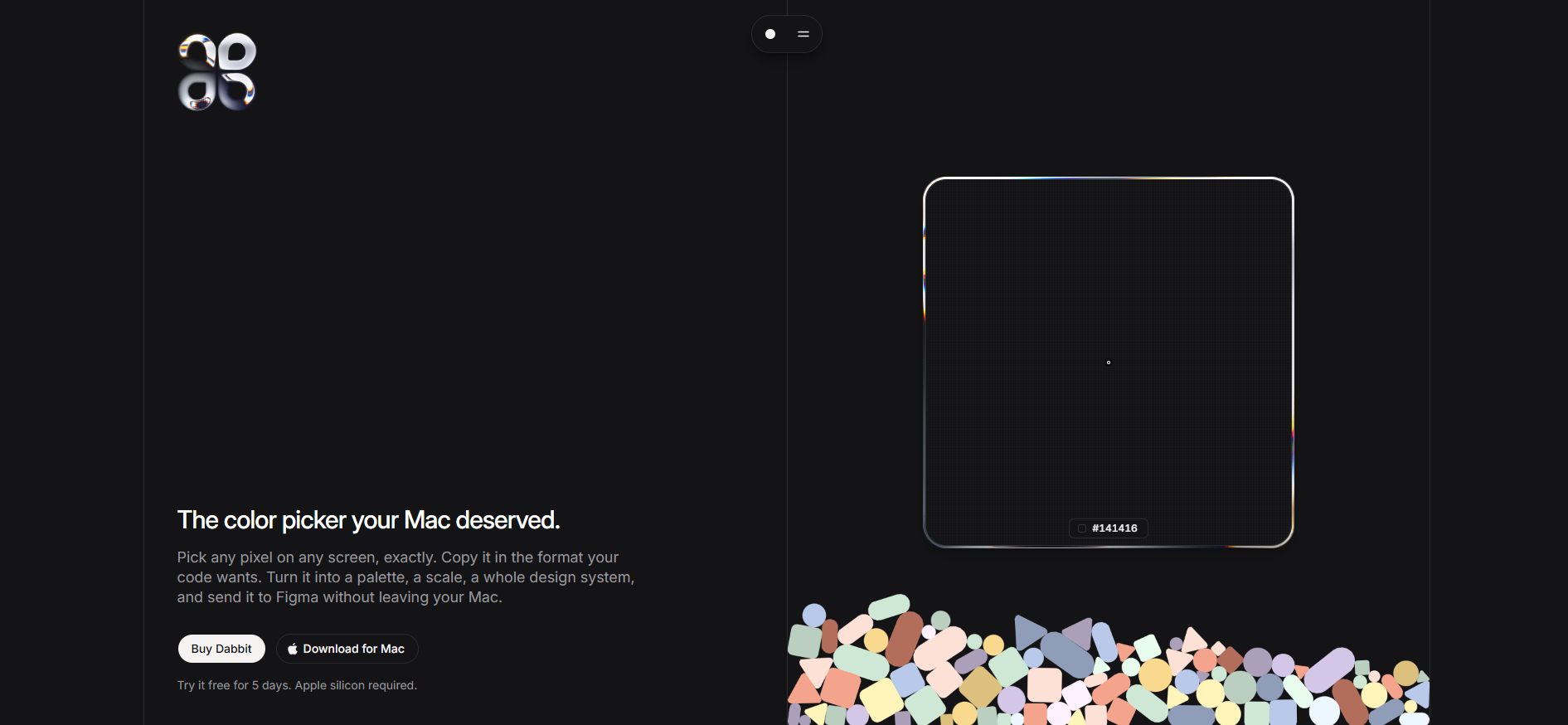
Dabbit is a native Mac color picker for designers and developers who need colors to move cleanly from the screen into code and design tools. Pick any pixel, copy it in formats including Hex, RGB, OKLCH, SwiftUI, and Tailwind, then turn saved colors into palettes, scales, and design systems. It runs on Apple silicon Macs with macOS 14 or later, and includes a Figma plugin for sending palettes in as variables, styles, or swatch sheets.
Why Dabbit works
Picking a color is easy. Rebuilding that color in the right code format, placing it into a usable scale, checking contrast, and carrying it into Figma is where the work starts to fragment. Dabbit keeps the picked value, understands which format the frontmost app expects, and turns a few colors into structured scales, so a screen color becomes part of the working system instead of ending as a copied hex value.
Dabbit features
- App aware color formats. Smart format can copy a pick in the format expected by the frontmost app. Built in rules cover Xcode and Android Studio, and users can add rules for other open apps.
- Palette and scale generation. A single seed can become an eleven step OKLCH scale with contrast readings. Up to six seeds can also generate systems with eight, twelve, or sixteen hues.
- Figma palette sync. The included Figma plugin makes Dabbit palettes available inside Figma, where they can become variables, color styles, or generated swatch sheets.
- Contrast inspection. Selecting a color shows WCAG and APCA contrast results for text and backgrounds, plus the nearest colors already stored in the library.
- Local color history. Every pick is saved with its time and source app, so it can be copied again in another format or moved into a palette later. Colors and palettes stay on the Mac as local files.
Who Dabbit is for
- Designers building reusable palettes who want picked colors to become named scales, variables, and swatch sheets instead of loose values.
- Developers moving between browsers, Xcode, and other coding tools who need the same color copied in the format each app expects.
- Product designers using Figma who want local Mac palettes available as variables or styles without exporting and retyping values.
- Mac users maintaining design systems who need contrast checks, color history, and local storage in one desktop tool.
Similar micro SaaS ideas you can build
- Screenshot to design token extractor. A desktop tool that reads interface screenshots and pulls out recurring colors, spacing, radii, and type styles, then groups them into a starter token set for rebuilding the UI.
- Brand palette cleanup tool. A utility for designers inheriting messy brand files that clusters near duplicate colors, checks contrast, and turns a pile of slightly different values into a smaller approved palette.
- Cross app design handoff clipboard. A Mac clipboard for visual values that remembers where each item came from and converts it into the format the destination app needs, covering colors, measurements, typography, and other interface tokens.