What is ShotGlass?
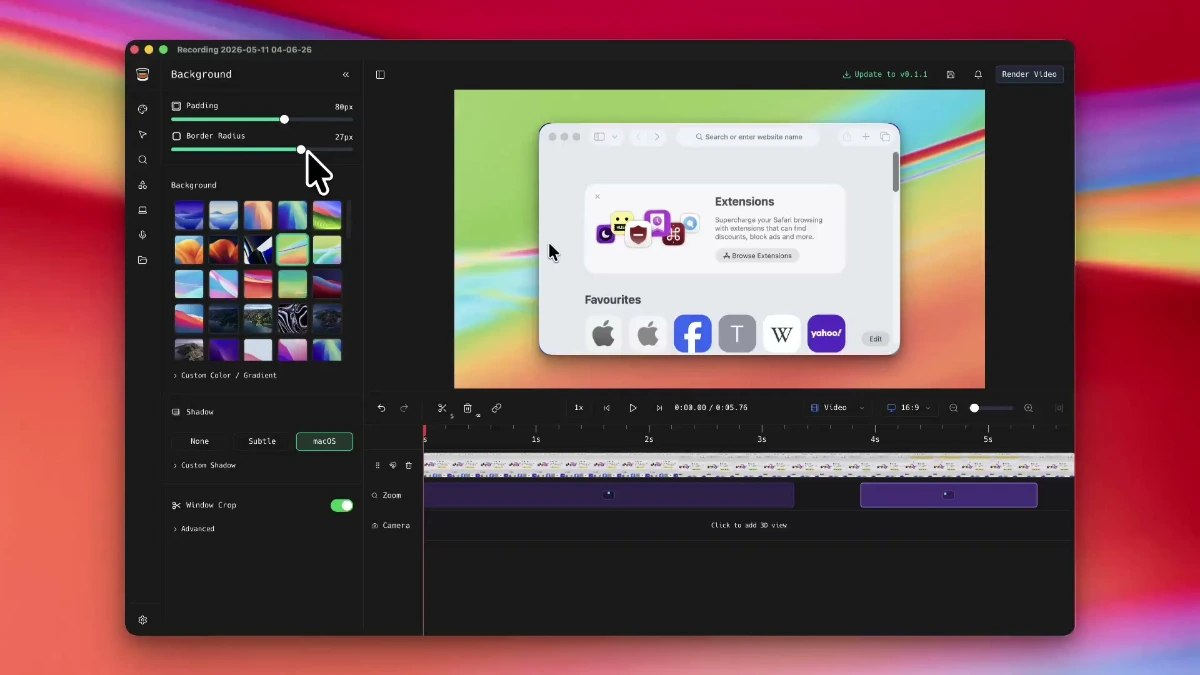
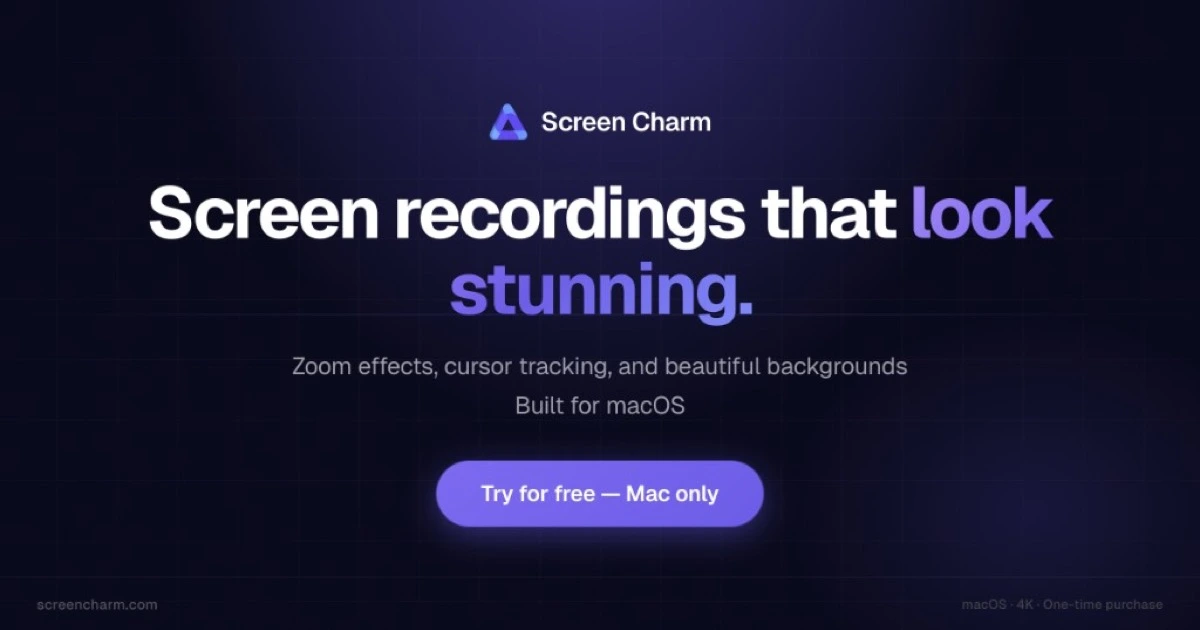
ShotGlass is a macOS app that produces polished screenshots and screen recordings without sending users into a separate editor. It applies automatic window detection, cinematic zoom, 3D device frames, and background replacement to raw captures, then exports presets sized for social, web, and editing tools. It is built for founders, developers, and educators who need clean product visuals quickly.
Why ShotGlass works
Turning a raw screen recording into something shareable normally takes a screen capture tool, a video editor, a frame mockup tool, and a background designer. ShotGlass collapses that chain by detecting the active window, zooming into actions automatically, and applying frames and backgrounds in one step, so a demo goes from capture to export without round trips through other apps.
ShotGlass features
- Auto window detection. Captures focus on the active window across multiple displays so creators do not crop manually.
- Automatic action zoom. Recordings cinematically zoom into clicks and typing so viewers see the detail without manual keyframing.
- 3D device frames. Footage can be placed on a virtual MacBook with simulated lenses for marketing site hero sections.
- Background replacement. Desktop clutter is replaced with branded or gradient backgrounds suitable for launch posts.
- Multi source recording. Camera, microphone, and system audio are recorded simultaneously for narrated walkthroughs.
- Export presets. Social, web, and editor sized exports are available so the same recording works on X, a landing page, or Final Cut.
Who ShotGlass is for
- Indie SaaS founders shipping a launch video for Product Hunt who need a 3D MacBook framed clip without hiring a motion designer.
- Developer advocates publishing tutorial recordings who want auto zoom on terminal output without manual keyframing.
- UX researchers stitching together polished session highlights for stakeholder reports who need consistent backgrounds.
- Educators recording short Mac walkthroughs for course platforms who want exports already sized for Loom or YouTube.
Similar micro SaaS ideas you can build
- Polished release note recorder for product teams. A Mac tool for PMs that records each release's UI changes with auto framing and pushes a clip into Linear or Notion release docs, priced per workspace.
- Customer onboarding video recorder. A capture app for customer success teams that produces frame ready welcome videos personalized per account, billed per CS seat.
- Sales demo loop generator. A tool for outbound reps that records a short product loop with the prospect's logo replacing the default background, sold per seat per month.