What is Screen Charm?
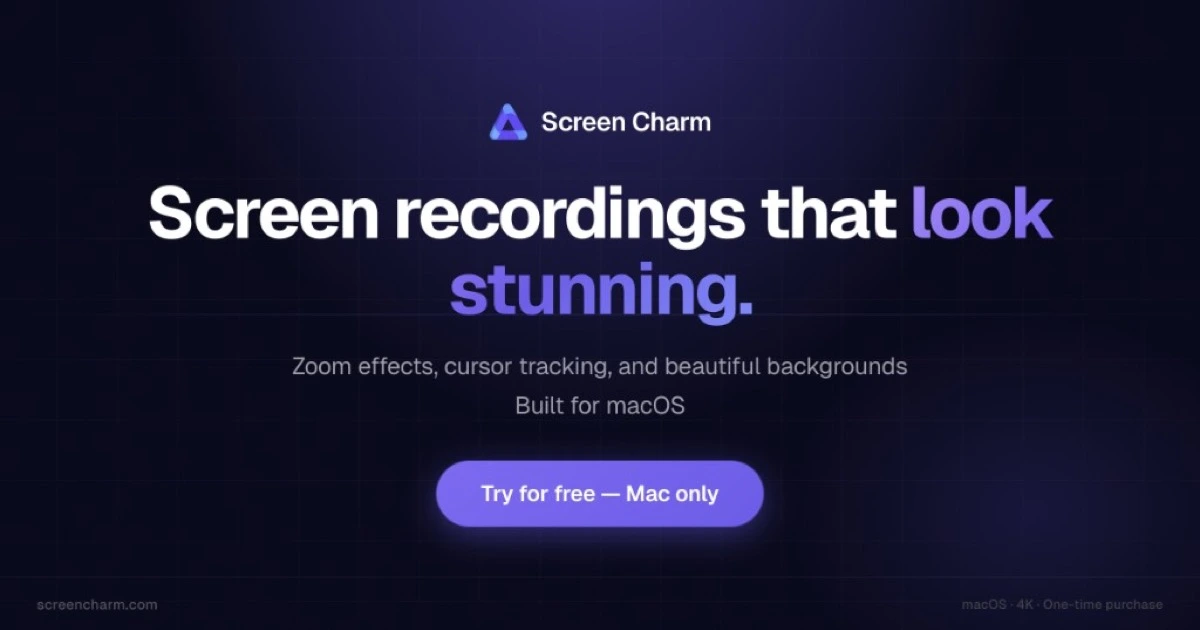
Screen Charm is a Mac screen recorder for creators, founders, developers, and educators who want polished product videos without a separate editor. It records screen, webcam, microphone, and system audio together, then applies automatic zoom, cursor smoothing, click highlights, and device frames. Recordings export locally as 4K MP4 or upload to a shareable link.
Why Screen Charm works
Most creators stop short of recording demos because editing a raw screen capture into something watchable takes a second day of work. Screen Charm closes that gap by applying zoom, cursor smoothing, and backgrounds automatically after recording, so the same clip ships looking like a polished launch video without learning a video editor.
Screen Charm features
- Smart auto zoom. Zoom effects are added automatically after recording and can be edited or removed per clip.
- Smooth cursor. Cursor motion is smoothed and click highlights are added so viewers track the action without distraction.
- Multi source capture. Screen, webcam, microphone, and system audio record together with repositionable camera overlays.
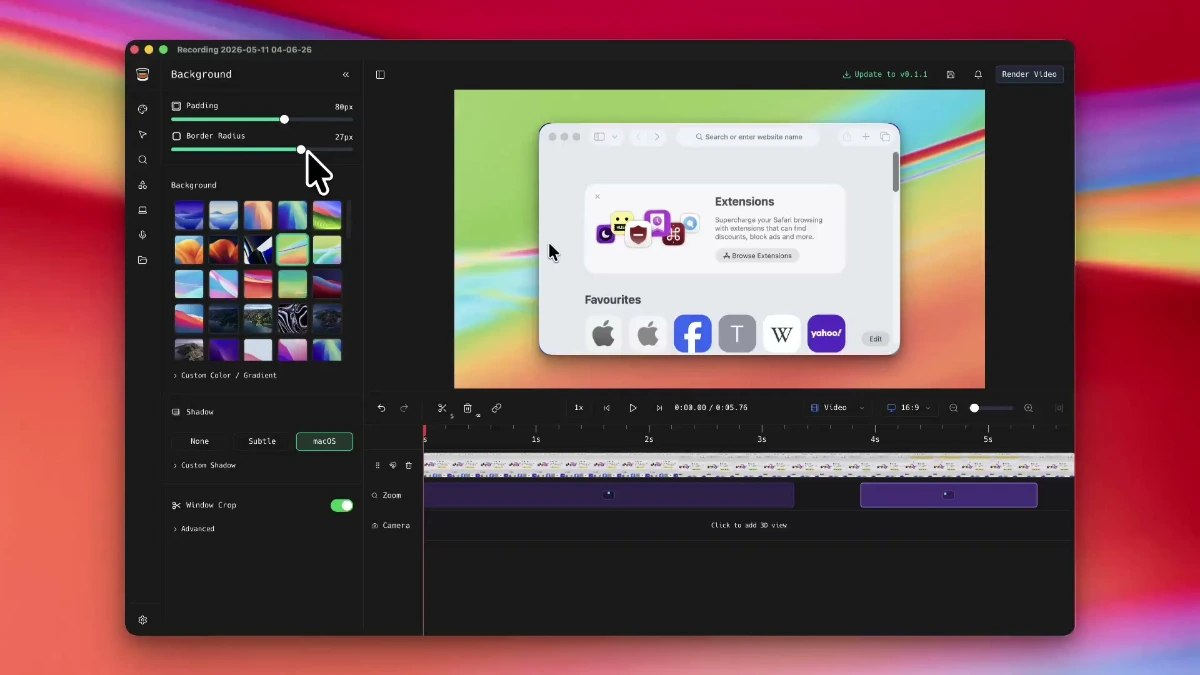
- Device frames and backgrounds. Recordings can be wrapped in a MacBook frame and placed on gradient, photo, or solid backgrounds for launch pages.
- Editing suite. Trim, speed control, motion blur, mic enhancement, background music, and undo are bundled in one timeline.
- 4K MP4 export or share link. Final cuts export locally up to 4K or upload to a shareable cloud link.
Who Screen Charm is for
- Indie SaaS founders making a 90 second launch demo who need automatic zoom and device frames without a motion designer.
- Course creators producing screen heavy lessons who want consistent zoom and click highlights across hours of footage.
- Developer advocates recording IDE walkthroughs who need a polished webcam overlay positioned without manual masking.
- Solo marketers building loom style sales demos who want a shareable link without a Loom seat.
Similar micro SaaS ideas you can build
- Async code review recorder. A Mac tool for senior engineers that records narrated walkthroughs over a pull request with timestamps tied to specific files, sold per engineering seat.
- Personalized sales demo recorder. A recording app for AEs that injects a prospect's logo and name into the same base demo, sold per seat per month.
- Onboarding video studio for support teams. A Mac app for customer success that batch produces feature explainer clips for a help center with auto zoom and consistent backgrounds, billed per workspace.