What is Shotbase?
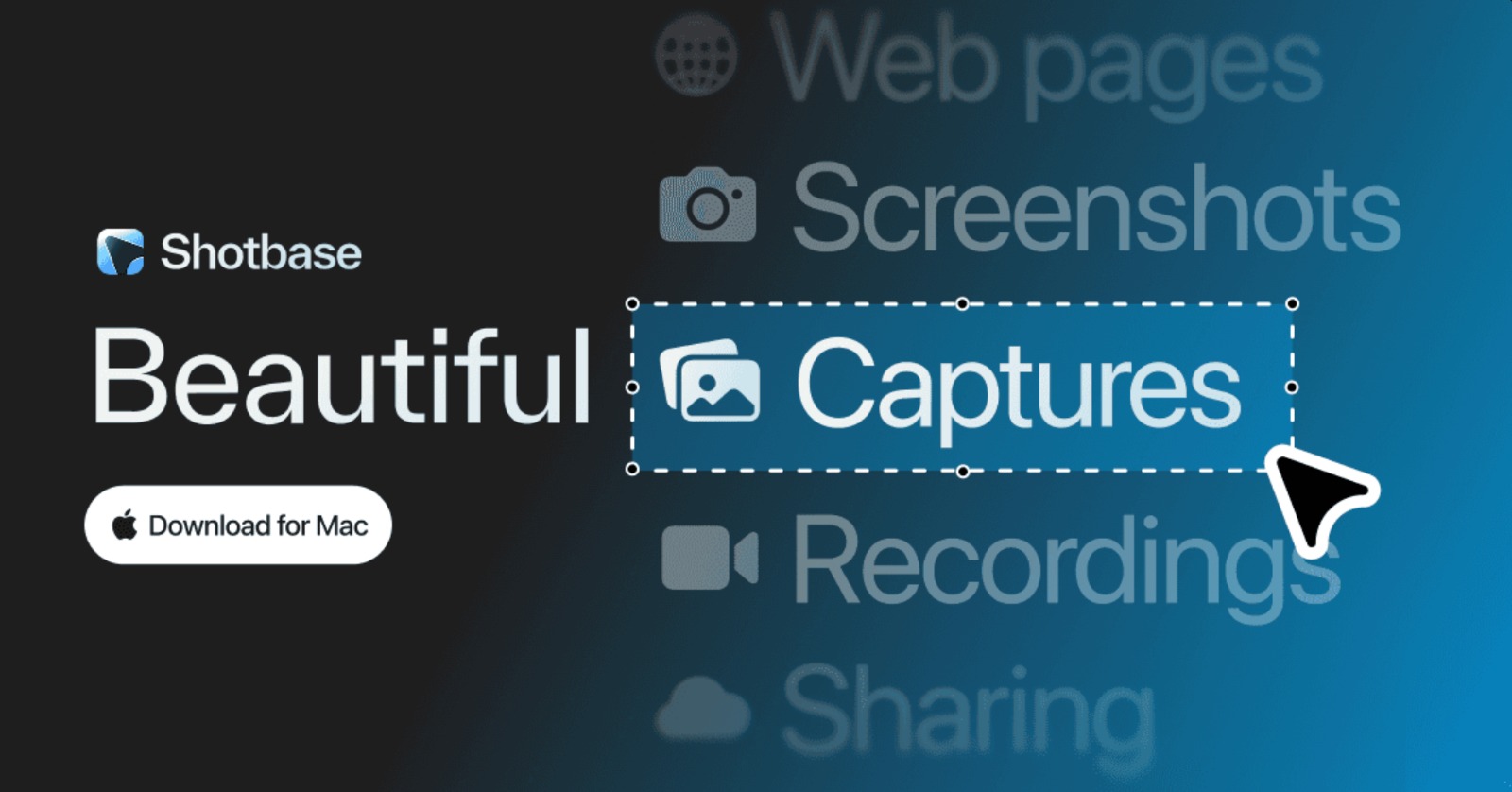
Shotbase is a Mac capture workspace for solo creators and product teams working with screenshots, screen recordings, and webpage captures. It captures, edits, animates, organizes, and shares those assets from one app, with automatic names, tags, summaries, and search. Its AI runs locally on Apple silicon Macs for visual analysis, and the 7 day free trial requires no card.
Why Shotbase works
A capture tool that stops at saving the file leaves the harder work, finding, editing, and sharing it, for later. Shotbase keeps screenshots, recordings, and webpage captures in one library, then names, tags, summarizes, and searches them with local AI, so a finished capture moves from screen to a searchable share link instead of becoming another file to sort later.
Shotbase features
- Capture more than screenshots. Capture any area, window, or full screen on a Mac, plus scrolling screenshots, screen recordings, and webpage captures at custom breakpoints in light or dark mode.
- Edit stills and motion together. Use one editor for screenshots and recordings, with backgrounds, frames, shadows, borders, watermarks, arrows, text, highlights, shapes, and callouts.
- Turn recordings into guided walkthroughs. Automatic zooms bring important moments closer, while 3D transforms, text, shadows, and effects help shape the final recording.
- Organize with private local AI. Shotbase can name, tag, and summarize captures with AI that runs on the Mac. Image content is not sent to a remote model for analysis, and local AI requires Apple silicon.
- Share finished captures by link. Right click a screenshot or recording in Base, upload it for sharing, then Shotbase opens a browser page where you can copy the link and send it.
Who Shotbase is for
- Solo creators who turn screenshots and recordings into finished visuals and want capture, editing, organization, and sharing in one Mac app.
- Product teams that record walkthroughs and annotate interface changes before sending a clean share link.
- Mac users who collect webpage captures across multiple breakpoints and need those captures in one searchable visual library.
Similar micro SaaS ideas you can build
- Support case evidence builder. A visual intake tool for software support teams that turns customer screenshots and screen recordings into a structured case with annotations, extracted context, and a shareable evidence bundle. It makes the problem easy to hand to engineering without digging through chat attachments.
- Website change archive. A monitoring tool for marketing and web teams that captures important pages on a schedule, groups versions by URL and breakpoint, and makes visual changes searchable over time. It creates a usable history instead of leaving teams to compare old screenshots by hand.
- Inspection report maker. A mobile tool for property inspectors that groups photos and short videos by room, tags visible issues, and turns the evidence into a client ready report. It carries the same capture, organize, and share workflow into field documentation.