What is Voibe?
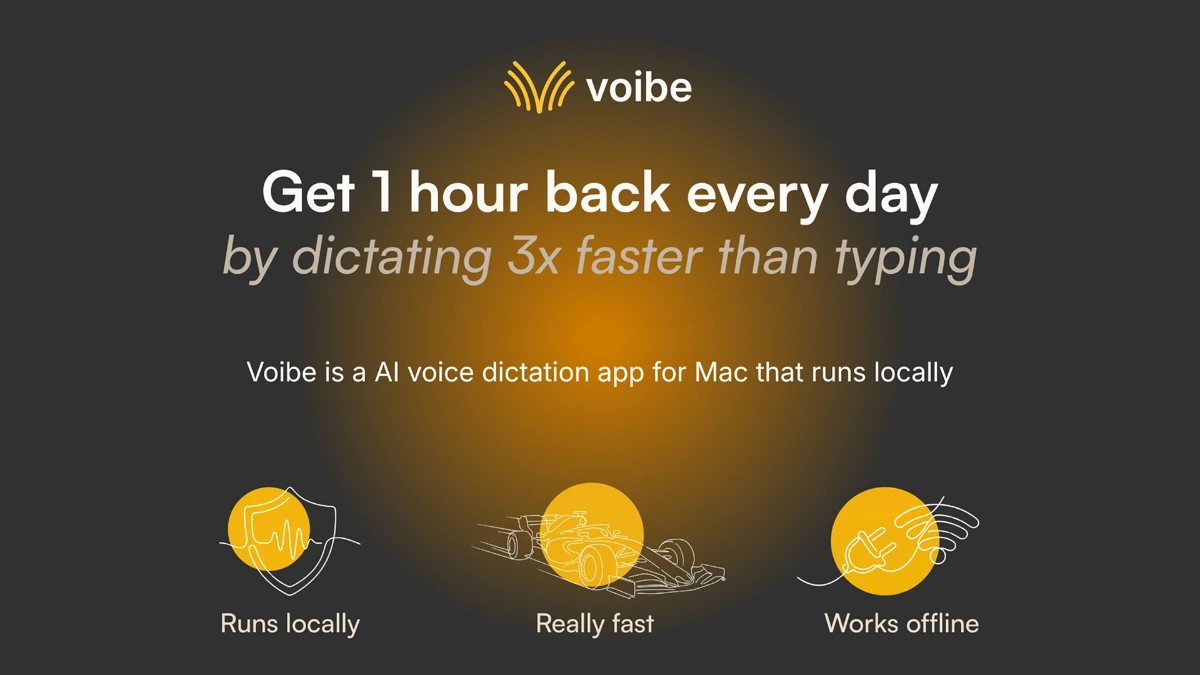
Voibe is an offline voice dictation app for macOS that transcribes speech locally using a Whisper model and inserts text into any Mac application via a hotkey. The page lists Apple Silicon support, macOS 13 or later, and integrations with Notion, Google Docs, Apple Notes, Gmail, Outlook, Slack, ChatGPT, Claude, Perplexity, Cursor, VS Code, Linear, and Jira. Audio is processed locally and discarded after transcription, so nothing is uploaded to a cloud server.
Why Voibe works
Cloud dictation tools route every recording through a server, which creates a privacy issue for confidential work and an outage risk when offline. Voibe runs the Whisper model on-device, so transcription works on a plane or in a secure office, and confidential dictation never leaves the laptop.
Voibe features
- On-device Whisper transcription. Speech-to-text runs locally using a Whisper model, so confidential dictation does not leave the machine and works offline.
- Hold-hotkey workflow. Hold a customizable hotkey, speak, and release to insert text at the cursor in any app, removing the need to switch contexts.
- Custom dictionary. Names, acronyms, and product terms can be added so the model stops mishearing them across runs.
- IDE-aware integration. Cursor and VS Code integration handles workspace-aware file and symbol names, useful when dictating code comments.
- Near real-time output. The page emphasizes low latency so words appear quickly while the user is still speaking.
Who Voibe is for
- Privacy-conscious professionals like lawyers and therapists who dictate client notes and cannot upload audio to a cloud service.
- Senior engineers writing long pull request descriptions or design docs who want to talk through ideas faster than they type.
- Writers and journalists drafting articles in Notion or Apple Notes who want hands-free first drafts they can edit later.
- Frequent travelers and remote workers who need a dictation tool that keeps working on planes or in flaky Wi-Fi cafes.
- Developers using Cursor or VS Code who want voice input that understands workspace-specific file and symbol names.
Similar micro SaaS ideas you can build
- Local Whisper for Windows. A Windows counterpart to Voibe that runs Whisper offline on consumer GPUs, sold per seat to privacy-focused enterprises.
- Dictation for medical scribes. A specialty dictation app with on-device transcription and HIPAA-friendly storage for solo physicians, sold per provider.
- Pair-programming dictation. A VS Code extension that captures spoken design discussions during pair sessions and turns them into commit-ready notes, billed per seat.