What is Passinote?
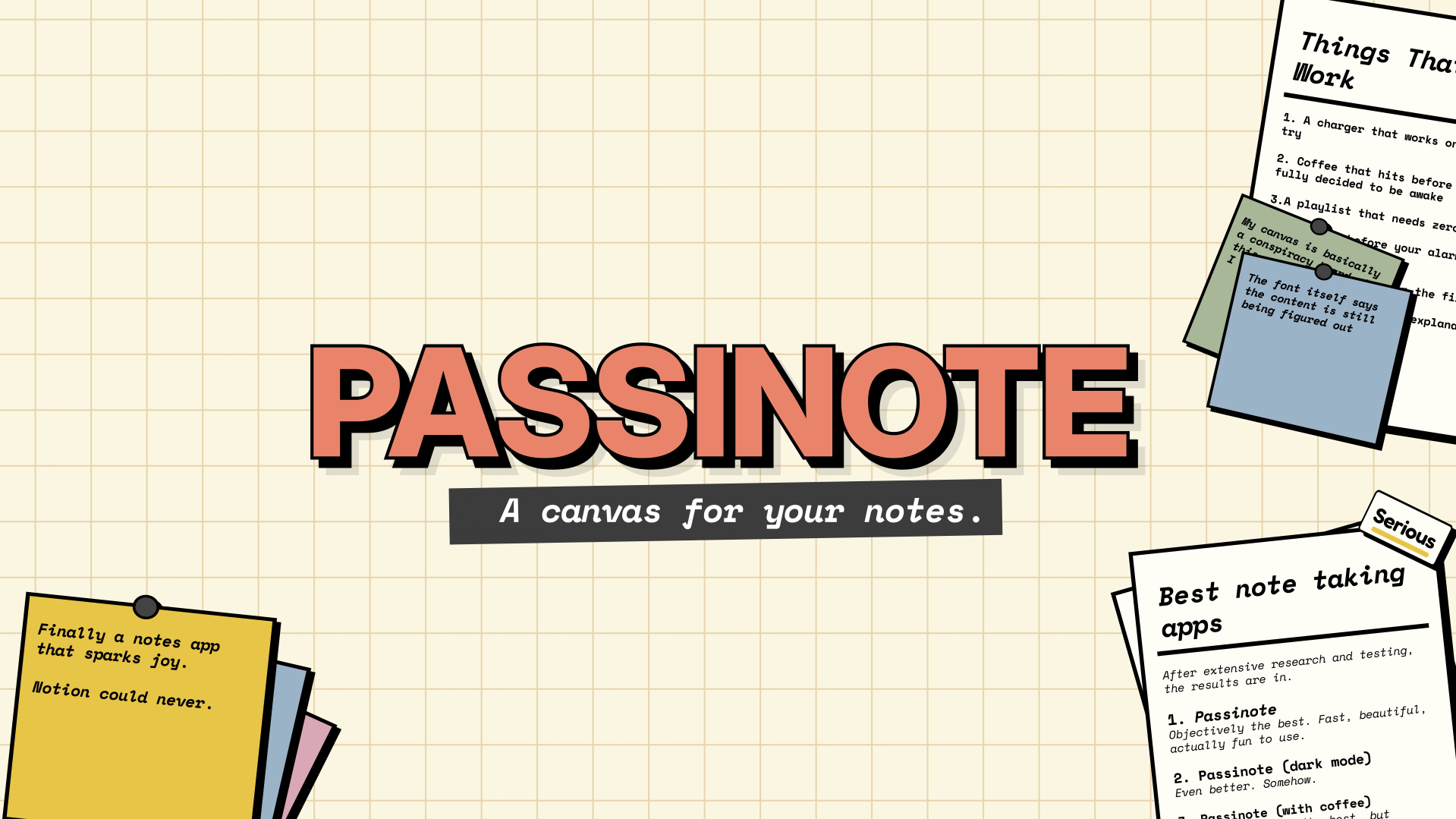
Passinote is a desktop note taking app for people who prefer arranging thoughts spatially instead of filing them into folders. Notes, documents, and labels can sit anywhere on an infinite canvas, then be grouped into collapsible stacks or dragged into named zones. Work saves automatically, and a note, stack, or whole zone can be exported as a PDF.
Why Passinote works
Folder trees force you to decide where a thought belongs before the thought is finished. Passinote keeps structure on the canvas itself, letting related notes become stacks or named zones as the shape of the work emerges, so you organize ideas by moving them together instead of burying them behind navigation.
Passinote features
- Freeform canvas. Place notes, documents, and labels anywhere without a grid or folder structure.
- Collapsible stacks. Pile related thoughts together, fan them out when needed, and collapse the stack when you want less clutter.
- Named zones. Draw a region on the canvas, drag notes inside it, and give the area a name without moving to another view.
- PDF export. Export a single note, an entire stack, or a whole zone as a clean PDF.
- Automatic saving. Changes save as soon as you let go, with no manual save button required.
- Local or cloud workspaces. Quick mode keeps workspace data in the browser on the device. Cloud synced workspaces store notes and uploaded images in the account for access across sessions.
Who Passinote is for
- Visual thinkers who want to arrange notes by position and proximity instead of committing every thought to a folder.
- Writers and planners who collect fragments, documents, and labels before the final structure of a project is clear.
- People building concept maps or working boards who want to group related material into stacks and named regions on one canvas.
- Desktop users who want quick local notes but also have the option of cloud synced workspaces for longer lived material.
Similar micro SaaS ideas you can build
- Research evidence wall. A workspace for researchers to spread quotes, source extracts, and observations across a canvas, then gradually group them into themes as patterns emerge instead of choosing a taxonomy upfront.
- Story structure room. A planning tool for fiction writers and screenwriters where scenes, character moments, and loose ideas can be moved into spatial clusters before being turned into a fixed outline.
- Workshop synthesis board. A focused tool for facilitators to collect workshop notes, cluster related observations into named themes, and export each finished group as a document for follow up.