What is Canvas UI?
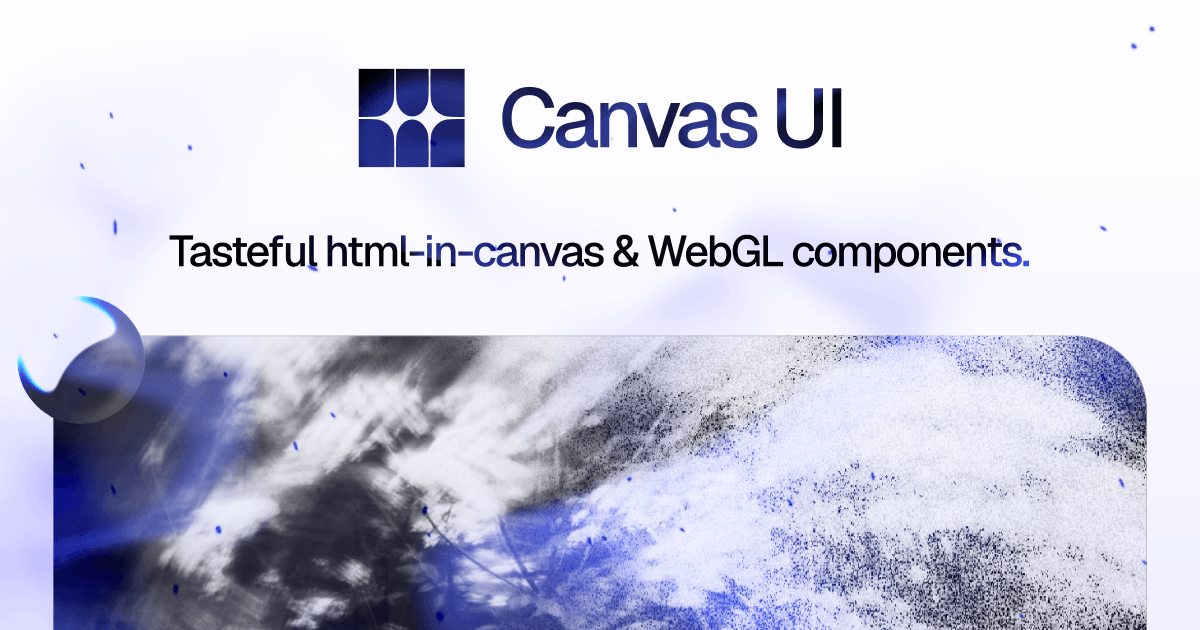
Canvas UI is an open source component library for frontend developers who want interactive canvas and WebGL effects without building every shader from scratch. Developers browse 25 live components, install one with the shadcn CLI or copy its typed source, then adjust the props inside their own repo. Every component ships for React, Solid, Preact, Vue, Svelte, and vanilla TypeScript. Some html in canvas effects currently need Chrome support for an experimental API, while unsupported browsers fall back to regular HTML.
Why Canvas UI works
Interactive canvas demos often stop at the demo because the code is difficult to port, inspect, and fit into an existing stack. Canvas UI removes that handoff by shipping the same effect as typed source for six frameworks through a shadcn registry, with live props and browser fallbacks. A team edits code it owns instead of wrapping a package it cannot shape.
Canvas UI features
- Editable source in your repo. The shadcn CLI drops a standalone component file into the project, with no package to pin. Developers can read, change, and version the code alongside the rest of the app.
- Six framework versions. Each effect ships for React 19, Solid 1.9, Preact 10, Vue 3.5, Svelte 5, and dependency free vanilla TypeScript with the same engine and options.
- 25 live component demos. The library includes 25 components and counting, with each demo running the real effect so developers can inspect the result before installing it.
- Graceful browser fallbacks. Components detect html in canvas support at runtime. Unsupported browsers render the content as regular HTML without errors, while pure WebGL effects work in modern browsers.
- GPU aware lifecycle. Effects render through WebGL outside React's render cycle, initialize only when mounted, pause off screen, clean up on unmount, and respect reduced motion preferences.
- AI assisted installation. The shadcn MCP server can browse the registry, read component metadata, and add a selected effect to a project from an assistant prompt.
Who Canvas UI is for
- Frontend developers building landing pages or product sites who want interactive visual effects as editable source instead of a locked package.
- Design engineers prototyping hero sections who need live demos and adjustable props before handing code into production.
- Teams using React, Solid, Preact, Vue, Svelte, or vanilla TypeScript that want the same visual language across different stacks.
- Developers using shadcn MCP who want an AI coding assistant to discover and install components from a prompt.
Similar micro SaaS ideas you can build
- Interactive experience handoff platform. A workspace where motion designers define WebGL effects, animations, and interactive behaviors with typed parameters, performance limits, accessibility notes, and implementation details that frontend engineers can directly use.
- Web experience quality monitor. An automated testing service that monitors interactive websites across browsers, devices, and accessibility settings, detecting broken WebGL effects, animation performance issues, missing fallbacks, and reduced motion problems.
- Interactive product showcase builder. A no code tool for ecommerce brands that turns product images, SVGs, or 3D models into interactive product experiences with effects like particles, glass, shaders, and animations that can be embedded into storefronts.