What is Build Mac App?
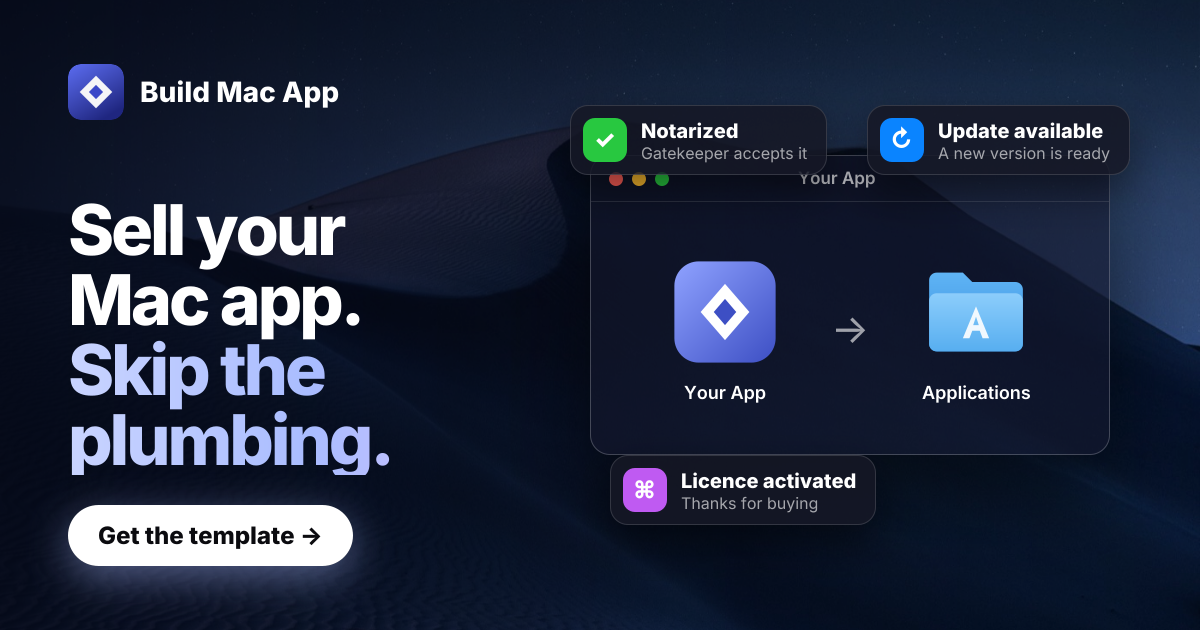
Build Mac App is a source code template for developers and agent assisted builders who want to ship paid macOS apps without rebuilding the sales and release layer. It includes a working Mac app and website, with signing, notarization, licence keys, payments, email, and automatic updates already wired together. Buyers receive the full source in a private GitHub repository and can use it for unlimited apps they own under a one developer licence.
Why Build Mac App works
Finishing the app code still leaves signing, notarization, licence keys, receipts, payments, updates, and a sales site between you and the first sale. Build Mac App starts with that release and commerce layer already connected, then uses checks to catch failures around signing, updates, payments, and configuration, so you build the product logic instead of rebuilding the plumbing around every release.
Build Mac App features
- Payments and licence keys. Customers can pay through Creem or Polar, with checkout, webhooks, refunds, licence activation per Mac, lost key recovery, and refund revocation already connected.
- Signed Mac releases. One release command builds a universal app for Apple silicon and Intel, signs it, submits it for Apple notarization, and checks the finished download with Gatekeeper.
- Automatic app updates. Sparkle is already wired in with signed appcasts and a per product EdDSA key, so customers can install new versions from inside the app.
- Sales site and email. The included Next.js site has pricing, legal pages, a blog, changelog, and download flow. Resend handles receipts, key recovery, refund notices, and launch email.
- Agent guided development. The repository includes a project map, a doctor command, checks that point to the file and fix, and thirteen skills built for Claude Code. Tools that read AGENTS.md receive the same project rules.
Who Build Mac App is for
- Mac developers building a paid app who want to spend their time on product features instead of assembling licensing, releases, checkout, and email.
- First time Mac app builders who are comfortable using Xcode, Terminal, and an AI coding agent and want a documented path from source code to first sale.
- Solo developers planning to ship multiple Mac apps who want one reusable foundation they can use for unlimited apps they own.
- Developers selling Mac software from their own website who need merchant of record payments, licence keys, receipts, notarized downloads, and automatic updates working together.
Similar micro SaaS ideas you can build
- Paid Windows app launch kit. A source template for independent Windows developers that connects the installer, licence validation, payments, release delivery, updates, receipt email, and sales site before they build the product itself.
- Commercial browser extension starter. A foundation for developers selling browser extensions that handles paid access, checkout, customer email, release notes, and the marketing site while leaving the extension logic to the builder.
- CLI software commerce kit. A starter for developers selling command line tools that packages checkout, licence validation, authenticated downloads, release delivery, receipts, documentation, and customer access into one reusable foundation.