What is Ironsmith?
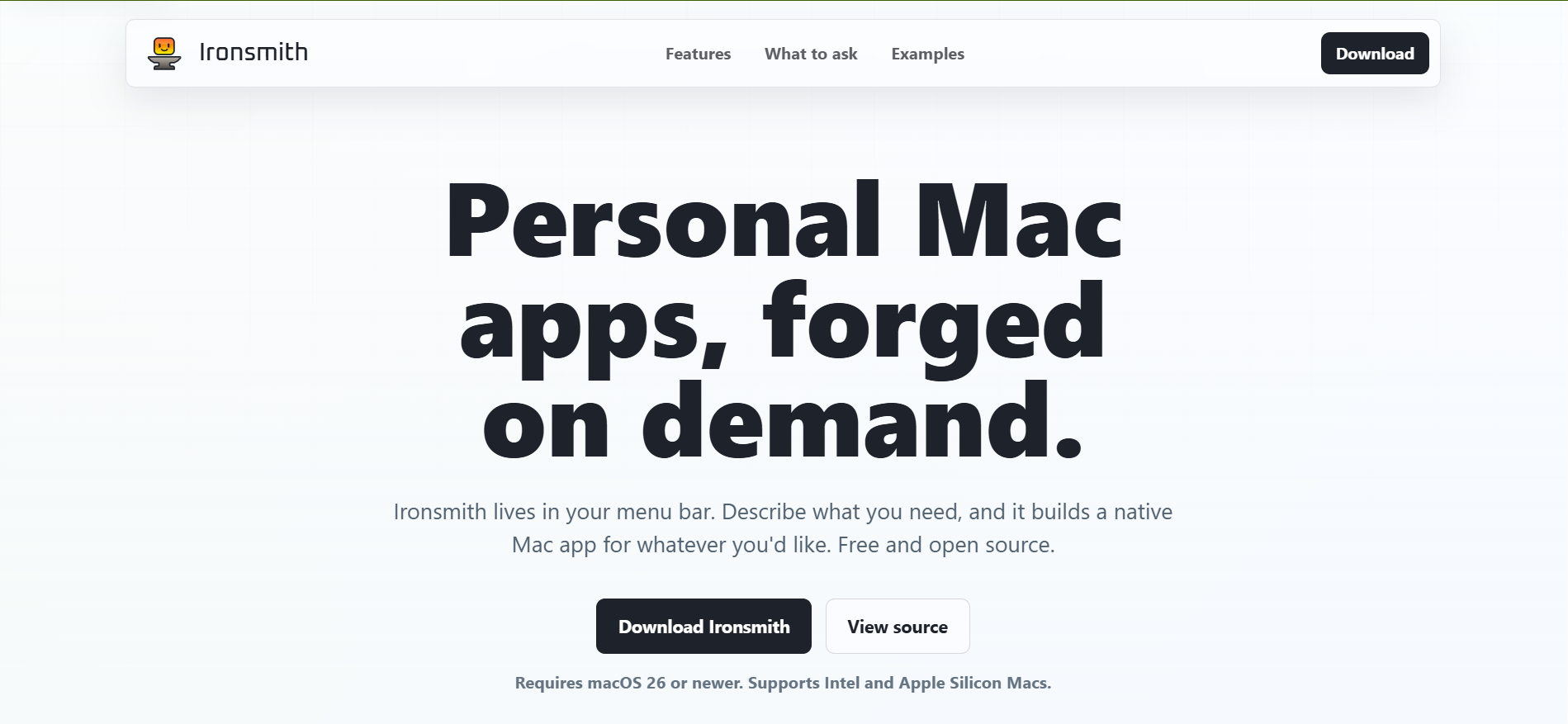
Ironsmith is a free open-source macOS menu bar app for people who want small personal Mac utilities without starting a full app project. Describe the tool you need, and Ironsmith generates, builds, saves, launches, edits, and exports a native SwiftUI app. It requires macOS 26 or newer, supports Intel and Apple Silicon Macs, and can work with local models, your own provider keys, or Ironsmith's hosted AI provider.
Why Ironsmith works
Small one-off utilities usually die as half-written scripts, bookmarked web tools, or notes about an app you wish existed. Ironsmith keeps the creation loop in the menu bar and compiles SwiftUI apps locally with sandboxing on by default, so a specific blocker becomes a signed Mac utility instead of another search tab or unfinished script.
Ironsmith features
- Menu bar app creation. Users can create a new app, run saved apps, edit an existing one, restore an earlier version, view code, or export a finished app bundle from the menu bar.
- Native SwiftUI output. Generated apps are Swift and SwiftUI apps, not Electron wrappers or background browsers.
- Local and hosted AI options. Ironsmith supports Ollama out of the box, OpenAI compatible endpoints, Apple's Foundation Model, OpenAI, Anthropic, Gemini, and Ironsmith's own hosted provider.
- No full Xcode install. Generated apps are Swift packages built with the Xcode Command Line Tools, and first launch checks whether those tools are installed.
- Sandboxed generated apps. Generated apps are built as signed app bundles with sandboxing and hardened runtime enabled by default, with sensitive permissions such as camera and microphone access turned on only when explicitly enabled.
Who Ironsmith is for
- Mac users who keep needing small personal utilities like screenshot renamers, PDF splitters, clipboard cleaners, or CSV inspectors.
- Developers and technical operators who want to inspect and edit generated SwiftUI code instead of relying on a black box.
- Privacy minded Mac users who prefer Ollama, Apple's Foundation Model, or another local endpoint for simple app generation.
- Non-engineers on macOS 26 who can describe a tiny workflow clearly and want a native app rather than a spreadsheet workaround.
Similar micro SaaS ideas you can build
- Internal tool generator for solo agencies. A desktop app that turns repeat client chores into tiny private tools, like image handoff checkers, invoice filename validators, or campaign QA forms.
- Personal automation builder for researchers. A local toolmaker for academics and analysts who need repeatable helpers for cleaning citations, splitting PDFs, renaming datasets, or checking notes before export.
- Micro utility builder for support leads. A prompt driven builder that creates small desktop tools for support teams, such as canned reply formatters, log scrubbers, bug report checkers, and escalation templates.