What is VideoResolver?
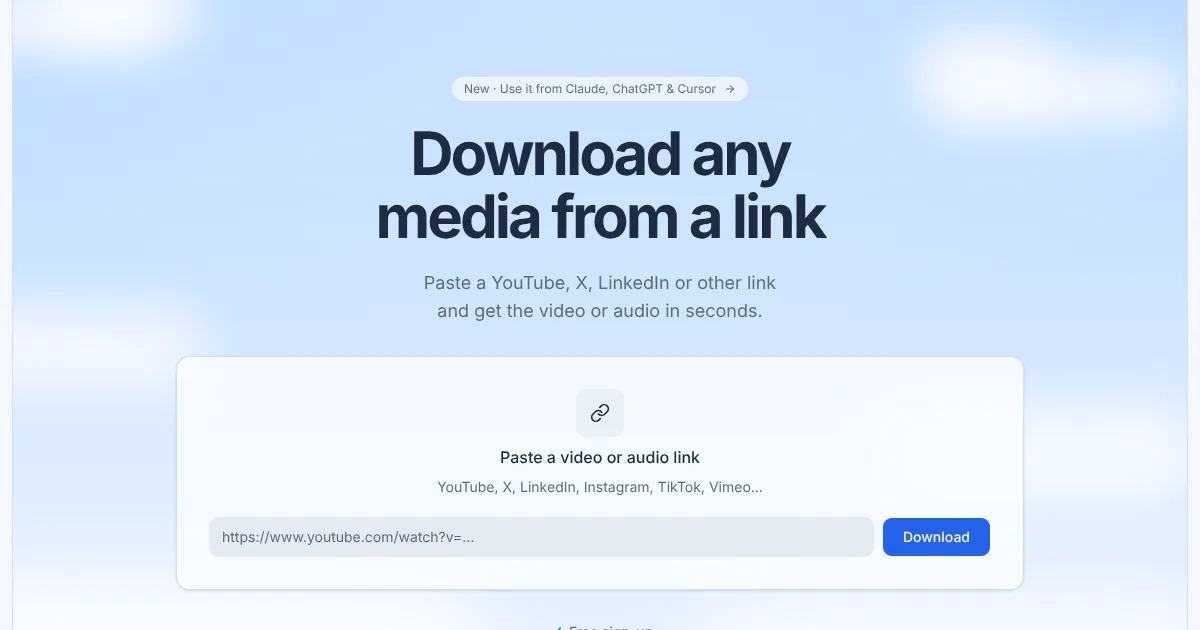
VideoResolver is a web tool that converts a video or audio link into a downloadable file across platforms including YouTube, X, LinkedIn, Instagram, TikTok, Vimeo, Facebook, Reddit, and Twitch. Users paste a link, choose a format (MP4, MP3, M4A, or WAV) and quality, and receive a download link within seconds. Files are stored privately for 48 hours and are only accessible to the account that requested them.
Why VideoResolver works
Downloading media from multiple platforms normally means juggling separate browser extensions, desktop apps, or unreliable free sites for each one. VideoResolver handles the cross-platform complexity through a single web interface and bills one credit per started minute, with failed downloads refunded automatically so credits are only spent on successful results.
VideoResolver features
- Multi-platform download. Accepts public links from YouTube, X, LinkedIn, Instagram, TikTok, Vimeo, Facebook, Reddit, Twitch, and more so users do not need a separate tool for each platform.
- Video and audio format selection. Delivers files as MP4 video or MP3, M4A, and WAV audio at qualities from 360p up to the best available, letting users keep the full video or extract only the soundtrack.
- Private file storage. Downloaded files are held in private storage for 48 hours and served only to the requesting account, never through a public link.
- Download history. Every download and its status appears in the account history so users can find and re-download files within the 48-hour window.
- MCP server and API access. An API key and MCP server let users ask Claude, ChatGPT, Cursor, or other compatible AI assistants to fetch media by simply describing the file they need.
- Credit refunds on failure. If a download fails, the credits used for that job are returned automatically, so users are only charged for completed files.
Who VideoResolver is for
- Video editors and content creators who regularly pull clips or audio from social platforms for use in their own projects and need a reliable single tool rather than platform-specific workarounds.
- Researchers and journalists who collect public video or audio for reference, transcription, or archiving and need files stored privately rather than through shared public links.
- AI workflow builders and developers who want their assistant (Claude, ChatGPT, Cursor) to fetch media on demand without switching to a browser or separate app.
- Podcast producers and audio teams who extract audio tracks from video interviews, conference talks, or social posts to use in editing pipelines.
- Marketing and social media teams who archive brand or competitor video for review, repurposing, or offline presentation.
Similar micro SaaS ideas you can build
- Social media clip archiver. Target: marketing agencies. Workflow: automatically save public videos from competitor and brand accounts to a private library at regular intervals. They pay to avoid manual downloading and keep a searchable record of published content.
- Podcast audio extractor. Target: podcast producers. Workflow: accept a YouTube or social video link and return a clean audio file ready for editing. They pay to skip the manual export step and get a consistent format without desktop software.
- AI research media fetcher. Target: researchers and analysts. Workflow: integrate with note-taking or research tools so users can attach video or audio files to notes by pasting a link. They pay for the convenience of having source media alongside written notes without manual downloads.
- Video translation prep tool. Target: localization teams. Workflow: download audio tracks from multilingual video content on demand, then pass them to a transcription or translation service. They pay to remove the manual sourcing step from a multi-stage localization pipeline.
- Creator content backup service. Target: solo creators and small studios. Workflow: watch a creator's public channel or profile and save new uploads automatically to a private archive before they can be deleted or made private. They pay for peace of mind that their own published work remains accessible.