What is Social Quack?
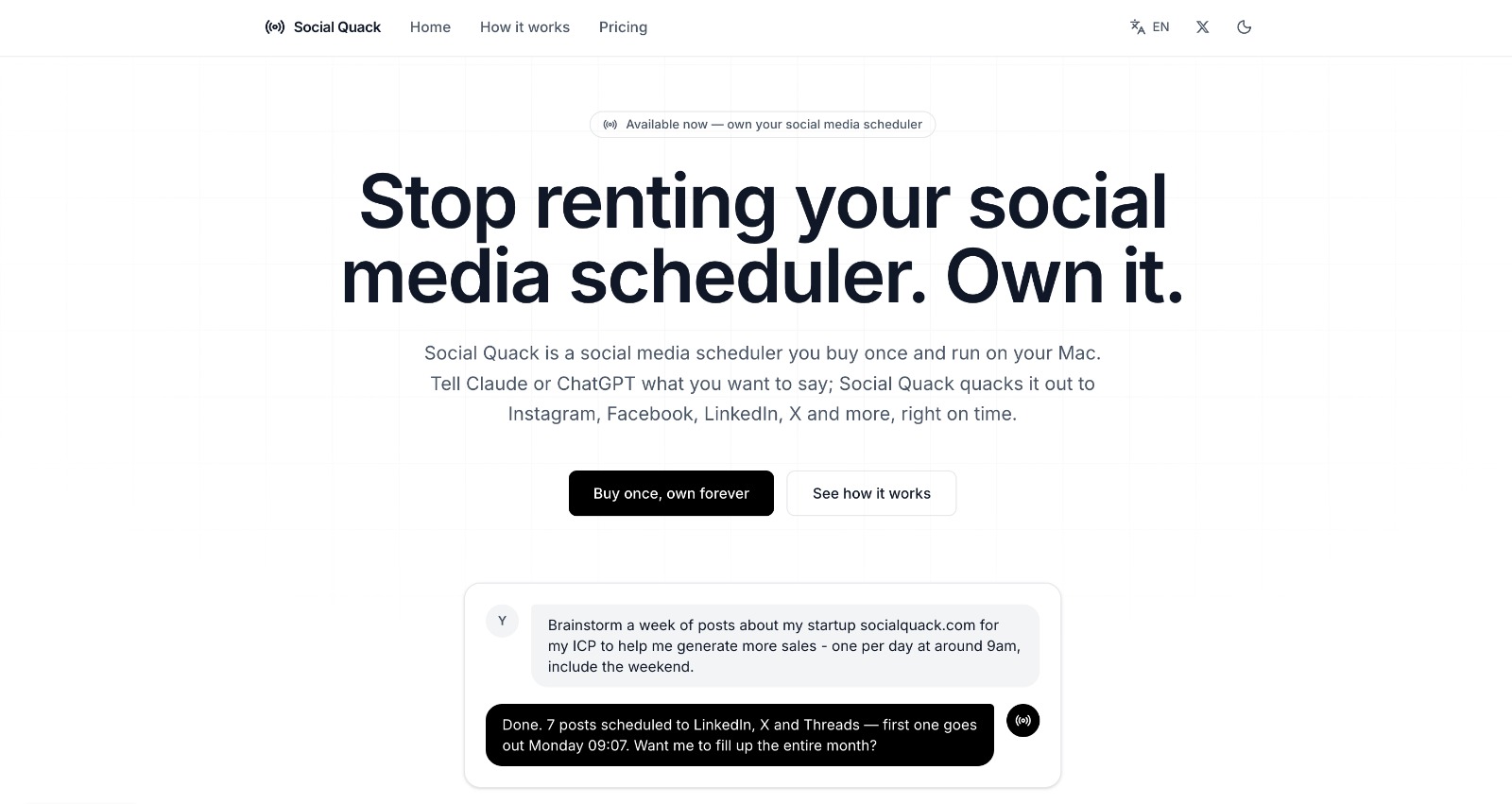
Social Quack is a Mac social media scheduler for people managing posts across several networks who want the queue to stay on their own computer. It connects Claude, ChatGPT, Cursor, and other MCP clients to the local queue, so users can draft, schedule, move, and review posts in plain English. It supports Instagram, Facebook Pages, LinkedIn, X, Threads, Bluesky, and Mastodon, and runs on macOS 12 or newer.
Why Social Quack works
Most social schedulers put the queue, credentials, and posting logic on a vendor's servers, so changing tools can mean giving up control of the system behind your publishing. Social Quack keeps the queue and credentials on the Mac, then exposes scheduling through MCP so Claude, ChatGPT, Cursor, and other clients can act on it in plain language. It turns a posting plan into scheduled local jobs instead of another round of dashboard clicking.
Social Quack features
- AI scheduling through MCP. Ask Claude, ChatGPT, Cursor, or another MCP client to plan, schedule, move, or inspect posts without working through the calendar manually.
- Local queue and credentials. Posts, drafts, account tokens, developer keys, settings, and schedules stay on the Mac, with credentials encrypted at rest.
- Seven social networks. Publish to Instagram, Facebook Pages, LinkedIn, X, Threads, Bluesky, and Mastodon from the same queue.
- Queue and calendar control. See scheduled, draft, published, and failed posts in one view, then edit, post now, reuse, delete, or drag items around the calendar.
- Free and Pro limits. Free mode includes 2 channels and 10 queued posts. Pro removes channel and post limits and includes lifetime updates.
- Timezone safe scheduling. A post set for 9am stays at 9am across daylight saving changes, with the app handling the date math.
Who Social Quack is for
- Mac users publishing across several social networks who want one local queue instead of a hosted scheduler.
- Founders using Claude or ChatGPT to turn a weekly content plan into scheduled posts without manual calendar work.
- People managing multiple brands or client accounts who need separate workspaces with their own channels and queues.
- Privacy conscious users who want posts, tokens, and platform credentials stored on their own computer.
Similar micro SaaS ideas you can build
- Client follow up queue for consultants. A desktop tool where a consultant can say "send the recap tomorrow, ask for approval Friday, and follow up next Tuesday", then review every scheduled email in one local queue before anything goes out.
- Rental turnover sequence for small landlords. A lightweight app that turns a tenant move out date into timed cleaning reminders, inspection tasks, key handoff messages, and contractor follow ups so each step happens without rebuilding the checklist for every unit.
- Release day runner for indie software teams. A tool that takes a release plan in plain English and queues the changelog update, customer announcement, community message, and internal reminders for the right times, with one place to move or cancel the sequence before launch.