What is OpenTweet?
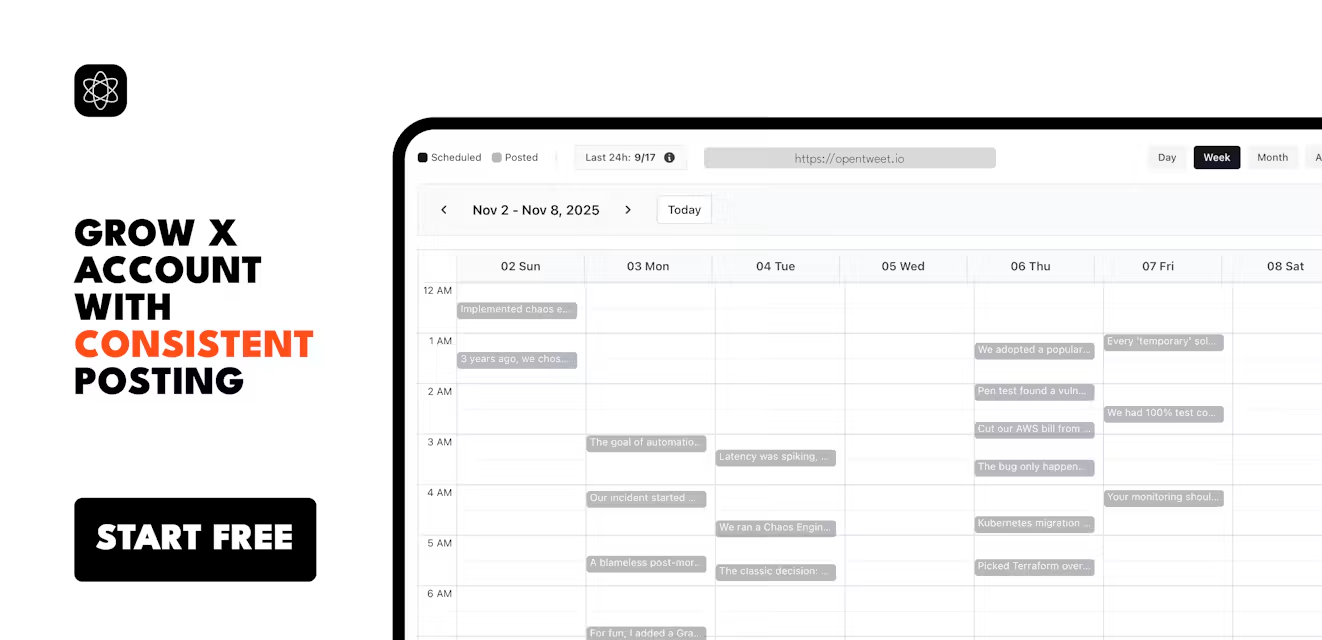
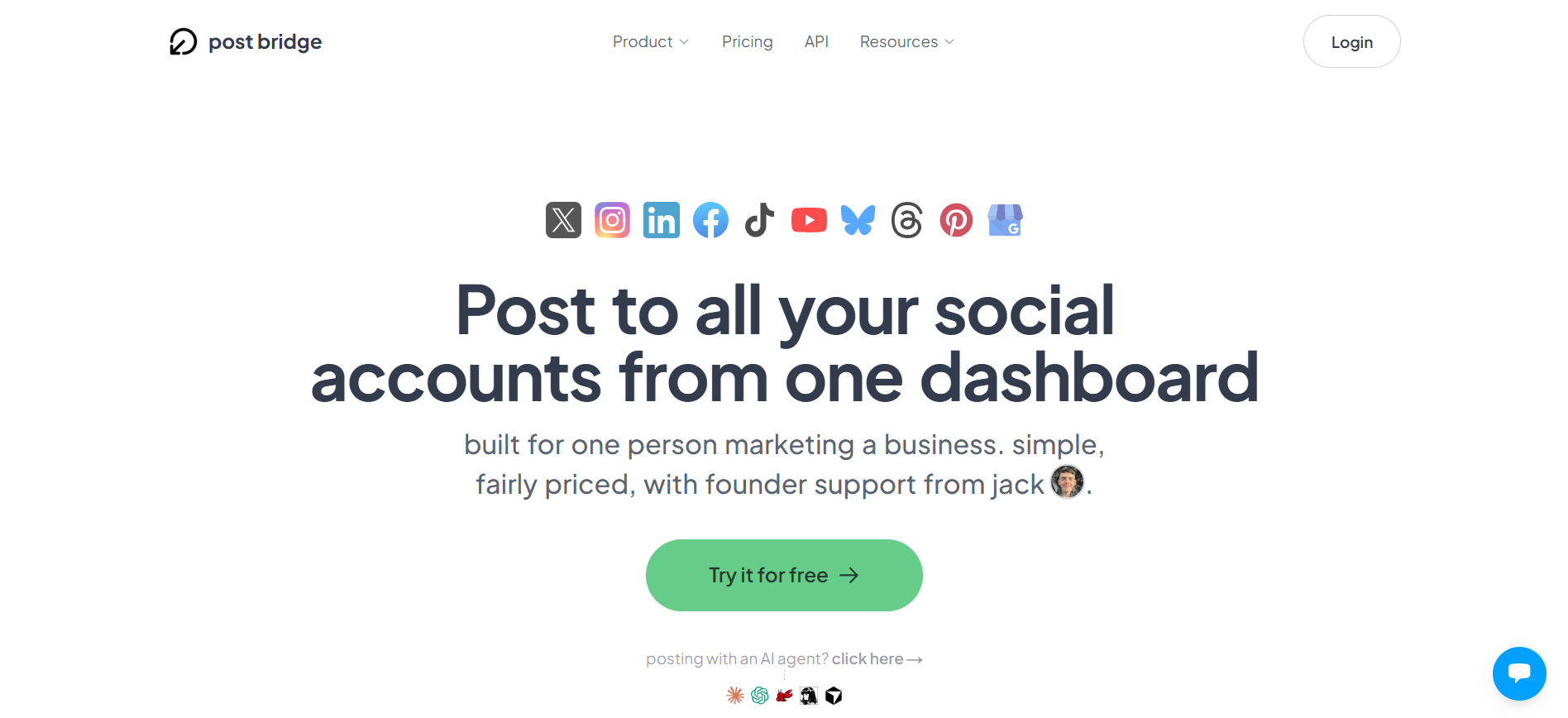
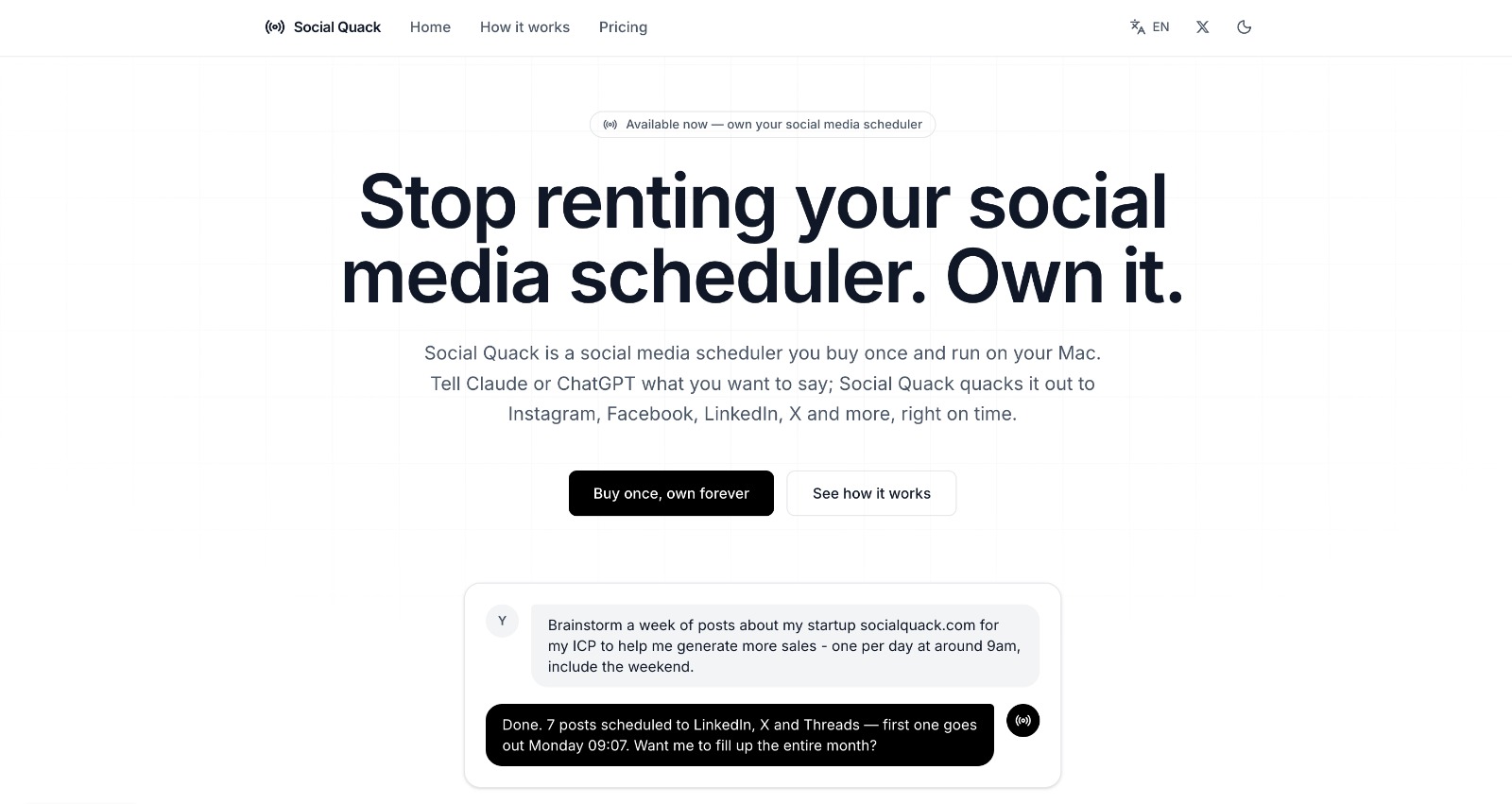
OpenTweet is a social publishing tool for developers, creators, and teams that want humans and AI agents posting through the same workflow. Agents can create and schedule posts through a hosted MCP server, REST API, or CLI, while the calendar exposes the same queue for review and rescheduling. It supports X, Bluesky, and personal LinkedIn profiles, with deeper scheduling, analytics, connectors, Articles, and DM workflows for X.
Why OpenTweet works
Giving an agent access to X usually leaves you building around developer credentials, posting calls, and a separate place to review what the automation scheduled. OpenTweet puts agent created and manually created posts into the same editable queue, so automation stays visible to the people responsible for the account. It makes an agent write into a reviewable publishing calendar instead of firing posts from a hidden script.
OpenTweet features
- MCP, REST, and CLI access. One OpenTweet key works across a hosted MCP server, REST API, and CLI, so agents, application code, and terminal workflows can publish through the same account. The MCP server exposes 43 tools.
- Shared publishing calendar. Posts created by an agent, a connector, or a person land in the same queue. Scheduled posts can be reviewed, edited, and dragged to another calendar slot before publishing.
- Native cross posting. One draft can publish as a native post to X, Bluesky, and LinkedIn. X and Bluesky can receive reply chain threads, while LinkedIn receives the thread as one post.
- Automated content connectors. RSS, GitHub, Stripe, JSON APIs, and webhooks can turn releases, articles, and milestones into drafts that enter the publishing queue.
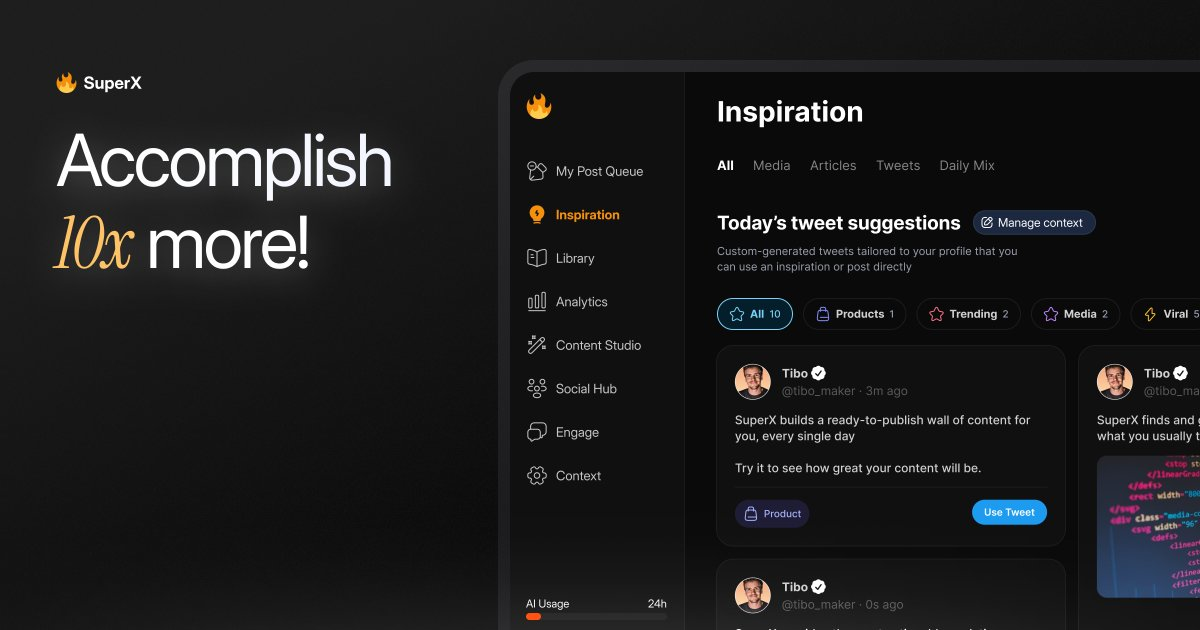
- AI writing and analytics. The studio can generate posts across seven AI models, while X analytics track impressions, engagement, growth, top posts, and posting times. Nothing generated by the AI publishes until it is reviewed and approved.
Who OpenTweet is for
- Developers building AI agents that need to publish or schedule X posts without setting up their own X developer account.
- Solo founders who want product releases, GitHub activity, or Stripe milestones flowing into a queue they can review before publishing.
- Content creators who want to schedule posts and threads from a visual calendar while also publishing through Bluesky and LinkedIn.
- Agencies managing several X accounts that need API access, higher posting limits, and one place to inspect automated and manual posts.
Similar micro SaaS ideas you can build
- Launch update autopilot. A tool for small software teams that watches GitHub releases, changelogs, and product events, turns meaningful changes into customer facing updates, then holds them in a review calendar before they go live.
- Founder activity digest. A service that collects signals from Stripe, GitHub, and a product API, finds the few events worth talking about, and prepares a weekly batch of approved updates for founders who do not want to manually hunt for posting material.
- Human approval layer for AI outbound agents. A control panel for AI agents that draft public announcements, community replies, or campaign messages. Every action enters one shared queue where a person can edit, approve, reschedule, or reject it before anything is sent.