What is SeedVideo AI?
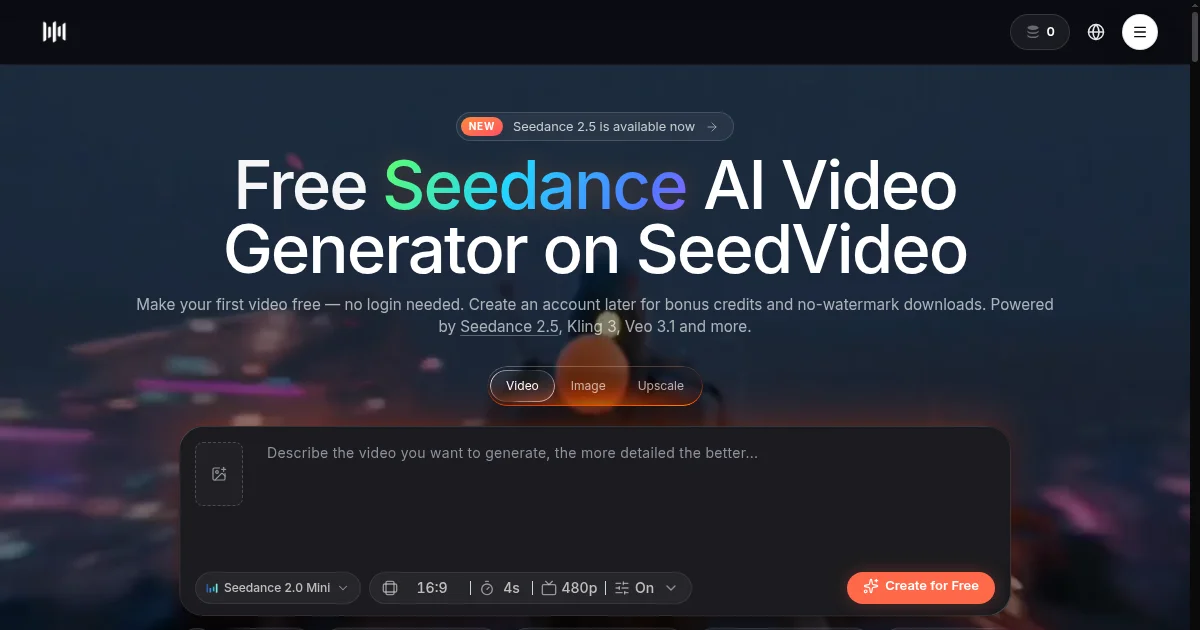
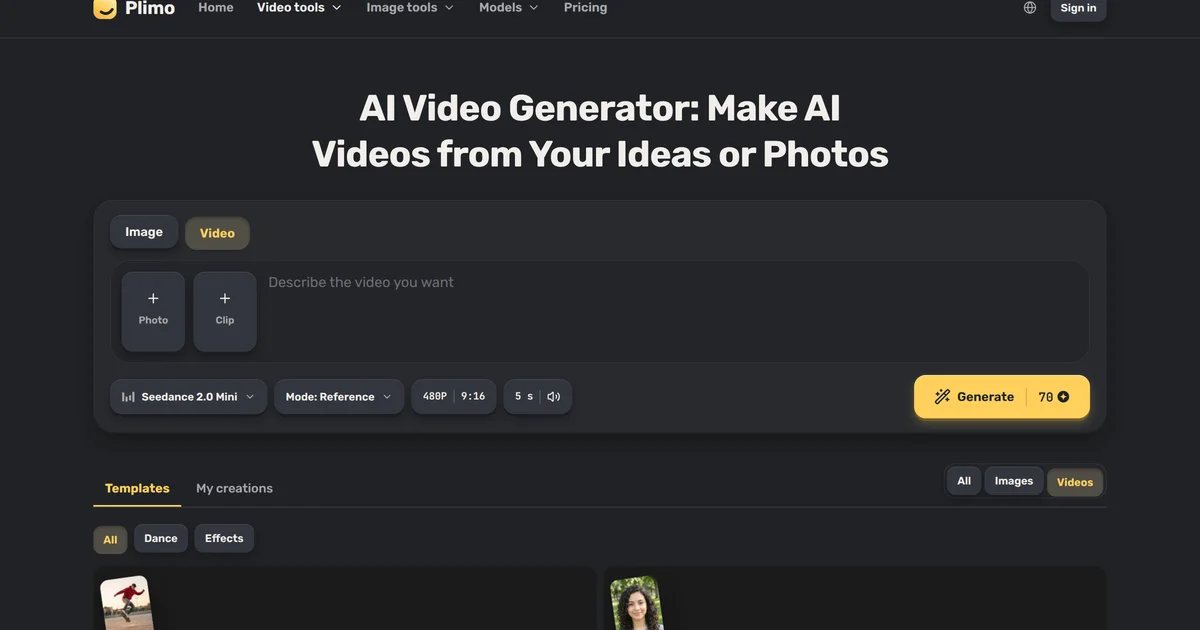
SeedVideo AI is a browser-based AI video generator that gives access to Seedance 2.5, Seedance 2.5 Flash, Seedance 2.0, Seedance 2.0 Fast, and Seedance 2.0 Mini through ByteDance's API, alongside Kling, Veo 3.1, Wan 3.0, and MiniMax H3, all on one account and one credit balance. Creators and marketers use it to turn a text prompt, a still image, or existing footage into short clips with sound at up to 4K, with no download and no waitlist. The same account adds tools for extending clips, copying motion, keeping a subject consistent, and cleaning up images, so the whole job stays in one place.
Why SeedVideo AI works
New video models tend to launch on separate sites with separate logins and bills, which makes comparing results and chaining tools slow. SeedVideo AI puts five Seedance versions next to Kling, Veo 3.1, and others on one credit balance, then adds tools that work on the footage and frames a creator already has: extending, upscaling, motion transfer, and character reference. Its public price index and speed pages show per-second costs for every video model and measured wait times for the main ones, so you can weigh cost and speed before spending credits.
SeedVideo AI features
- Five Seedance versions in one account. SeedVideo AI runs Seedance 2.5, Seedance 2.5 Flash, Seedance 2.0, Seedance 2.0 Fast, and Seedance 2.0 Mini through ByteDance's API, sharing one credit balance with Kling, Veo 3.1, Wan 3.0, and MiniMax H3, so you can test the same prompt across models without separate accounts or separate bills.
- AI Video Extender. Upload a clip of 2 to 30 seconds and Seedance 2.5 continues the scene from its last frame, adding 4 to 30 seconds of new footage with synchronized sound at up to 4K. A scene that ended too soon can be extended instead of reshot.
- First and Last Frame to Video. Upload a first frame and a last frame and SeedVideo AI generates the shot between them on any of 11 models, including Seedance 2.5, Kling 3.0, Veo 3.1, Wan 3.0, and MiniMax H3. The last frame adds no extra cost, and free credits run Seedance 2.0 Mini.
- Reference to Video. Upload images of a character, product, outfit, or location and SeedVideo AI puts that subject into a new clip. Seedance 2.5 takes up to 30 reference images plus 10 video clips, which keeps the same character or product recognizable from one shot to the next.
- Motion Control. Upload a character image and a 3 to 30 second reference video, and Kling 3.0 or Kling 2.6 Motion Control replays the movement as your character at 720p or 1080p, keeping the reference clip's sound. Available on paid plans.
- Video upscaler and image clean-up tools. MP4 and MOV clips up to 30 seconds can be upscaled to 1080P, 2K, or 4K. The same account includes a watermark remover for your own images, a background remover that outputs a transparent PNG, an image extender, and an image upscaler at 2x, 4x, or 8x.
Who SeedVideo AI is for
- Short-video creators who need social clips with sound from a text prompt or a still image, without keeping a separate account for each video model.
- Marketers building product or brand campaigns who want a character, product, or location to look the same across several clips, using Reference to Video with up to 30 reference images on Seedance 2.5.
- Video editors and content teams with existing footage who want to extend a clip, move a new character with a filmed movement, or upscale a clip to 4K in the same account they generate in.
- Creators who compare video models on cost and speed before spending credits, using the AI Video Price Index and the generation speed page to pick a Seedance, Kling, or Wan model for a given job.
- People new to AI video who want to try the Seedance models before paying, starting with a free first video and sign-up credits that need no credit card.
Similar micro SaaS ideas you can build
- Clip extension service for travel and documentary creators. Travel video editors who need a longer cutaway or b-roll shot without going back to a location upload the clip and get seconds added from its last frame, paying per second extended.
- Brand character video generator for product sellers. Small business owners upload reference photos of their mascot or spokesperson once and generate short, consistent video ads for social media each week, paying monthly instead of hiring a video team.
- Motion transfer tool for fitness and dance instructors. Fitness instructors and choreographers upload a demonstration video and a branded avatar image, then export clips of the avatar doing the routine for social posts or course content, paying monthly.
- AI video model cost benchmarking for agencies. Video production agencies compare AI video models by cost per second and how often jobs finish before recommending one to a client, paying for white-label reports built on public price and speed data.