What is Word Cloud Generator?
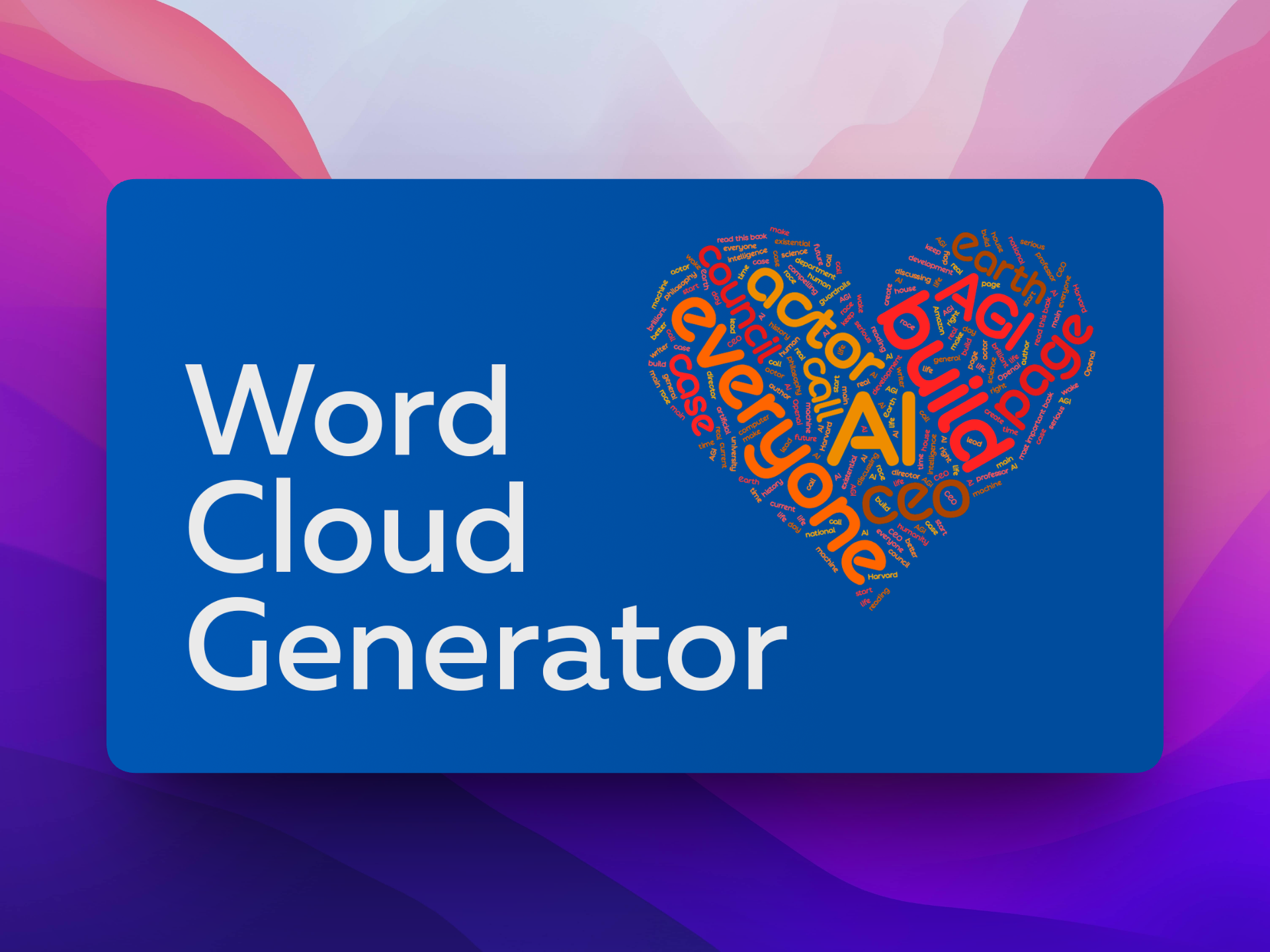
Word Cloud Generator is a Chrome extension that turns pasted text, dropped files, or selected webpage content into a visual word cloud inside the browser. It is built for students, educators, and marketers who want a quick way to surface the dominant terms in a body of text. The output updates in real time and can be exported in multiple formats for sharing or embedding.
Why Word Cloud Generator works
Hand-built tag clouds usually require pasting text into a separate site, fiddling with colors, and re-uploading every time the source changes. The extension keeps the workflow inside the active tab, so the cloud refreshes as the input changes and saves the trip to a standalone editor.
Word Cloud Generator features
- One-click capture. Paste text, drop a file, or grab content from the current webpage without leaving the browser, so users can build a cloud from whatever they are already reading.
- Real-time refresh. The cloud regenerates as the input text changes, helping users tune wording or trim filler before exporting.
- Style controls. Color, font, and layout settings let users match the cloud to a slide deck or brand palette.
- AI word balancing. An automatic weighting pass adjusts term prominence so the most meaningful words read clearly instead of being crowded out by common ones.
- Multi-format export. Save the result as an image for slides, reports, or embed it in a webpage.
Who Word Cloud Generator is for
- Teachers preparing a class discussion starter who want to visualize the key themes in an article or student survey response.
- Content marketers reviewing customer feedback or review dumps who need a fast way to spot recurring complaints and praise terms.
- Researchers summarizing interview transcripts or open-ended survey answers for a presentation deck.
- Students building a study aid that highlights the most-used terms in a textbook chapter or lecture transcript.
Similar micro SaaS ideas you can build
- Survey response visualizer. A web tool for HR and CX teams that ingests open-ended survey exports from Typeform or SurveyMonkey and produces themed visuals per question, sold per response volume.
- Meeting transcript highlighter. Pulls topic clouds from Zoom or Otter transcripts so consultants can hand clients a one-page recap of what was discussed, billed per workspace.
- Review mining for indie sellers. Scrapes Amazon and Etsy reviews into themed visuals plus a sentiment list, so small sellers can tune product copy without manual reading.