What is Url Opener?
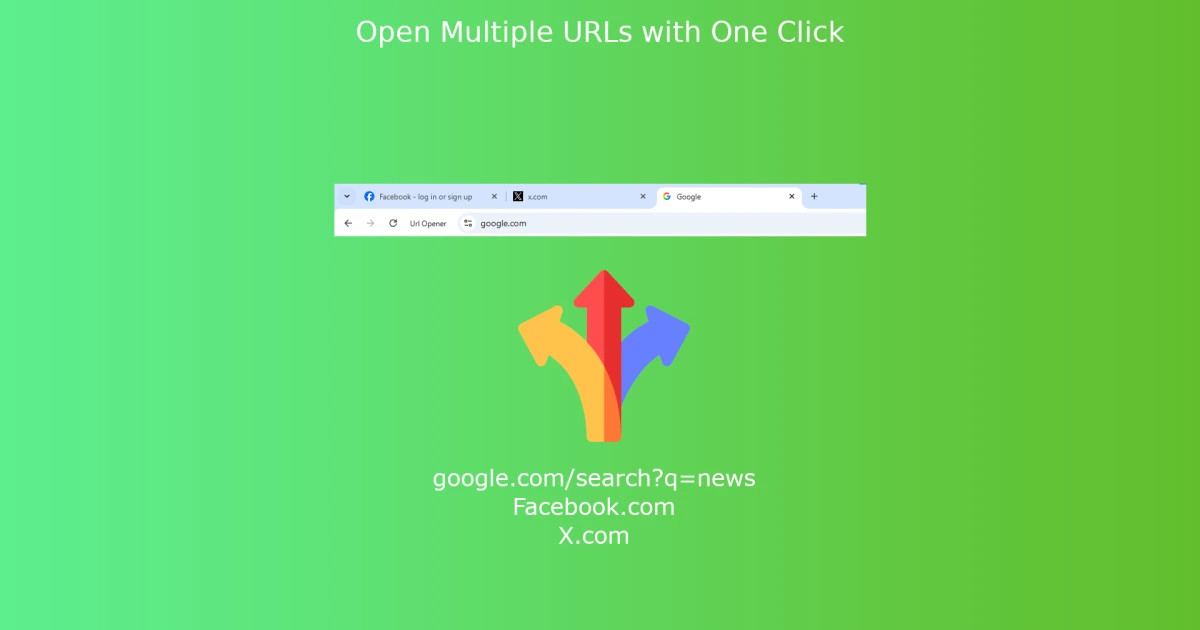
URL Opener is a Chrome extension that opens many URLs in browser tabs at once. The user pastes a list of links, sets how many to open in parallel, and presses one button. The extension is distributed free through the Chrome Web Store.
Why Url Opener works
Manually opening a list of links is repetitive work that kills focus and risks losing the list. Pasting once and triggering a batch keeps the browser doing the boring part, and rate limiting how many tabs open at once stops a slow machine from freezing on a large list.
Url Opener features
- Bulk link opening. Paste a list of URLs and open them in new tabs with a single click.
- Throttle control. Set how many tabs open at once so a large list does not freeze the browser.
- Broken link detection. Indicates when a link in the list is unreachable so the user can clean the list.
Who Url Opener is for
- SEO analysts inspecting a list of competitor URLs or backlink targets daily.
- Customer support agents opening a stack of ticket links at the start of a shift.
- Procurement researchers comparing vendor pages across a long shortlist.
- Teachers and trainers opening multiple resource pages for a class in one motion.
Similar micro SaaS ideas you can build
- Saved link batch launcher. An extension that saves named groups of URLs and reopens them on demand, sold to consultants who run the same research routine weekly.
- Daily reading queue opener. A Pocket-like service that emails a curated list and opens the day's batch with one click, sold as a small monthly subscription.
- Bulk competitor crawler launcher. A tool that takes a list of competitor URLs and opens each one in archived or live view side by side, billed per SEO seat.