What is Chrome Reader Mode?
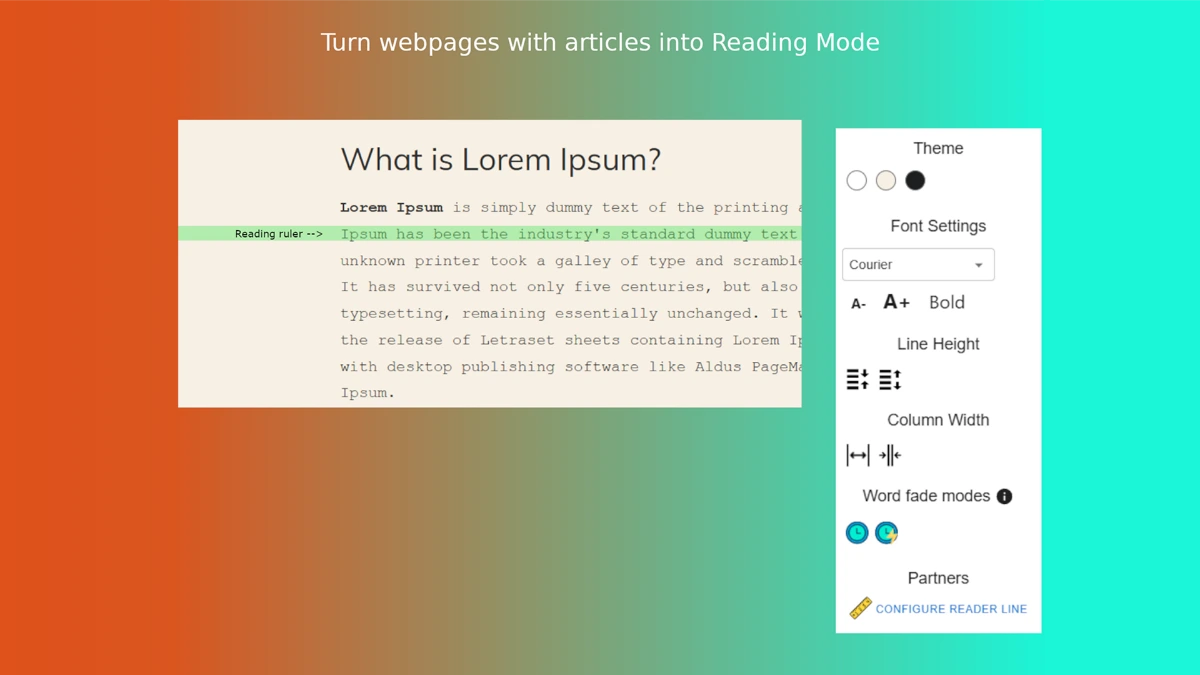
Chrome Reader Mode is a browser extension that strips ads, popups, and visual clutter from any web article. One click swaps the page for a clean reading view with adjustable font size, text width, line spacing, background color, and dark mode. It is distributed through the Chrome Web Store.
Why Chrome Reader Mode works
Long-form articles often hide under sticky headers, autoplay video, and newsletter prompts. The extension collapses all of that into typography settings the reader controls, which helps with comprehension on dense pages and reduces eye strain on long reading sessions. The single-click toggle keeps it out of the way when you do not need it.
Chrome Reader Mode features
- One-click activation. Toggles reader view on any article without opening a settings panel.
- Typography controls. Adjust font size, text width, and line spacing to a personal reading comfort level.
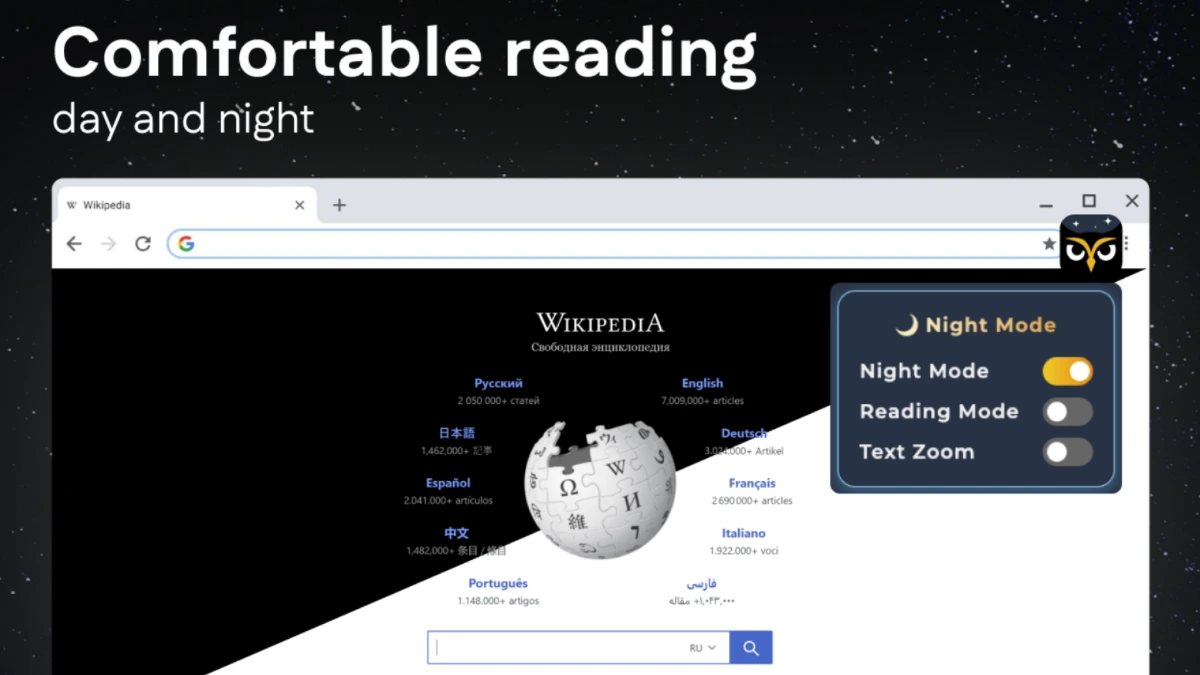
- Theme options. Background color choices including dark mode reduce glare for late-night reading.
- Ad and popup stripping. Removes ads, newsletter modals, and chat widgets that surround the article body.
Who Chrome Reader Mode is for
- Students reading long research articles and journal pages who need a distraction-free view for note-taking.
- Knowledge workers reviewing reports and longform analysis as part of their daily research routine.
- Readers with visual sensitivity who rely on dark mode and adjustable font size to read web articles comfortably.
- Writers and editors auditing competing articles who want a clean view of the text without sidebar noise.
Similar micro SaaS ideas you can build
- Reader mode for academic PDFs. A browser extension that reformats arXiv and journal PDFs into a clean reading view with footnote popovers, sold to students and researchers as a yearly subscription.
- Article-to-Kindle sender. A reader extension that also sends the clean article to a Kindle or Pocket library on click, billed monthly to heavy long-form readers.
- Focus mode for documentation sites. A tool that strips navigation chrome and ads from API docs and product help centers for engineers in deep debugging sessions, sold per seat to dev teams.