What is Timesheet OCR?
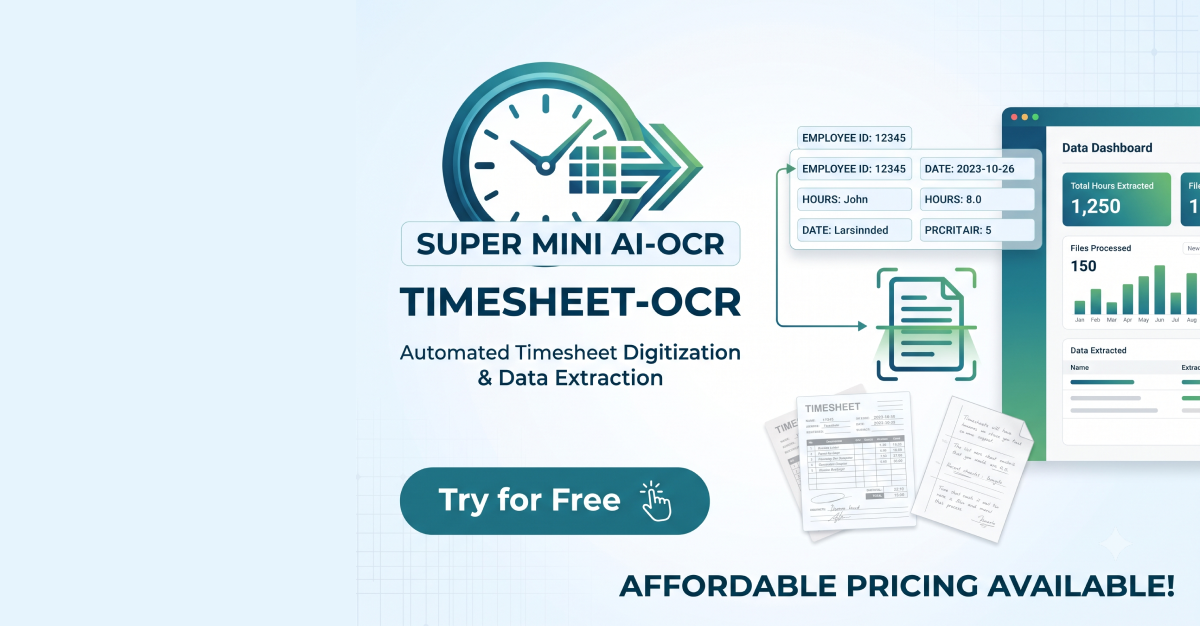
Timesheet OCR is a paper attendance OCR tool for workplace admins who still collect handwritten or printed timesheets. Users upload a photo, PDF, PNG, or JPEG up to 10 MB, and the app turns clock in, clock out, break, and daily hours into an editable time table ready for CSV or Excel. It runs on sheet credits, with one credit per paper timesheet scan and no monthly subscription.
Why Timesheet OCR works
Generic OCR treats a timesheet like any other document, which leaves the operator cleaning up rows, breaks, and daily totals by hand. Timesheet OCR narrows the job to attendance forms and returns an editable table with the fields the form actually needs, so a paper sheet becomes exportable work time data instead of another image to retype.
Timesheet OCR features
- Attendance specific OCR. It is built for paper attendance forms and extracts clock in, clock out, break, and daily hours instead of treating the sheet as a generic document.
- Editable export table. Users get an editable time table that is ready for CSV or Excel, so a scanned form can move into a spreadsheet without manual retyping.
- Private upload handling. Uploads are processed securely, images are never used for AI training, and OCR results are not retained by the system.
- Per sheet credits. Each credit covers one paper timesheet OCR. Pricing is $0.20 per sheet, with a 5 sheet minimum and no monthly fee.
- Review before use. Extracted data may contain errors, so the output should be reviewed before it is used.
Who Timesheet OCR is for
- Office admins who receive paper attendance sheets and need a clean CSV or Excel table instead of typing each row by hand.
- HR coordinators checking clock in, clock out, breaks, and daily hours from handwritten or printed forms.
- Small business owners with occasional paper timesheet scans who prefer per sheet credits over a monthly subscription.
- Operations managers on global teams who need one upload flow for PDF, PNG, and JPEG attendance forms.
Similar micro SaaS ideas you can build
- Fuel log OCR for field crews. A focused extractor for handwritten vehicle mileage and fuel logs that returns dates, odometer readings, driver names, and trip notes as an editable table.
- Delivery slip extractor for couriers. A tool for local courier companies that turns signed paper delivery slips into structured rows with recipient, time, route, and exception fields.
- Warehouse pick ticket extractor. A tool for small distributors that converts handwritten pick tickets into structured rows with SKU, quantity, bin location, and picker initials, ready to paste into inventory or WMS software.