What is Text Zen - Text Expander?
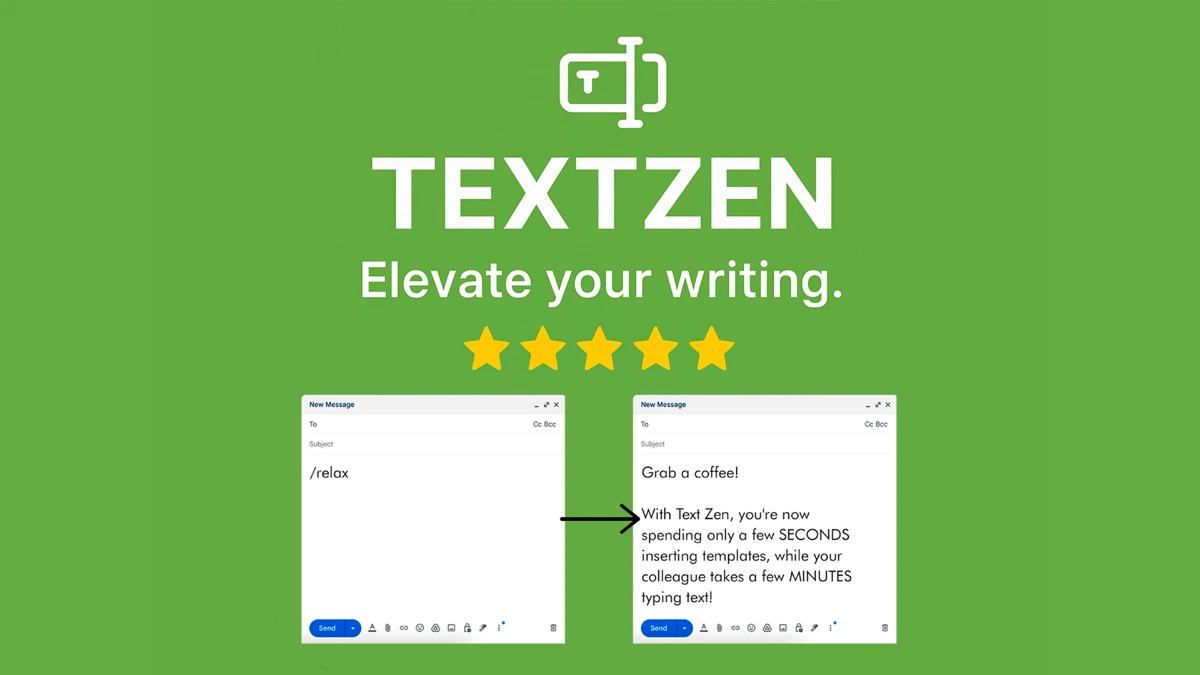
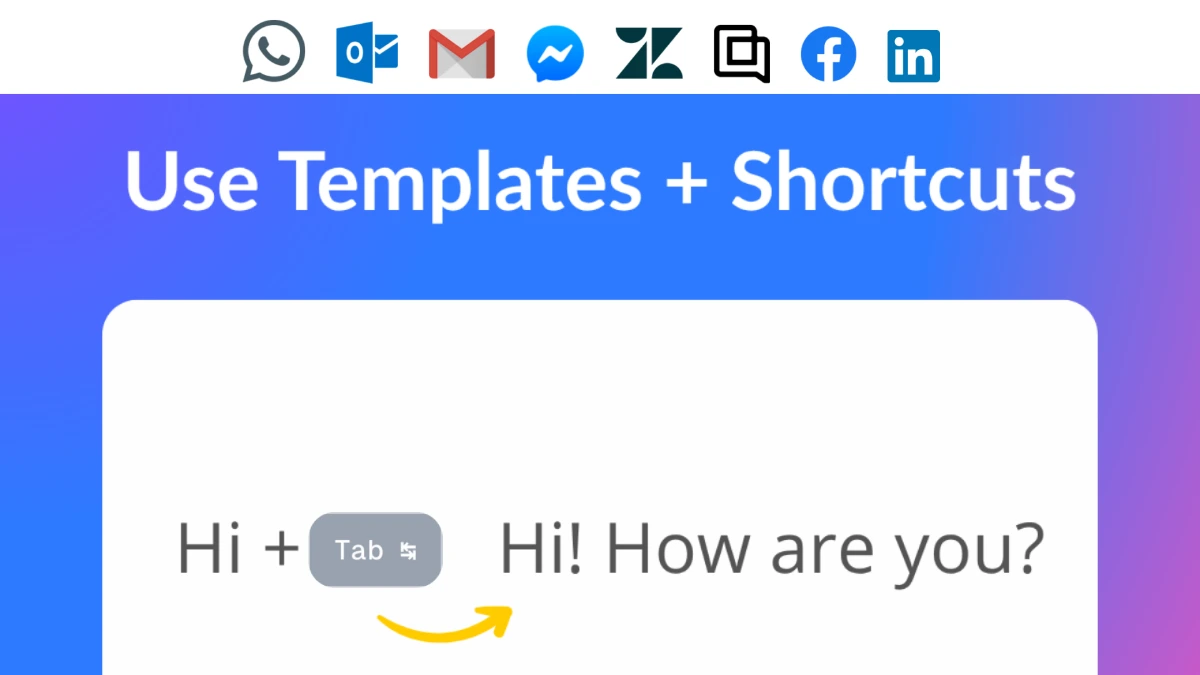
Text Zen is a free Chrome extension that expands short shortcuts into full phrases, templates, and responses across any website with a text input. The page lists unlimited expansions on the free tier, with paid tiers at $4.99 per month, $45.99 per year, and $99.49 lifetime for cloud sync and priority support. It targets customer support, healthcare, sales, recruiting, and legal users who type the same content repeatedly.
Why Text Zen - Text Expander works
Customer support reps, sales reps, and clinicians copy the same paragraphs of text dozens of times a day, and tools that solve this are usually paid-only or platform-locked. Text Zen runs in the browser, expands shortcuts inside Zendesk, Gmail, Salesforce, and the CRM of choice, and keeps the core feature free so the team can adopt it without procurement.
Text Zen - Text Expander features
- Customizable snippets. Map short triggers to full responses, templates, or links so common replies appear with a few keystrokes.
- Cross-site expansion. Snippets fire across any website with a text input, including ChatGPT, Claude, Gemini, Zendesk, Freshdesk, and Intercom.
- Dropdowns and forms inside snippets. Snippets can include dropdown choices and form fields for cases like patient notes or order updates that need light variability.
- Cloud sync on paid tiers. Paid plans add cloud sync and backup so the same library follows users across machines.
- Smart search for the snippet library. Users can search saved snippets when they cannot remember the shortcut, useful for large libraries.
Who Text Zen - Text Expander is for
- Customer support agents using Zendesk or Intercom who send the same troubleshooting steps and knowledge-base links every day.
- Doctors, nurses, and veterinarians who repeat patient instructions, treatment plans, and standard chart notes across many records.
- Sales reps managing pipelines in Salesforce or HubSpot who reuse pitch emails and follow-up templates across deals.
- Recruiters running multiple roles who reuse interview questions, candidate updates, and scheduling links.
- AI power users who maintain a library of long prompts for ChatGPT, Claude, and Gemini.
Similar micro SaaS ideas you can build
- Clinical snippet library. A specialty-specific expander for veterinary and pediatric practices with pre-built templates and a compliance log, sold per provider.
- Prompt library manager. A Chrome extension for AI heavy users that organizes prompts by project and shares them across a team, billed per seat.
- Recruiter outreach kit. A snippet plus scheduling tool for agency recruiters with role-specific templates and Calendly hooks, sold per recruiter.