What is skillsync?
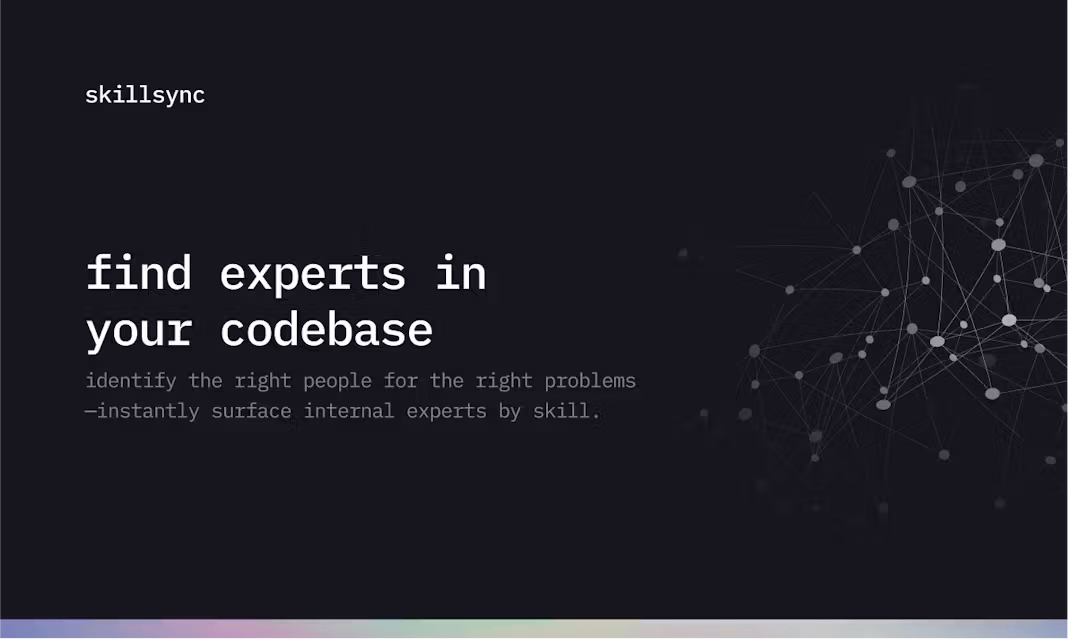
SkillSync is a platform for people who have taught an AI a useful way to do something and want others to use the same approach. They can publish that know-how as a skill, share it from a profile or inside a post, sell it, or save it to a team library. An MCP connector lets ChatGPT, Claude, Cursor, and other compatible assistants find a saved skill and use its instructions in the current chat.
Why skillsync works
The useful way someone has taught an AI to do a job usually disappears inside that person's chats, which makes the method hard to share and easy to lose. SkillSync turns that working method into a reusable skill that people can save and assistants can load when the task comes up, so expertise travels with the work instead of staying buried in one person's conversation history.
skillsync features
- Publish what you taught your AI. Turn a working AI method into a public skill that other people can open, try, and add to their own library.
- Carry skills between assistants. Connect your library through MCP so ChatGPT, Claude, Cursor, or another compatible assistant can find a skill and use its instructions in the chat you are already in.
- Share skills from one profile. Public skills live behind a single profile link, and individual skills can also be embedded inside posts for readers to open and save.
- Track whether a skill gets used. See visits, library adds, and agent uses for the skills you publish rather than measuring distribution by link clicks alone.
- Share one workflow with a team. Save a skill to a team library and everyone gets it automatically, including teammates working in different supported AI assistants.
- Sell individual skills. Creators can set a price on a skill. SkillSync takes 10% only when a sale is made.
Who skillsync is for
- People who have developed useful research, writing, coding, sales, design, or hiring methods with AI and want to share the method itself.
- Creators who want one public profile for AI skills that followers can open, save, and use in their own chats.
- Teams that have repeatable workflows such as deal reviews or code reviews and want teammates using the same instructions across different AI assistants.
- AI users who move between ChatGPT, Claude, Cursor, or other MCP compatible tools and want their saved methods available across them.
Similar micro SaaS ideas you can build
- Review method runner for engineering teams. A tool that turns a senior engineer's review method into checks that run against each pull request or database migration, so the reasoning behind good reviews survives beyond the person who wrote the checklist.
- Sales call preparation playbook. A focused app that captures how a strong rep researches an account, then applies that method to each new prospect before outreach so newer reps follow the same reasoning without copying old notes.
- Hiring debrief calibration tool. A small product that captures how a hiring team evaluates candidates and applies the same evaluation prompts during each debrief, so interviewers compare evidence using a shared method instead of rebuilding the rubric each time.