What is ScreenSmooth?
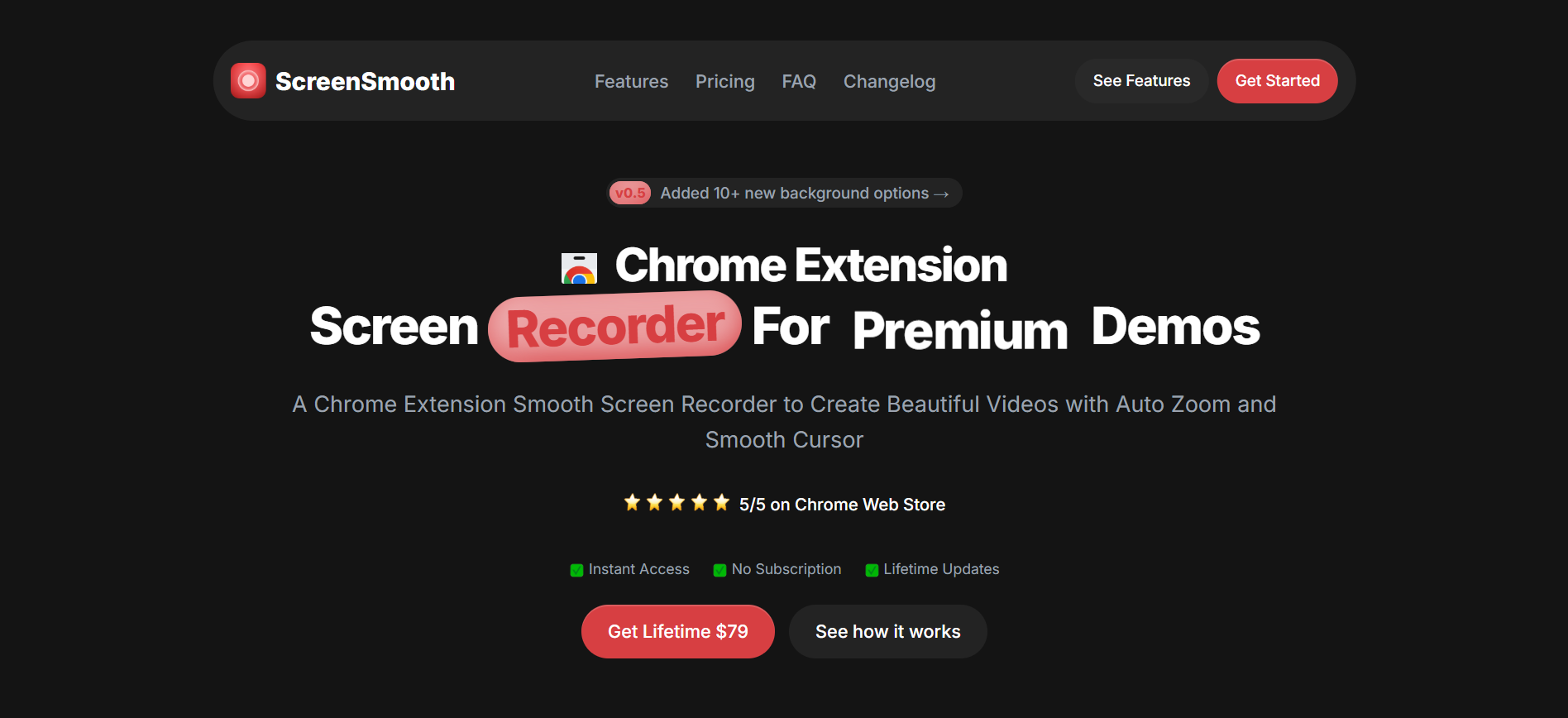
ScreenSmooth is a Chrome screen recorder for people creating product demos and screen videos. It detects clicks to add automatic zooms, smooths cursor movement, and lets users adjust zooms, backgrounds, aspect ratios, and exports after recording. It works through Chrome, Edge, or Brave on Windows, macOS, and Linux, with MP4, WebM, and GIF export.
Why ScreenSmooth works
Raw screen recordings make viewers follow every tiny cursor movement and hunt for the action that matters. ScreenSmooth uses click based zooms and smoothed cursor motion to guide attention automatically, so a demo focuses on each interaction instead of making the viewer search the whole screen.
ScreenSmooth features
- Automatic zooms. Clicks can trigger zooms around the relevant area, and users can manually add or edit zooms when the automatic result needs adjusting.
- Smooth cursor movement. Shaky mouse movement is turned into smoother cursor motion so recorded walkthroughs are easier to follow.
- Flexible video framing. Recordings can use different dimensions for publishing to YouTube, X, TikTok, or Instagram.
- Custom backgrounds. Users can place recordings over wallpapers, colors, or an uploaded background, with draggable zoom positioning and live preview.
- Multiple export formats. Finished recordings can be exported as MP4, WebM, or GIF files.
- Local browser recording. Recording data stays local because ScreenSmooth runs inside the browser.
Who ScreenSmooth is for
- SaaS founders recording product demos who want clicks and interface changes to remain easy to follow.
- Creators publishing screen based videos to YouTube, X, TikTok, or Instagram who need different output dimensions.
- People working across Windows, macOS, or Linux who want the same browser based recording workflow on each machine.
- Commercial users creating videos for client or business projects who need a license that permits commercial use.
Similar micro SaaS ideas you can build
- Bug reproduction clip builder. A tool for QA teams that records a failed workflow, then automatically trims dead time and centers each click or error state so developers can understand the reproduction path without watching the full session.
- Feature update video generator. A tool for SaaS teams that turns a short product recording into a release clip, automatically focusing on the changed interface and reframing it for social posts, changelogs, or customer updates.
- Customer handoff walkthrough maker. A tool for agencies and consultants that turns rough screen recordings into focused client walkthroughs, keeping attention on each setting or deliverable so handoffs are easier to follow without manual video editing.