What is Retext?
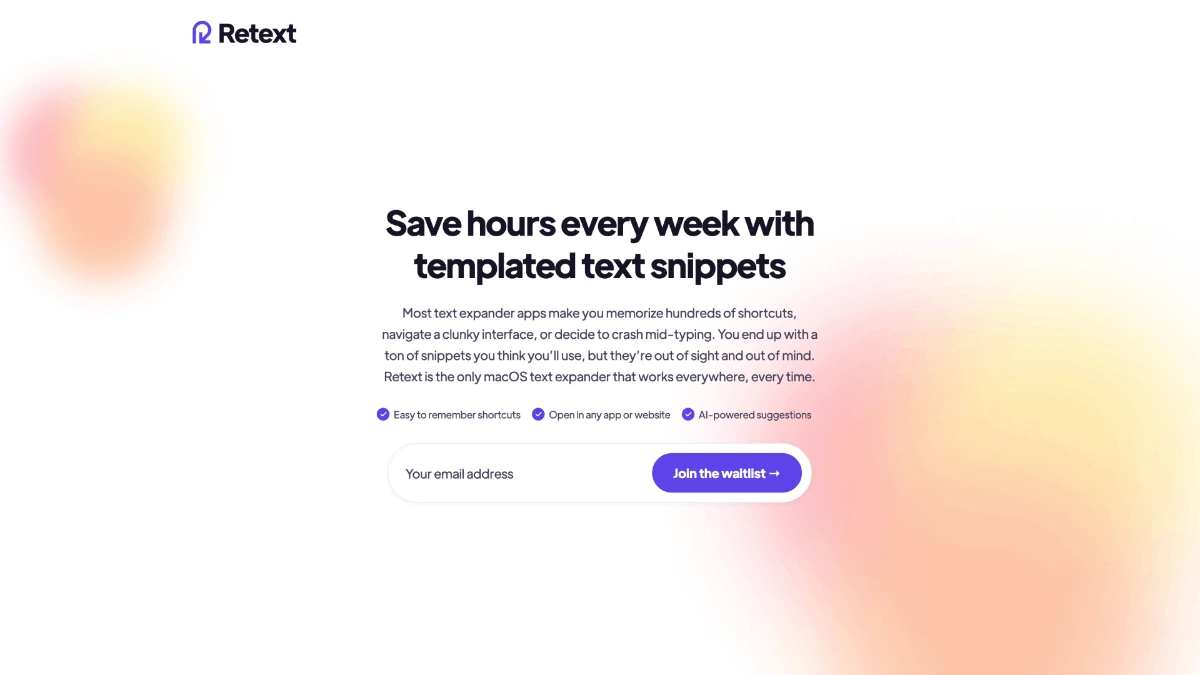
Retext is a macOS text expansion app that replaces short keyboard triggers with full text snippets across every Mac application. Users type a semicolon followed by a trigger such as ;addr and the app instantly expands it into a saved phrase. It runs on macOS Sequoia or later, stores snippets locally, and supports AI generated snippets through Anthropic's API on the paid plan.
Why Retext works
People who write emails, reply to support tickets, or paste boilerplate code retype the same phrases dozens of times a day. Retext removes that repetition by intercepting keystrokes system wide and writing the full text in place, which trims minutes per task and keeps formatting consistent across teams.
Retext features
- System wide expansion. Triggers work in every Mac application after the user grants Accessibility permission, so the same snippet works in Mail, Slack, and the terminal.
- Semicolon trigger. Snippets fire when the user types a semicolon followed by a trigger, which the developers chose because it is easy to type and rarely starts a word.
- Local snippet storage. Snippets stay on the Mac and Retext does not send data anywhere by default, which suits users handling client content.
- AI snippet generation. The paid plan adds AI generated snippets through the Anthropic API for users who want help writing common replies.
Who Retext is for
- Customer support agents on Macs who reply to dozens of tickets a day with similar wording and want a faster way to insert canned replies.
- Software developers who paste the same import blocks, license headers, and boilerplate code across projects.
- Sales reps replying to inbound demo requests who reuse the same intro paragraphs and meeting links.
- Privacy minded freelancers and consultants who want a snippet manager that keeps confidential phrases on device.
Similar micro SaaS ideas you can build
- Windows Snippet Expander. A system wide expander for Windows that mirrors Retext's semicolon trigger and AI snippets, sold per user to enterprise IT teams that lack a paid expander.
- Team Snippet Library. A shared snippet vault for support teams with role based access and versioned templates, sold per seat to SaaS support organizations.
- Legal Boilerplate Macros. A Mac expander tuned for solo attorneys with template clauses, disclosure language, and matter aware variables, billed per attorney seat.
- Code Comment Expander. An expander for developers that drops in license headers, JSDoc blocks, and review checklists with one trigger, sold per developer monthly.