What is MockFrame?
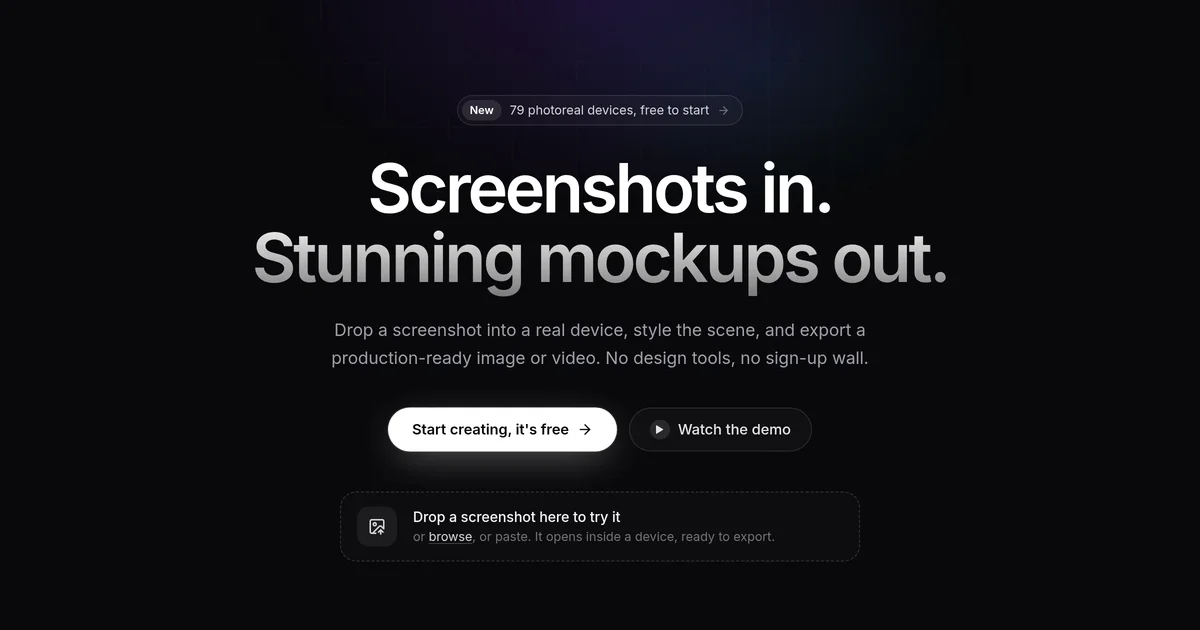
MockFrame is a free online mockup studio that places a screenshot inside a photoreal device frame, styles the scene with backgrounds, glare and annotations, and exports a finished image or video. It covers 79 devices: iPhones, iPads, MacBooks, Apple Watches, Android phones, browsers, and desktops. No account is required to start, and exports on the free plan are watermark-free for personal and non-commercial use.
Why MockFrame works
Turning a raw simulator screenshot into a polished marketing image usually means building the frame and background by hand. MockFrame shortens that path: a screenshot goes in, a scene sized for the App Store, Instagram, X or YouTube comes out in seconds. The same editor handles App Store screenshot sets, screen recordings with auto zoom, chat story videos and launch-day assets, so a founder or small team can cover the pre-launch visuals in one place.
MockFrame features
- Pixel-accurate device library. Covers 79 devices at their native screen resolutions, including 42 phones, 14 watches, 11 tablets, 7 laptops, 3 browsers, and 2 desktops, so a screenshot fills the frame without stretching or cropping.
- Backgrounds and export presets. 129 backgrounds across 22 collections ship with the editor, with 74 available on the free plan, and 29 size presets for Instagram, X, YouTube, Dribbble, and the App Store cover the most common output sizes.
- App Store screenshot generator. Upload 3 to 10 raw screenshots, pick a style, and download one zip with every required Apple and Google Play size plus a README that says which folder uploads where.
- AI screenshot pack generator. Describe the app in a sentence and the AI generator designs an 8 to 10 screen conversion narrative, writes every caption and lays out concept screens, then you swap in your real screenshots.
- Chat screens for stories and videos. Script a conversation in WhatsApp, iMessage, Telegram, Instagram, Slack or Discord style and export it as a vertical video for TikTok, Reels or Shorts. WhatsApp and iMessage are on the free plan; the full set needs Pro.
- Screen recorder with auto zoom. Record your screen and get smooth zooms wherever you click, with click sounds, a camera bubble and a cursor of your choice. Pro exports recordings up to 4K.
Who MockFrame is for
- Indie app developers who need App Store and Google Play screenshot sets ready to submit, without a design tool or a hired designer.
- Product marketers preparing a launch who want gallery images, social cards and story visuals sized and styled from a single editor.
- Content creators and tutorial makers who want a browser or app recording framed on a branded background rather than a raw screen capture.
- Solo founders building a landing page who need device mockups of their product for hero sections and social posts.
Similar micro SaaS ideas you can build
- Changelog image generator. A tool for SaaS teams that turns each release note and its screenshot into a framed image for the changelog page and the launch post, sold per workspace to product managers who ship weekly and do not want to open a design tool for every update.
- App Store screenshot variant tester. A tool for mobile developers that generates two or three styled screenshot variants per screen, tracks which set drives the most installs via store connect data, and recommends the winner; sold per app per month to growth-focused indie teams.
- Branded screenshot template service for agencies. A white-label tool where an agency uploads a client's brand colors and logo once, and every team member exports framed screenshots in that consistent style; billed per seat so the agency can extend it to any client account.