What is Anim8?
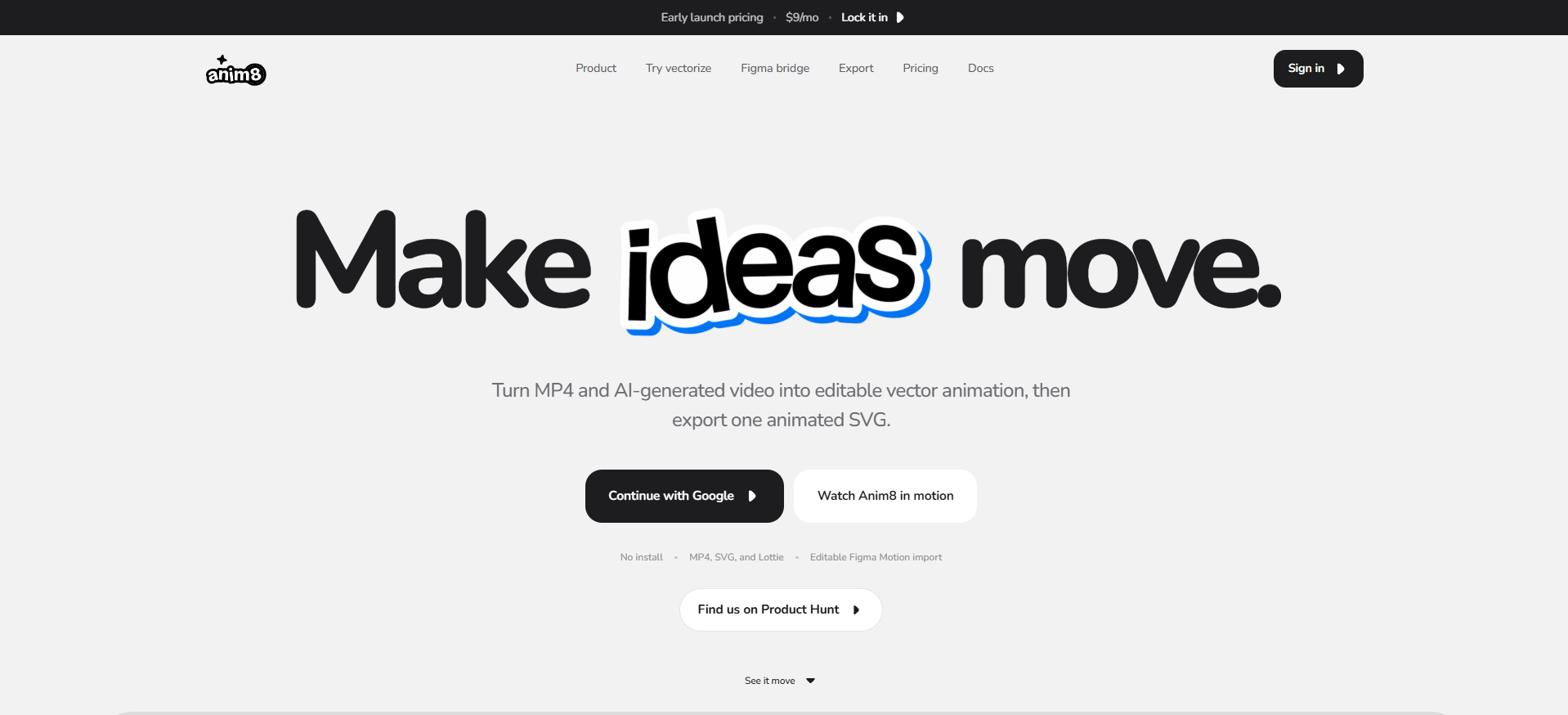
Anim8 is a vector animation editor for designers who want motion to stay editable after it leaves Figma or a video generator. It can import MP4 video as vector frames, bring in Figma Motion artwork with authored keyframes, and let users edit paths, colors, timing, playback states, easing, anchors, transforms, and text stagger. Finished work can be exported as MP4, animated SVG, or Lottie JSON.
Why Anim8 works
A rendered MP4 keeps the motion but flattens the artwork into pixels, which makes later shape and timing changes much harder. Anim8 rebuilds video as editable vector frames and preserves Figma Motion layers and keyframes, so designers can change the motion itself instead of hiding the original pixels inside an SVG wrapper.
Anim8 features
- Turn MP4 video into editable vectors. Upload an MP4 and Anim8 rebuilds its motion as editable vector frames. The vectorizer accepts files up to 10 MB and video up to 10 seconds, with controls for colors, detail, smoothing, path budget, frame rate, and background.
- Keep Figma Motion layers and timing. The Figma bridge moves real artwork and authored keyframes into Anim8 so designers can refine curves, change the composition, and keep editing the animation.
- Edit motion at the keyframe level. Shape motion with editable keyframes, easing controls, anchors, transforms, spring bounce, and text animation including staggered timing.
- Rig and pose characters. Draw a skeleton over artwork, bind the parts, then pose and keyframe the rig. Camera motion is also included in the paid plans.
- Animate with AI through MCP and CLI. Connect AI tools including Claude and Codex through MCP and CLI to design and animate inside the Anim8 workflow.
- Export for web, apps, and video. Export finished work as MP4, one self contained animated SVG, or Lottie JSON with native vectors and editable motion for app workflows.
Who Anim8 is for
- Motion designers moving Figma Motion work into another editor who want to keep real layers and authored keyframes editable.
- Creators starting with Seedance 2.0 or another generated MP4 who want to turn the rendered clip into editable vector motion.
- Designers building character animation who need bones, posing, camera motion, and keyframe control in the same workspace.
- Designers preparing motion for web, apps, and video who need animated SVG, Lottie JSON, and MP4 export options.
Similar micro SaaS ideas you can build
- Motion asset recovery for agencies. A tool for agencies inheriting client campaigns where only MP4 exports survive. It rebuilds finished motion into editable vector sequences so colors, shapes, and timing can be changed without the original project file.
- Design system motion publisher. A workspace for product design teams maintaining the same interaction across web and mobile. Keep one editable motion source, then publish SVG, Lottie JSON, and MP4 outputs whenever the animation changes.
- Localized animation adapter. A tool for marketing teams adapting animated launch graphics and explainers for different languages. It lets designers retime text and adjust composition around longer or shorter copy while preserving the underlying motion.