What is MailGenie?
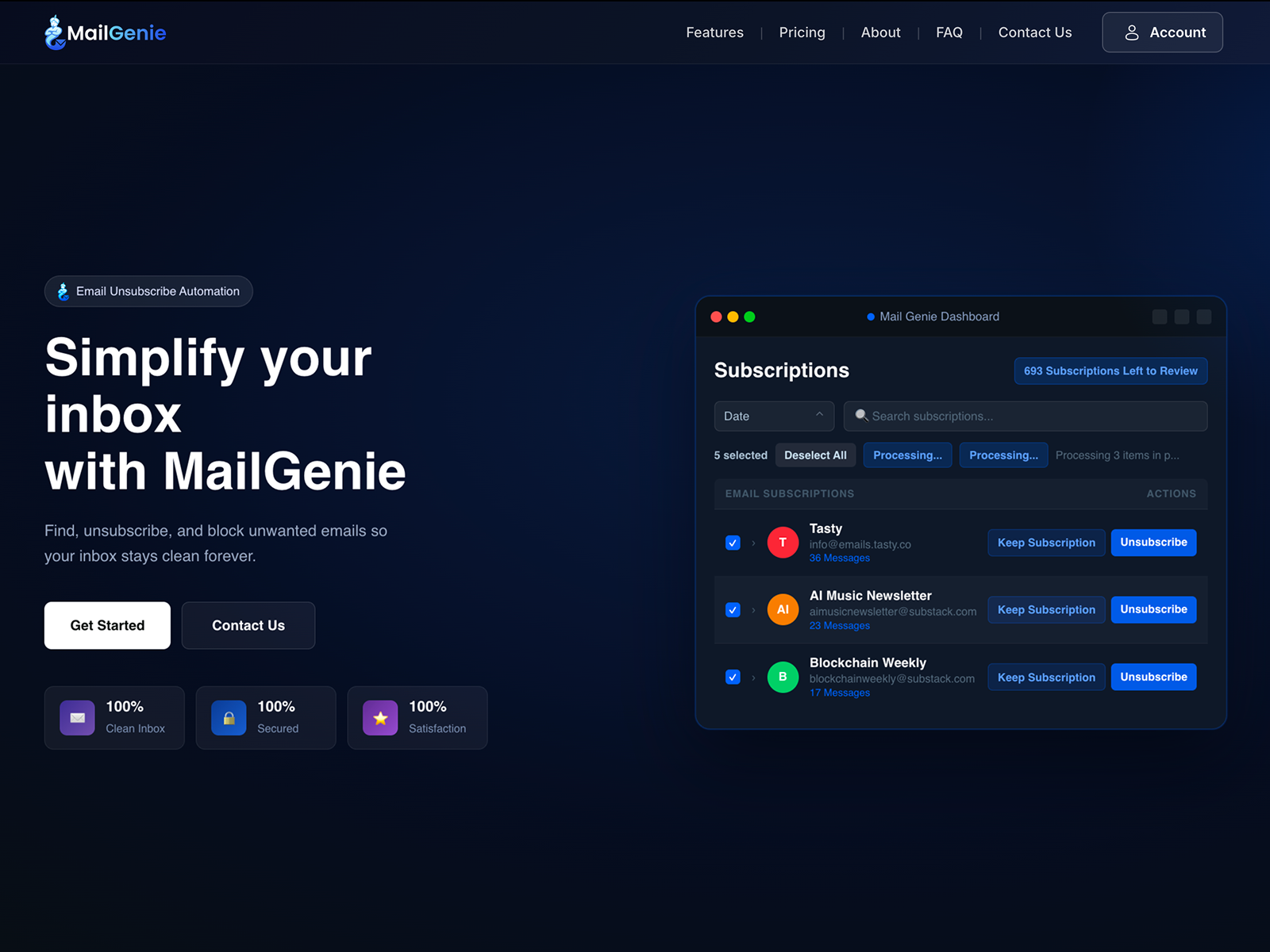
MailGenie is a browser based inbox cleanup tool for people drowning in newsletters, promotions, and subscriptions they do not remember joining. It scans a connected email account, lists subscription senders, and lets the user keep a sender or stop receiving emails from it. It supports Gmail, Outlook, Yahoo, and iCloud, with a free trial that includes one account and 10 free unsubscribes.
Why MailGenie works
Unsubscribing one sender at a time turns inbox cleanup into a second inbox job, especially when old marketing emails hide across years of messages. MailGenie turns the mess into a sender checklist, then attempts the provided unsubscribe mechanism, tries the link when needed, and creates a trash filter when no link exists. It does daily subscription cleanup instead of leaving the same senders to refill the inbox.
MailGenie features
- Sender checklist. Users review newsletters and subscriptions by sender, then choose keep or unsubscribe without opening each email thread.
- Bulk unsubscribe. Multiple senders can be selected at once, so a cleanup session can remove old newsletters and promotional senders in minutes.
- Daily subscription checks. MailGenie checks daily for new subscriptions and remembers the senders the user chooses to keep in the inbox.
- Unsubscribe fallback. When automatic unsubscribe does not work, it tries the unsubscribe link. If no link is available, it creates a filter that sends future emails to trash.
- Multiple email accounts. The free trial starts with one account and 10 unsubscribes. Premium monthly and yearly plans add multiple email accounts, unlimited unsubscribes, and unlimited newsletter organization.
- Limited email access. MailGenie says it uses the metadata needed to identify subscription emails, including sender and subject line, and does not read, store, or analyze personal email content.
Who MailGenie is for
- People with years of newsletters and promotional mail who want to remove senders in batches rather than open each old message.
- Professionals with separate work and personal inboxes who need one dashboard for Gmail, Outlook, Yahoo, or iCloud accounts.
- Newsletter readers who want to keep a few trusted subscriptions and trash the senders they no longer read.
- Privacy cautious email users who want inbox cleanup limited to subscription metadata rather than personal message content.
Similar micro SaaS ideas you can build
- Recurring charge cleanup for households. A budgeting tool that groups recurring card charges by merchant, then lets families mark each one as keep, cancel, or review later so subscription waste becomes a short decision list.
- Calendar invite cleanup. A calendar tool that finds recurring meetings with fading attendance and lets you mark each one keep, decline going forward, or flag for the organizer, so meeting bloat becomes a short decision list instead of a permanent fixture.
- Slack channel access auditor. A workspace tool that lists who has access to which channels and flags people still in channels tied to projects or teams they have left, so channel access stays current instead of accumulating silently.