What is Love Notch?
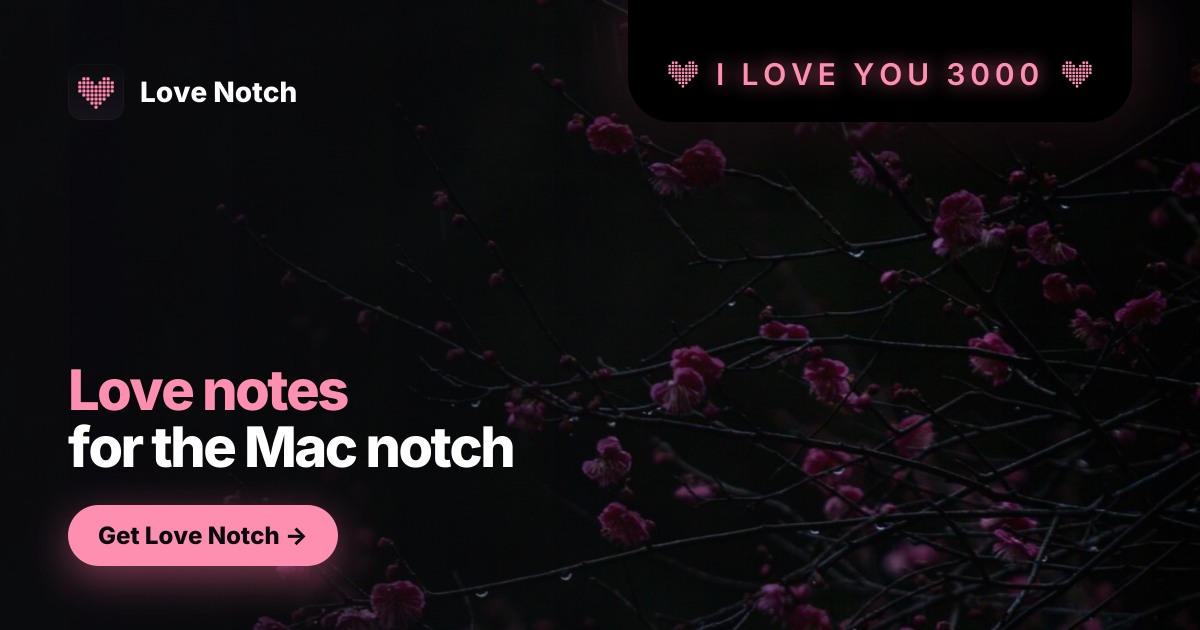
Love Notch is a macOS app for couples who want small messages to show up during the day without opening another chat app. A partner sends a note from any phone browser, and seconds later it appears in the Mac notch, where the Mac user can send a quick reply. Pairing uses a code or QR instead of an account, and the app works on macOS 14 Sonoma or later on Apple silicon and Intel Macs.
Why Love Notch works
A message buried in a normal chat thread is easy to miss while someone is working at their Mac. Love Notch puts the note directly into the notch and keeps messages that arrive while the Mac is asleep until the user returns, so a small personal message shows up in the workspace instead of waiting inside another inbox.
Love Notch features
- Notes in the Mac notch. Messages sent from a partner's phone appear in the Mac notch with a rose dot matrix presentation, then fold away after being seen.
- Quick replies from the notch. The Mac user can send short replies such as "Love you 3000", "busy", or "call you soon" directly from the notch back to the sender's phone.
- Code and QR pairing. The Mac displays a code and QR that the sender scans on their phone. The resulting page can be added to the phone's home screen, with no account or app install required for the sender.
- Screen share mute. A Mute control keeps the notch dark when needed, and notes shown in the notch are not captured by screen sharing.
- Offline tolerant Mac app. The native macOS app keeps running if it cannot reach the server. License checks happen about once a week, with reconnection requested only after two weeks without a successful check.
Who Love Notch is for
- Couples where one partner spends much of the day on a Mac and wants personal messages to appear without switching into a chat app.
- Mac users who want their partner to send notes from a phone browser without requiring them to install another app or create an account.
- Remote workers who share their screen during calls and want a personal messaging tool that can be muted and kept out of screen sharing.
- Couples who want notes sent while the Mac is asleep to wait until the recipient is back at the keyboard instead of disappearing unseen.
Similar micro SaaS ideas you can build
- Backstage cue relay for live presenters. A private cue tool for webinar hosts and conference speakers where a producer can send short prompts like time checks, audience questions, or wrap signals to the presenter's computer without putting those cues on the shared screen.
- Quiet help signal for classrooms. A browser based tool that lets students send a quick "slow down", "repeat that", or "I need help" signal during a lesson, giving the teacher a discreet desktop prompt without stopping the class or opening a group chat.
- Visitor arrival alerts for small offices. A lightweight check in page for studios, clinics, and small offices that lets a visitor announce their arrival from a phone, then surfaces that message directly on the host's computer instead of relying on a front desk call or shared inbox.