What is LoRA AI?
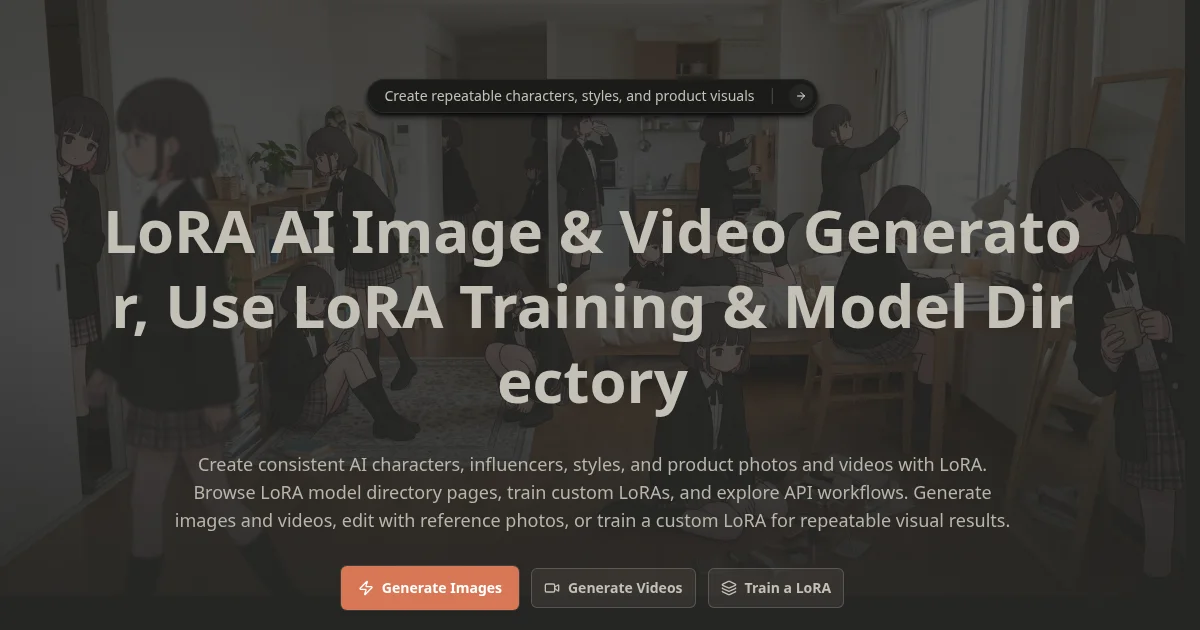
LoRA AI is an AI image and video generation platform built around custom LoRA training, which lets users lock in a specific character, brand style, or product look and reuse it across unlimited generations. Users can train LoRA models from their own reference images, browse a public model directory, and generate outputs in multiple formats including square, vertical, and wide banner. The platform supports text-to-image, image-to-image editing, and text-to-video or image-to-video workflows from a single credit-based account.
Why LoRA AI works
Most AI image generators produce inconsistent results when you need the same face, product, or style to appear across dozens of outputs. LoRA AI solves this by letting you train a model on your own reference photos so the generator reliably reproduces that specific look rather than approximating it each time. That consistency is what makes it practical for product photography, brand campaigns, and ongoing character-based content rather than one-off experiments.
LoRA AI features
- Custom LoRA training. Train a model on your own photos so a specific character, product, or visual style stays consistent across every image and video you generate.
- Multi-format video generation. Generate video from text, animate a still image, or restyle an existing video clip using credits, with Wan 2.2 as the base model for video LoRA training.
- Image editing with reference photos. Upload a reference image and edit with it as a guide so outputs match a face, outfit, or composition rather than producing something new from scratch.
- LoRA model directory. Browse publicly shared LoRA models with trigger words and compatible tool details so you can use community-built styles without training from scratch.
- Multiple base models. Choose from FLUX.1, SDXL, Wan 2.2, and Qwen depending on the generation type and quality level you need for a given project.
Who LoRA AI is for
- Social media creators who publish character-driven content and need the same face or persona to look identical across a series of posts.
- Product teams and e-commerce brands that want to generate lifestyle or marketing photos of a specific product without a photo shoot.
- Designers and fashion brands building lookbooks or campaign visuals who need a consistent model or garment across multiple styled scenes.
Similar micro SaaS ideas you can build
- Brand asset generator. A tool that trains a single LoRA on a company's logo, product, or mascot and exposes a simple form for marketing teams to generate on-brand visuals without touching a prompt.
- Character sheet service. A micro SaaS that takes a written character description plus a few reference images and outputs a trained LoRA with a packaged set of reference sheets in standard poses for game developers or authors.
- AI product photography scheduler. A service built on LoRA AI's API that trains a product LoRA once, then generates fresh seasonal or campaign-specific product images on a weekly schedule and delivers them to a connected media library.