What is ImgUpscaler AI?
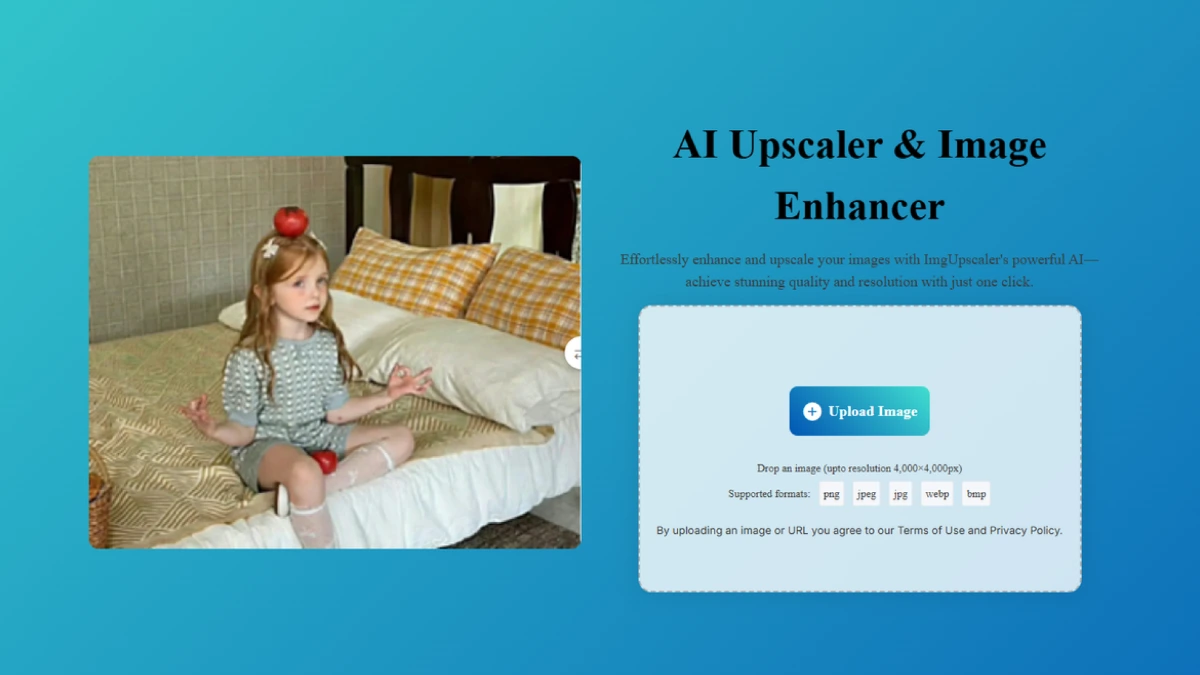
ImgUpscaler AI is a free, no-signup web tool that upscales images and sharpens blurry photos using AI, with output sizes up to 16K. It targets people who need higher-resolution versions of small or low-quality images for prints, online stores, screenshots, and old photo restoration. The page works in any browser on Windows, Mac, iPhone, or Android.
Why ImgUpscaler AI works
Stretching an image in a normal editor just enlarges pixels and makes blur worse, which is why ecommerce sellers and designers end up reshooting product photos. ImgUpscaler AI fills in detail rather than scaling pixels, so a small source image can become a printable file without a new shoot. The free, no-account flow means a user can validate output quality before committing to anything.
ImgUpscaler AI features
- AI image upscaling up to 16K. Enlarges photos with restored detail rather than naive pixel stretching, useful for large prints and high-DPI displays.
- Blur and pixelation removal. Cleans up motion blur and low-quality sources, so old phone shots and compressed downloads become usable again.
- Face and detail enhancement. Restores faces and fine textures during upscaling, important when enlarging portraits or group photos.
- Text sharpening. Sharpens text inside screenshots and scanned documents, useful for archival and accessibility work.
- No watermark output. Returns clean images without watermarks even on the free flow, which matters for commercial use.
Who ImgUpscaler AI is for
- Ecommerce sellers who only have a small supplier image but need a high-resolution version for a product listing.
- Designers and small agencies polishing logos and graphics handed over at the wrong resolution by a client.
- Families restoring old phone and scanned photos for prints, frames, or anniversary gifts.
- Social media creators repurposing old screenshots and thumbnails for new posts without reshooting source material.
Similar micro SaaS ideas you can build
- Real estate photo touch-up service. A focused web tool for agents that upscales and brightens listing photos in one click, billed per listing or per agency seat.
- Genealogy photo restorer. A consumer service that restores and colorizes old family photos for family-tree platforms, sold as a per-photo or subscription add-on.
- Print-on-demand image prep tool. A tool aimed at Etsy and POD sellers that batches a supplier image library into print-ready files at the required DPI for each product type.