What is Thumbsy?
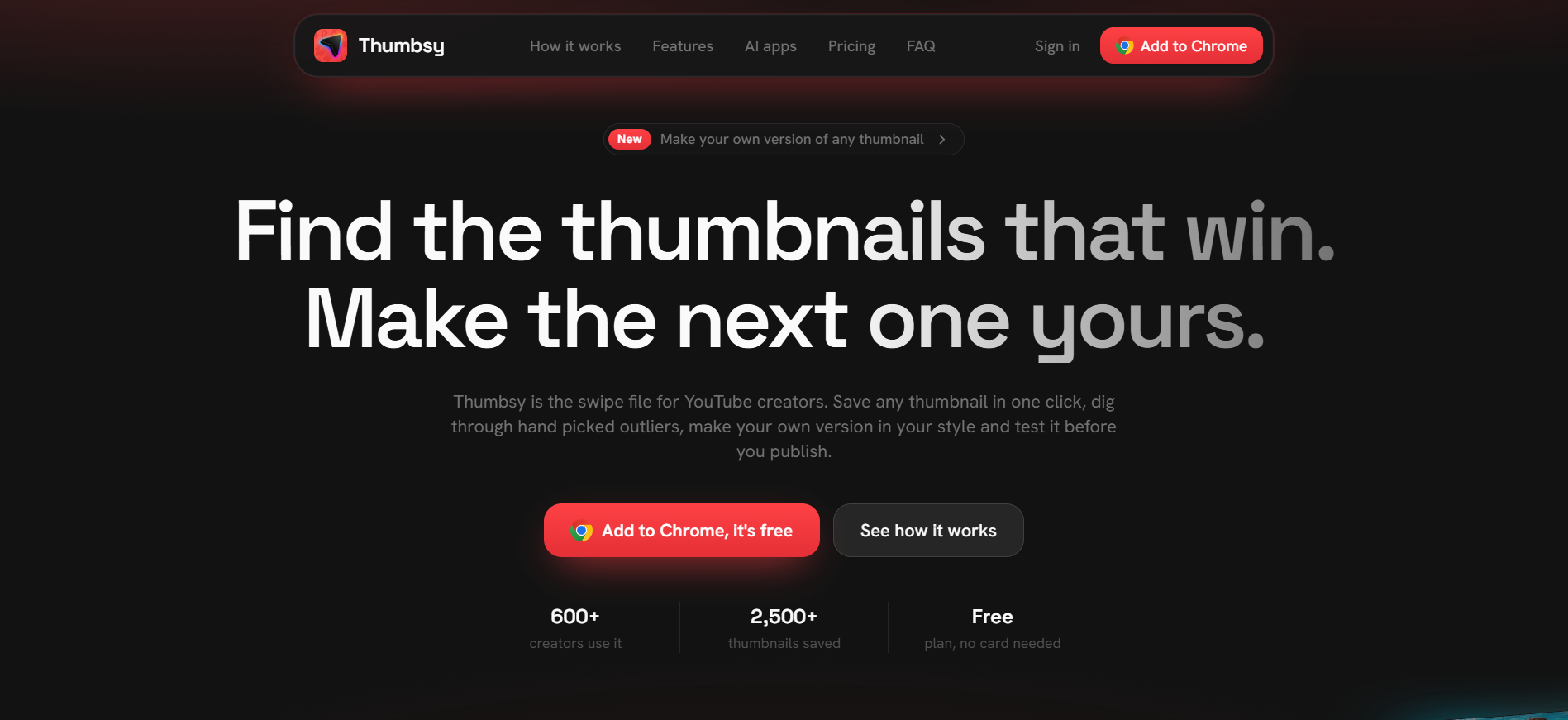
Thumbsy is a thumbnail research and creation tool for YouTube creators who want to study what already works before making their next design. The Chrome extension lets creators save thumbnails into boards while browsing YouTube, then the web app adds similar thumbnail search, a library of hand picked outliers, thumbnail generation, feed previews, click tests, and review links. The free plan includes up to 30 saved thumbnails and 3 boards, while Pro adds the full research, generation, and testing workflow.
Why Thumbsy works
Thumbnail inspiration is easy to collect and hard to turn into a decision, because references, design changes, and feedback usually live in separate places. Thumbsy connects the research to the finished creative by letting creators find proven patterns, make their own version, then test it in a realistic feed or share it for votes and pinned comments. It turns a thumbnail into a tested draft instead of leaving it as another image in a swipe folder.
Thumbsy features
- One click thumbnail saving. Hover over a thumbnail on YouTube and save it straight into a Thumbsy board from the Chrome extension. Free accounts can save up to 30 thumbnails across 3 boards.
- Outlier and similar thumbnail research. Pro includes a Vault with more than 1,100 hand picked outlier thumbnails, plus search for thumbnails with similar composition, colors, or style.
- Thumbnail generation from references. Choose a reference and Thumbsy can create three new thumbnails using your topic, channel style, and face. A brand kit can learn a style from three of your own thumbnails.
- Feed previews and click tests. Place a thumbnail inside a realistic YouTube feed, compare up to three versions, or share a click test so people can vote on which version they would open.
- Pinned review links. Editors and clients can open a shared review link, pin comments to a specific spot on the thumbnail, and review new uploaded versions without needing an account.
- AI connector. Pro can connect with Claude, ChatGPT, Cursor, and other apps that support MCP connectors to search the Vault, inspect thumbnails, check video stats, and save results into boards.
Who Thumbsy is for
- YouTube creators who regularly collect thumbnail references and want those examples organized into boards instead of scattered across browser tabs and folders.
- Creators developing several thumbnail directions for one video who want to compare versions inside a realistic feed before publishing.
- YouTube creators working with editors or clients who need comments pinned directly onto the design and a clear version history.
- Creators researching repeatable visual patterns who want to search outlier thumbnails and find references with similar composition, color, or style.
Similar micro SaaS ideas you can build
- App store screenshot tester. A tool for indie app developers that collects high performing screenshot patterns from competing apps, helps build several store page directions, then tests which sequence people understand and click first.
- Newsletter subject and hero test lab. A pre publish workspace for newsletter operators that keeps examples of strong subject lines and hero treatments, creates several combinations for each issue, then runs quick preference tests before the send.
- Ecommerce listing creative validator. A tool for small online sellers that studies strong product image patterns in their category, compares several hero image directions, and gets buyer votes before the new listing goes live.