What is Icon Museum?
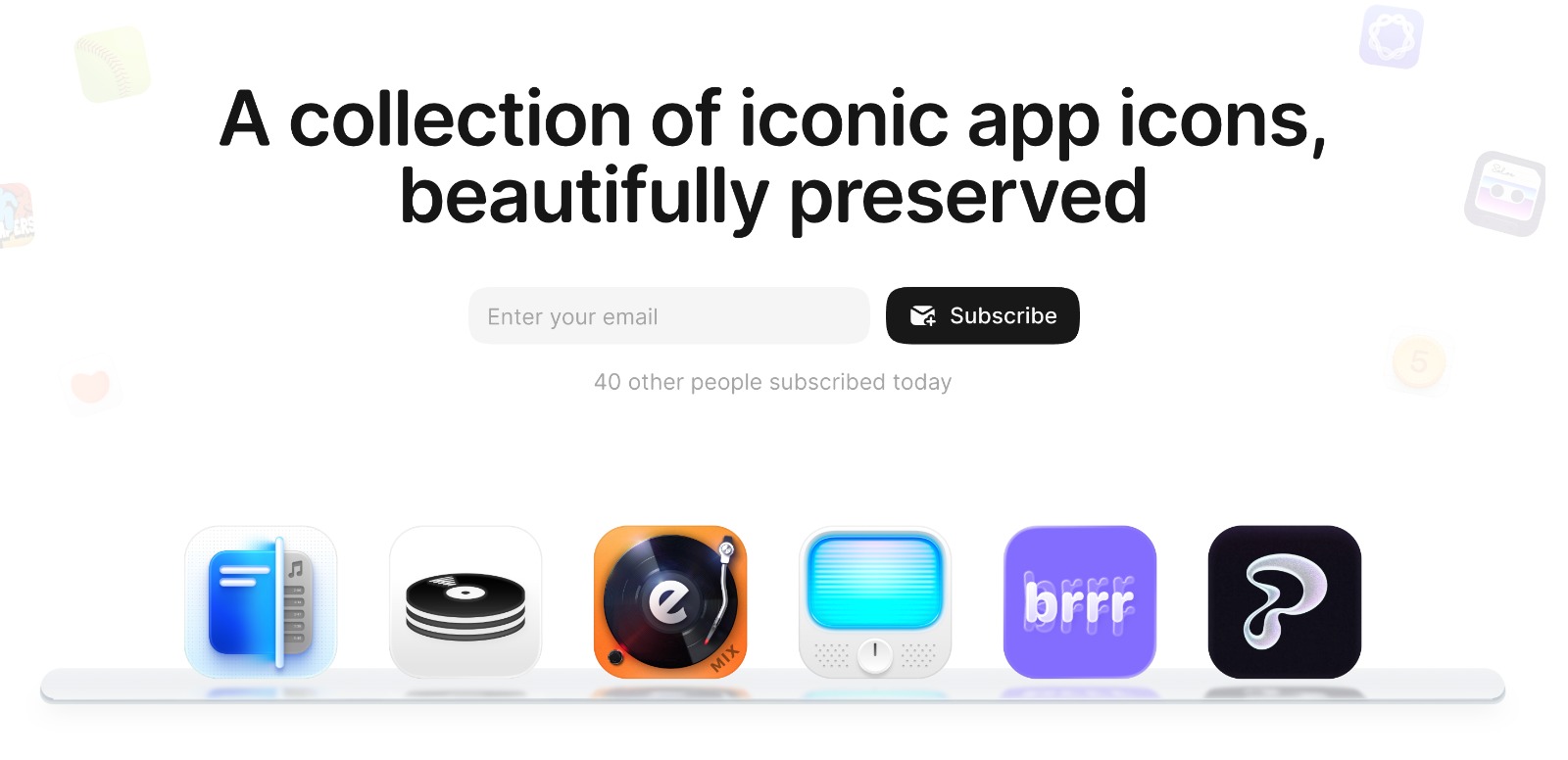
Icon Museum is a web gallery for designers who collect app icon references before starting visual work. It presents a curated set of iOS app icons, with search across the collection and a weekly email for new picks. The current gallery shows 131 iOS icons, with macOS marked as coming soon.
Why Icon Museum works
App icon research usually means scattered screenshots, App Store tabs, and old mood boards that go stale. Icon Museum puts the references in one searchable gallery and adds a weekly inbox habit, so designers browse current icon work instead of rebuilding the same reference folder from scratch.
Icon Museum features
- Curated iOS icon gallery. Browse a preserved collection of iOS app icons chosen for visual reference and inspiration.
- Search across the collection. Search the 131 icon gallery directly, with Command K shown as a keyboard shortcut.
- Weekly icon email. Subscribe to get the best icons delivered to your inbox each week.
- macOS section planned. The navigation shows iOS as active and macOS marked as coming soon.
Who Icon Museum is for
- App designers starting icon concepts who want current iOS references in one place before opening Figma or Sketch.
- Indie developers polishing an App Store launch who need a quick view of how polished mobile products present their icons.
- Brand designers studying small canvas identity work where shape, texture, and color have to carry the whole mark.
- Design students building a reference library of modern iOS icon styles without saving one off screenshots manually.
Similar micro SaaS ideas you can build
- Landing page section gallery. A searchable reference library for SaaS founders collecting hero sections, pricing blocks, and signup flows before redesigning a marketing site.
- Empty state pattern library. A product design reference tool focused only on empty states, error screens, and loading states, so teams can find useful microcopy and layout patterns fast.
- Packaging design reference library. A curated gallery for consumer goods designers collecting box, label, and pouch references by category, so they can start packaging concepts from real visual patterns instead of scattered screenshots.