What is GatherOS?
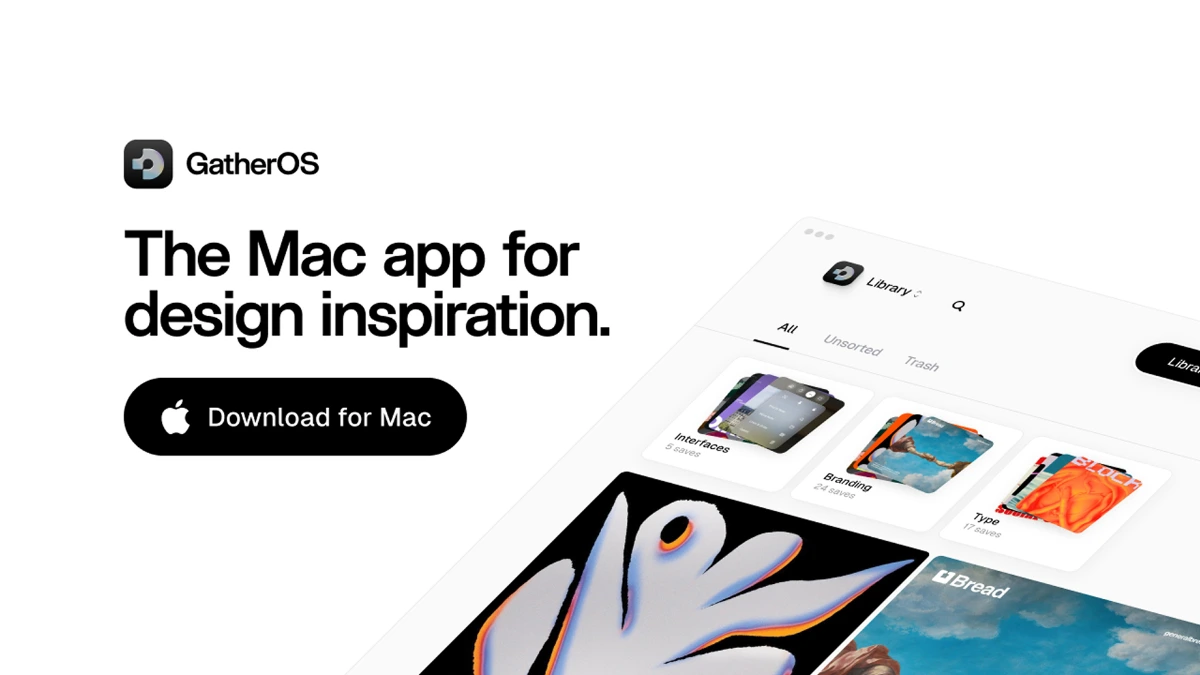
GatherOS is a native Mac app for collecting and organizing design references. Users drag, paste, or screenshot images straight into a local library, then search them by visual similarity, color, or auto tags. It is built for designers who want to keep moodboards close at hand without sending references to a cloud service.
Why GatherOS works
Most reference workflows scatter across browser bookmarks, Figma boards, and screenshot folders. GatherOS pulls captures into one local library with AI visual search and color filtering, so a designer can resurface the exact saved image in seconds instead of scrolling through unsorted folders. The rediscover mode also surfaces older saves so collections stay useful over time.
GatherOS features
- Drag, paste, screenshot capture. Three intake methods let designers pull references from any app or browser without breaking flow.
- AI visual search. Search the library by visual similarity rather than file names so saves stay findable even without manual tagging.
- Color filtering. Filter the library by dominant colors to pull together palette specific moodboards quickly.
- Auto tagging. New saves are categorized automatically so the library does not require manual upkeep.
- Local first storage. References stay on the Mac with no cloud sync requirement, suitable for designers handling client or unreleased work.
- Rediscover mode. Resurfaces older saves at intervals so long running collections keep paying off.
Who GatherOS is for
- Product and brand designers building moodboards for client pitches who need references organized by color and theme.
- UI designers researching component patterns across many apps who want a private library of inspiration screenshots.
- Illustrators and motion designers collecting style references who prefer keeping unreleased work off third party servers.
- Studios that run multiple parallel projects and need one library per client rather than a single shared board.
Similar micro SaaS ideas you can build
- Brand audit capture tool. A Mac utility for brand strategists that records every touchpoint of a client brand across web, social, and packaging into a tagged library priced per audit.
- Local reference library for writers. A capture app for novelists and screenwriters who collect location photos, fashion stills, and historical images into project specific corkboards, sold as a one time Mac purchase.
- Color palette extraction service. A workflow tool that pulls reusable palettes from a designer's reference library and exports them to Figma, Sketch, and Adobe, billed per seat.