What is clicks.page?

clicks.page is a web analytics tool for founders who want to know which traffic sources turn into revenue. It tracks visitors, funnels, goals, campaigns, and payments without cookies, then attributes Stripe revenue back to the page, source, and campaign that brought the visit. It also offers realtime maps, bot filtering, an MCP server, a REST API, and support for frameworks including Next.js, Astro, React, Vue, and Svelte.
Why clicks.page works
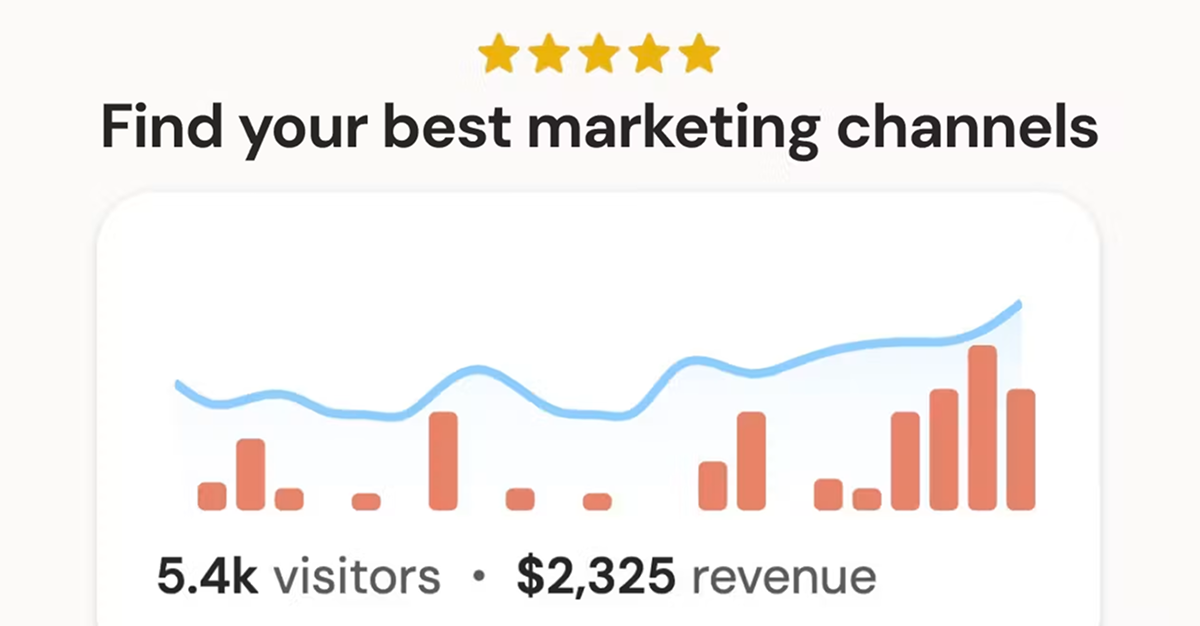
Traffic dashboards often stop at visits and conversions, leaving founders to guess which channel actually made money. clicks.page connects anonymous visits to payment events and credits renewals back to the original source, so you can follow revenue to the traffic that created it instead of comparing separate analytics and payment screens.
clicks.page features
- Revenue attribution. See which sources make money by linking Stripe payments to the page, source, and campaign that brought the visit. Renewals are credited to the original source.
- Agent setup and MCP. Paste one setup prompt into Claude Code, Cursor, or Codex. The agent can log in, add the tracking script, verify the first pageview, connect the MCP server, and later query analytics.
- Cookieless visitor tracking. Track visitors without cookies or stored IP addresses. Visitor counting uses a hash with a salt that is discarded daily.
- Bot filtering. Keep crawlers, headless browsers, datacenter traffic, and referrer spam out of reported visitor numbers.
- Funnels, goals, and custom events. Build funnels from collected pages and events, define goals from page visits or custom events, and track custom actions with clicks.track() or a data attribute.
- Realtime traffic view. See the live visitor count, world map, and activity feed as people arrive on the site.
Who clicks.page is for
- Solo SaaS founders who need to see which launch posts, search traffic, or campaigns actually lead to revenue.
- Small startup teams that want traffic, funnels, goals, and payment attribution in one analytics dashboard without adding a cookie banner.
- Developers using Claude Code, Cursor, or Codex who want an agent to install analytics and answer traffic questions through MCP.
- Operators managing several websites who want one account and one combined pageview limit across up to 100 sites.
Similar micro SaaS ideas you can build
- Referral revenue ledger for service firms. A tool for small agencies and consultants that carries the original referral source from inquiry through paid invoice, so they can see which partners, directories, and campaigns produce actual client revenue rather than just leads.
- Sponsor performance tracker for newsletters. A lightweight product that follows each sponsor placement from click to subscriber action and paid conversion, giving newsletter operators a revenue trail for each promotion instead of stopping at click counts.
- Launch attribution for indie products. A launch tracker that remembers where each buyer first came from across Product Hunt, social posts, communities, and email, then credits later purchases back to that source so founders can judge channels by revenue rather than launch day traffic.